Cheat
adb (Android Debug Bridge) Android device control
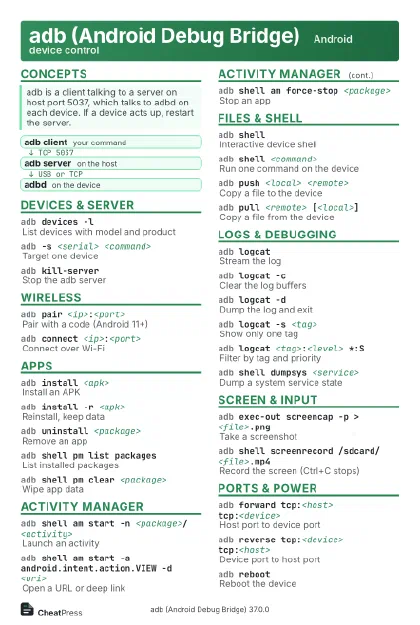 Light · Postcard
102 × 152 mm · PDF
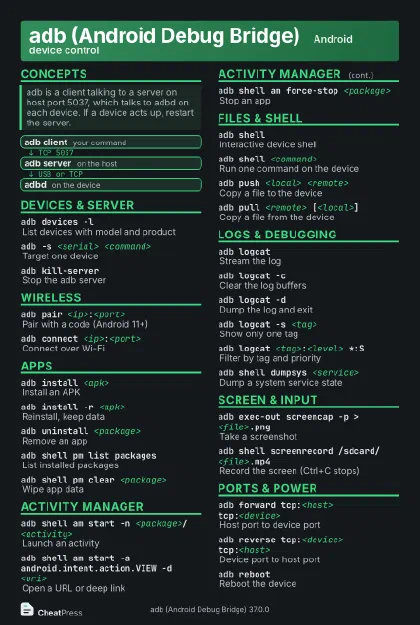 Dark · Postcard
102 × 152 mm · PDF
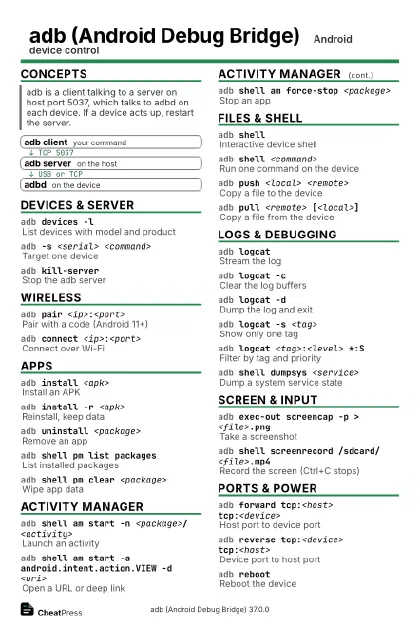 Ink saver · Postcard
102 × 152 mm · PDF
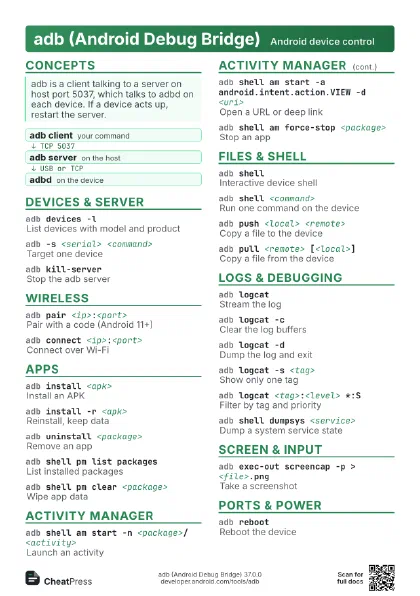
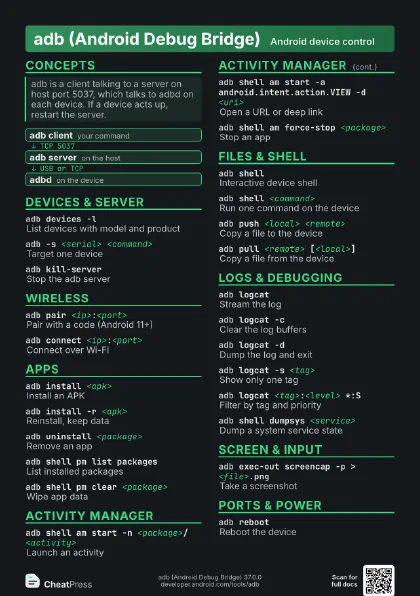
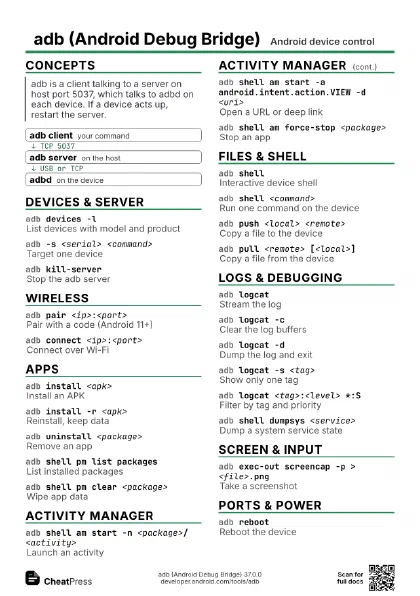
 Light · A4 landscape
297 × 210 mm · PDF
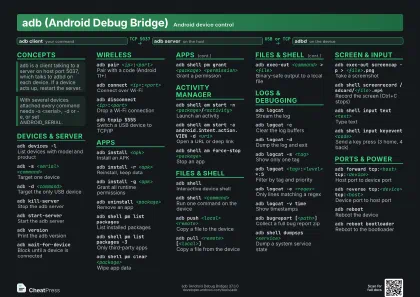 Dark · A4 landscape
297 × 210 mm · PDF
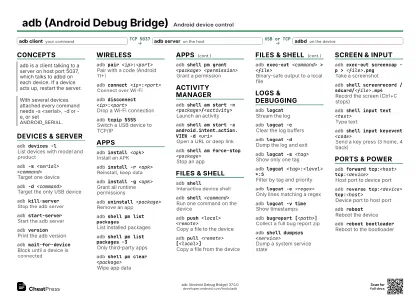 Ink saver · A4 landscape
297 × 210 mm · PDF
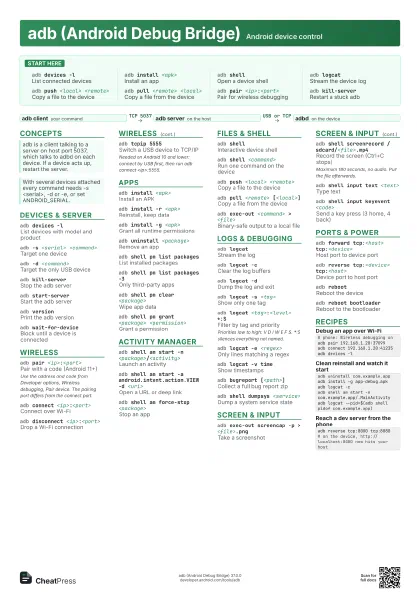
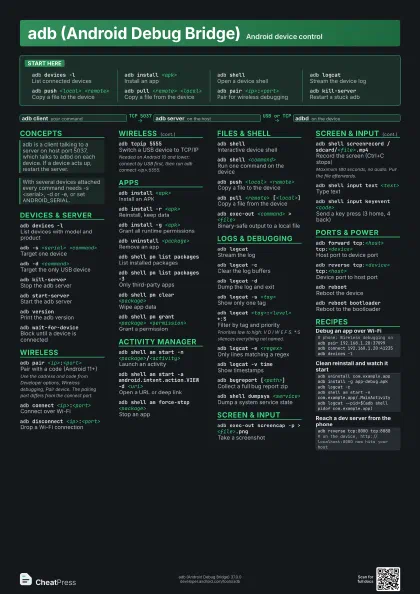
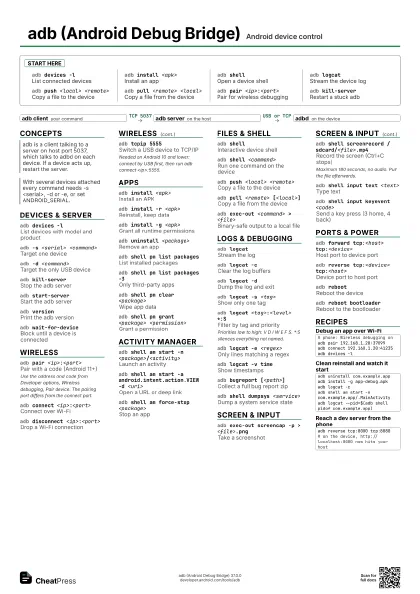
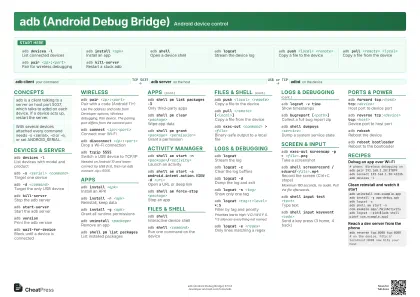 Light · A3 landscape
420 × 297 mm · PDF
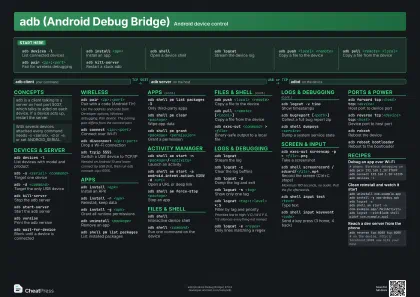 Dark · A3 landscape
420 × 297 mm · PDF
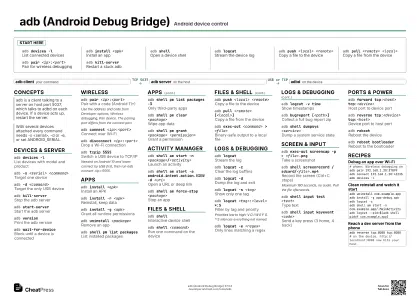 Ink saver · A3 landscape
420 × 297 mm · PDF
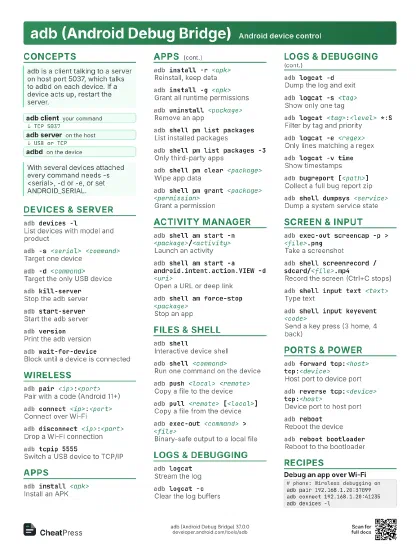
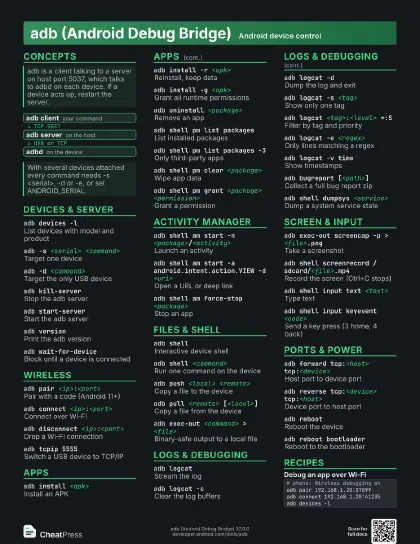
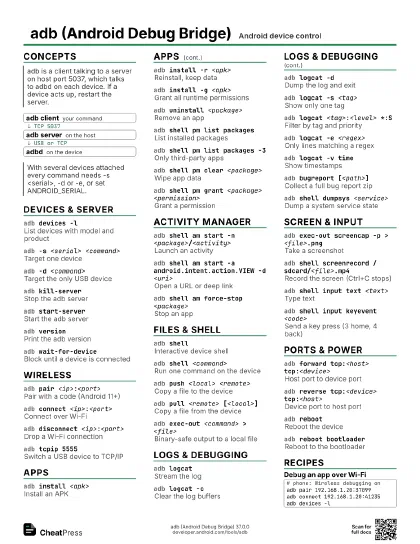
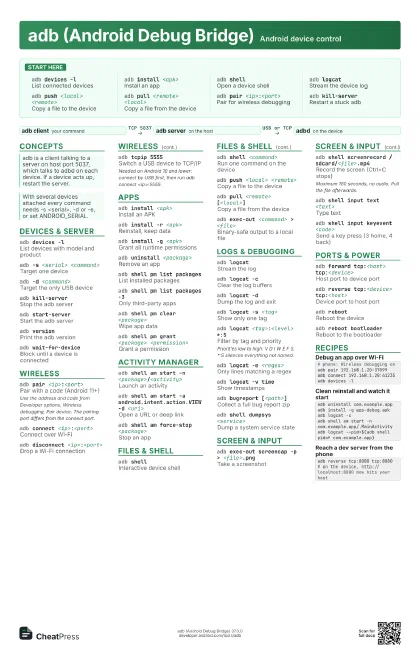
Start here
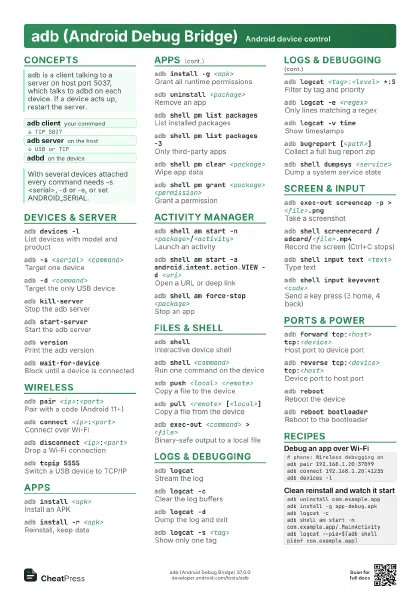
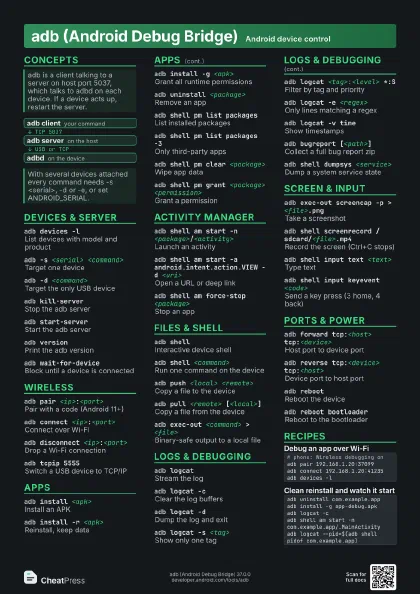
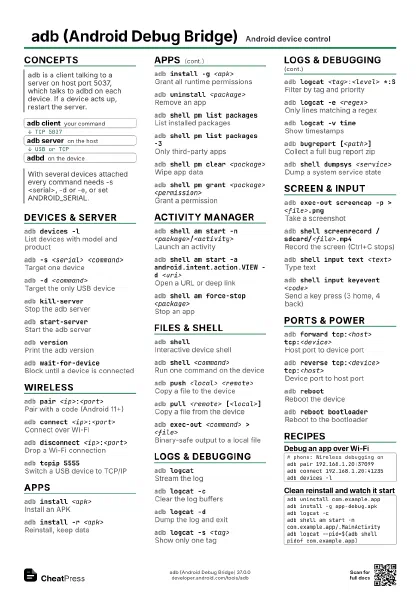
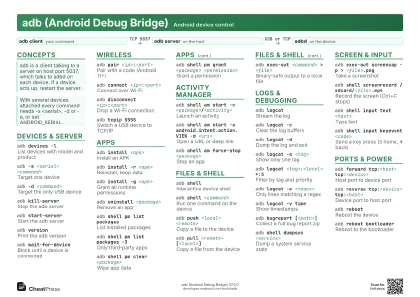
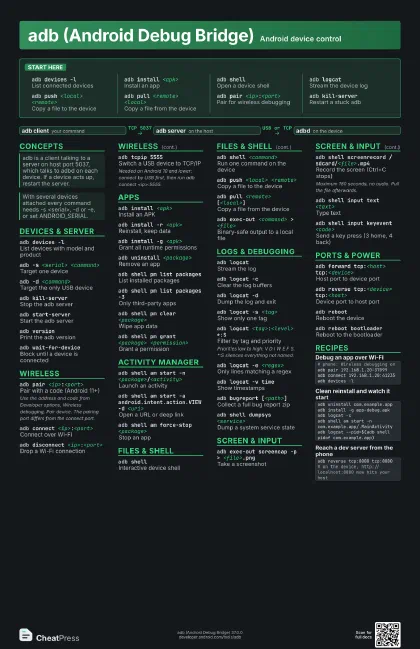
adb devices -lList connected devices
adb install <apk>
Install an app
adb shellOpen a device shell
adb logcatStream the device log
adb push <local> <remote>
Copy a file to the device
adb pull <remote> <local>
Copy a file from the device
adb pair <ip>:<port>
Pair for wireless debugging
adb kill-serverRestart a stuck adb
Concepts
- adb client your command
- adb server on the host
- adbd on the device
Devices & server
adb devices -lList devices with model and product
adb -s <serial> <command>
Target one device
adb -d <command>
Target the only USB device
adb kill-serverStop the adb server
adb start-server
Start the adb server
adb versionPrint the adb version
adb wait-for-device
Block until a device is connected
Wireless
adb pair <ip>:<port>
Pair with a code (Android 11+)
Use the address and code from Developer options, Wireless
debugging, Pair device. The pairing port differs from the
connect port.
adb connect <ip>:<port>
Connect over Wi-Fi
adb disconnect <ip>:<port>
Drop a Wi-Fi connection
adb tcpip 5555Switch a USB device to TCP/IP
Needed on Android 10 and lower: connect by USB first, then run
adb connect <ip>:5555.
Apps
adb install <apk>
Install an APK
adb install -r <apk>
Reinstall, keep data
adb install -g <apk>
Grant all runtime permissions
adb uninstall <package>
Remove an app
adb shell pm list packages
List installed packages
adb shell pm list packages -3
Only third-party apps
adb shell pm clear <package>
Wipe app data
adb shell pm grant <package> <permission>
Grant a permission
Activity manager
adb shell am start -n
                    <package>/<activity>
Launch an activity
adb shell am start -a android.intent.action.VIEW -d
                    <uri>
Open a URL or deep link
adb shell am force-stop <package>
Stop an app
Files & shell
adb shellInteractive device shell
adb shell <command>
Run one command on the device
adb push <local> <remote>
Copy a file to the device
adb pull <remote> [<local>]
Copy a file from the device
adb exec-out <command> > <file>
Binary-safe output to a local file
Logs & debugging
adb logcatStream the log
adb logcat -cClear the log buffers
adb logcat -dDump the log and exit
adb logcat -s <tag>
Show only one tag
adb logcat <tag>:<level> *:S
Filter by tag and priority
Priorities low to high: V D I W E F S. *:S silences everything
not named.
adb logcat -e <regex>
Only lines matching a regex
adb logcat -v time
Show timestamps
adb bugreport [<path>]
Collect a full bug report zip
adb shell dumpsys <service>
Dump a system service state
Screen & input
adb exec-out screencap -p > <file>.png
Take a screenshot
adb shell screenrecord /sdcard/<file>.mp4
Record the screen (Ctrl+C stops)
Maximum 180 seconds, no audio. Pull the file afterwards.
adb shell input text <text>
Type text
adb shell input keyevent <code>
Send a key press (3 home, 4 back)
Ports & power
adb forward tcp:<host> tcp:<device>
Host port to device port
adb reverse tcp:<device> tcp:<host>
Device port to host port
adb rebootReboot the device
adb reboot bootloader
Reboot to the bootloader
Recipes
# phone: Wireless debugging onadb pair 192.168.1.20:37099adb connect 192.168.1.20:41235adb devices -ladb uninstall com.example.appadb install -g app-debug.apkadb logcat -cadb shell am start -n com.example.app/.MainActivityadb logcat --pid=$(adb shell pidof com.example.app)adb reverse tcp:8080 tcp:8080# on the device, http://localhost:8080 now hits your host