Cheat
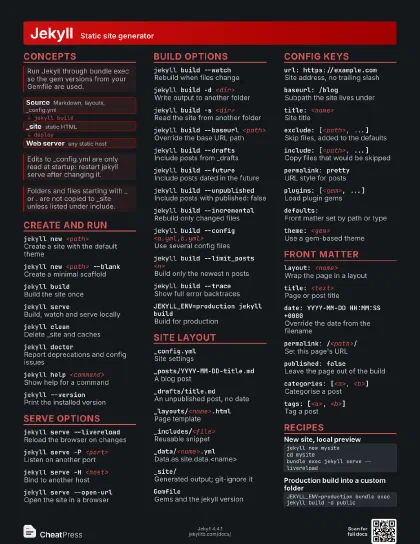
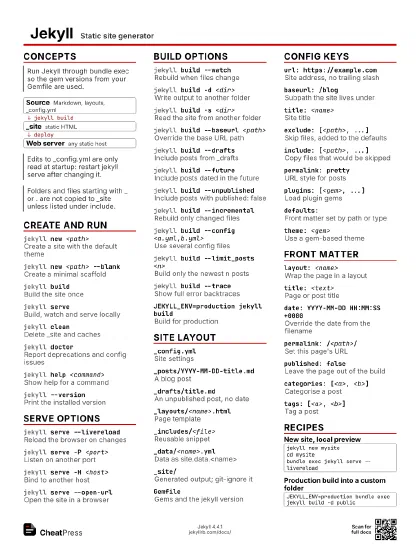
Jekyll Static site generator
 Light · Postcard
102 × 152 mm · PDF
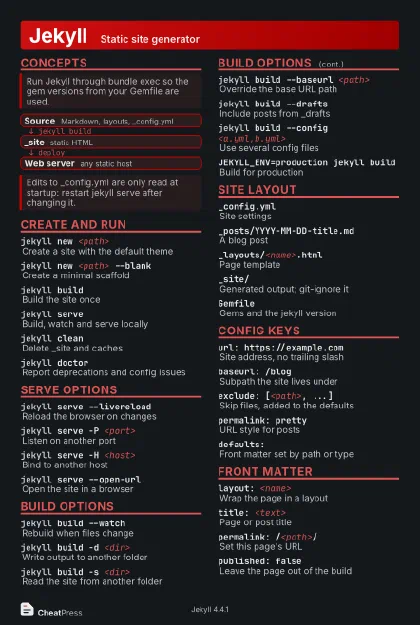 Dark · Postcard
102 × 152 mm · PDF
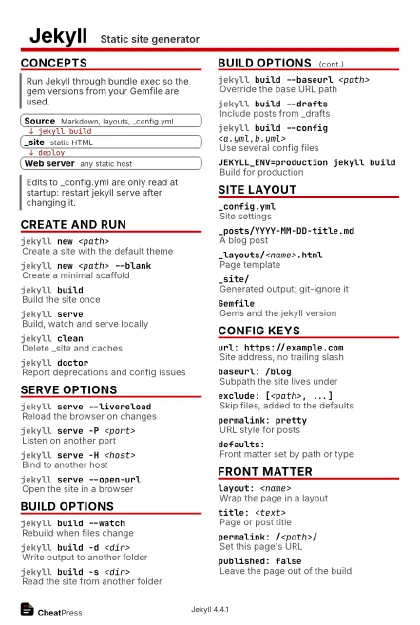 Ink saver · Postcard
102 × 152 mm · PDF
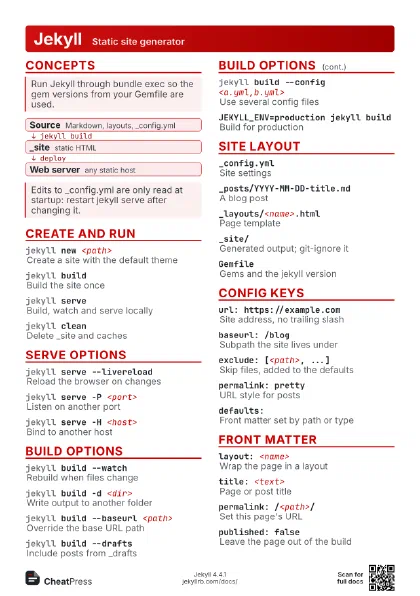
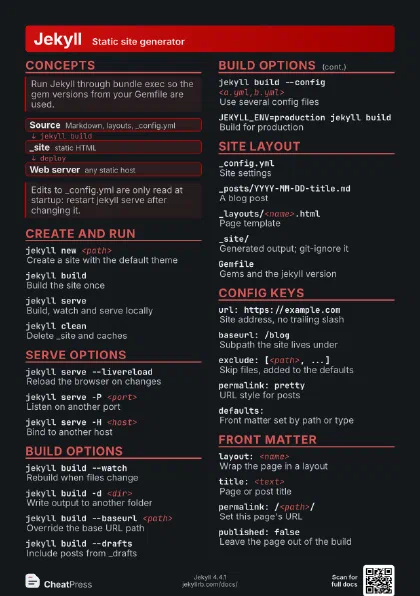
 Light · A4 landscape
297 × 210 mm · PDF
 Dark · A4 landscape
297 × 210 mm · PDF
 Ink saver · A4 landscape
297 × 210 mm · PDF
 Light · A3 landscape
420 × 297 mm · PDF
 Dark · A3 landscape
420 × 297 mm · PDF
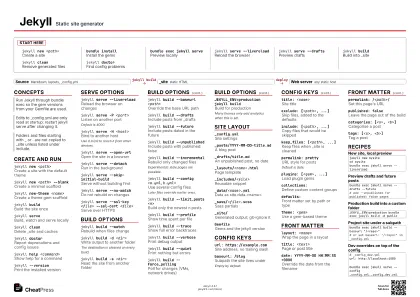 Ink saver · A3 landscape
420 × 297 mm · PDF
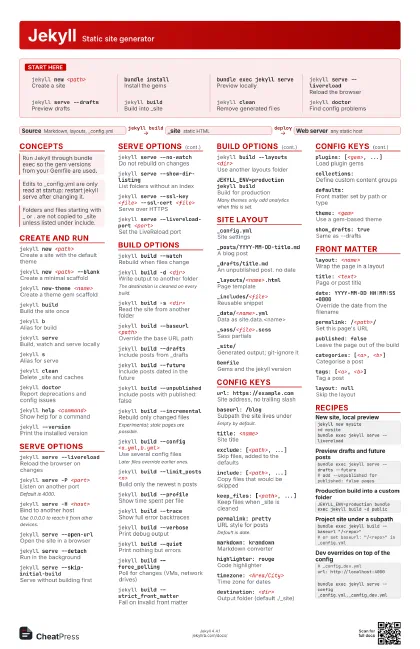
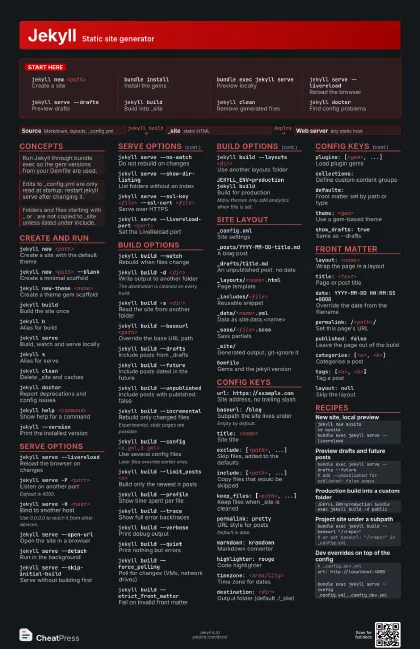
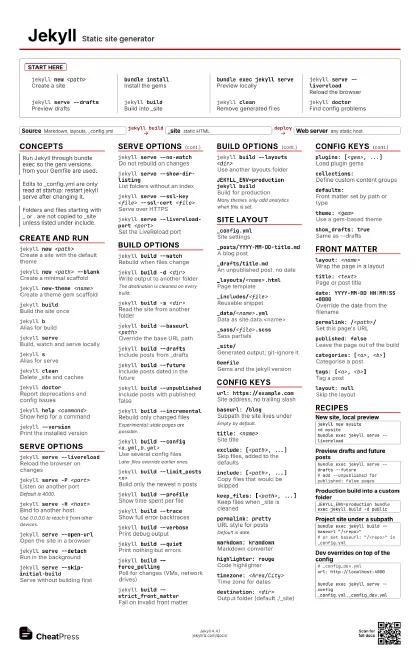
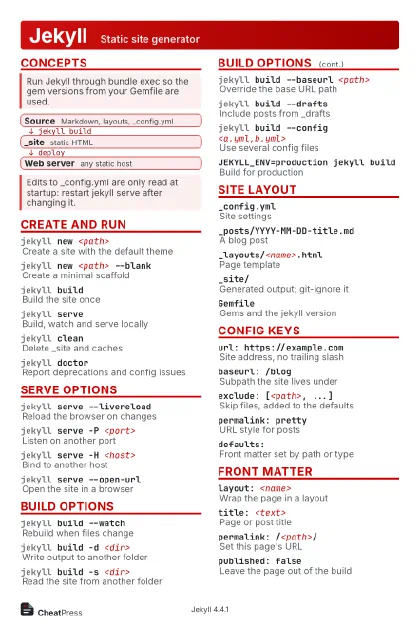
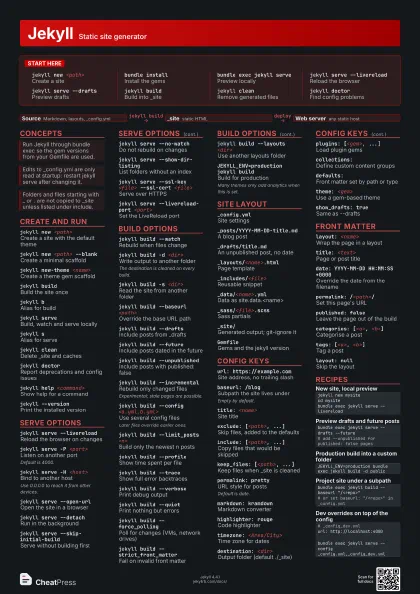
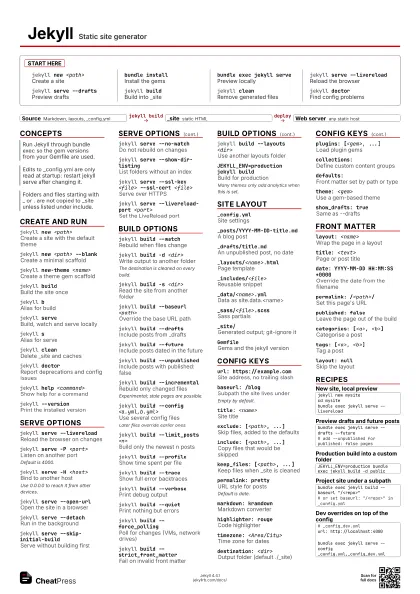
Start here
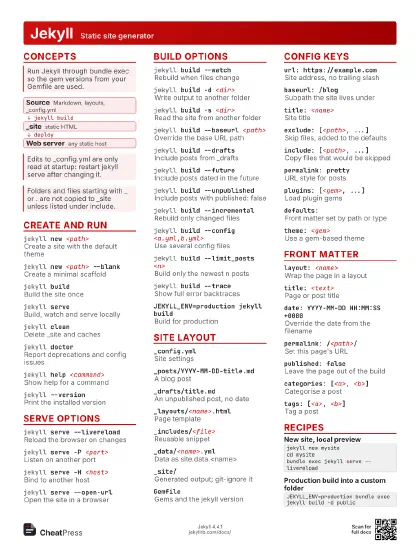
jekyll new <path>
Create a site
bundle installInstall the gems
bundle exec jekyll serve
Preview locally
jekyll serve --livereload
Reload the browser
jekyll serve --drafts
Preview drafts
jekyll buildBuild into _site
jekyll cleanRemove generated files
jekyll doctorFind config problems
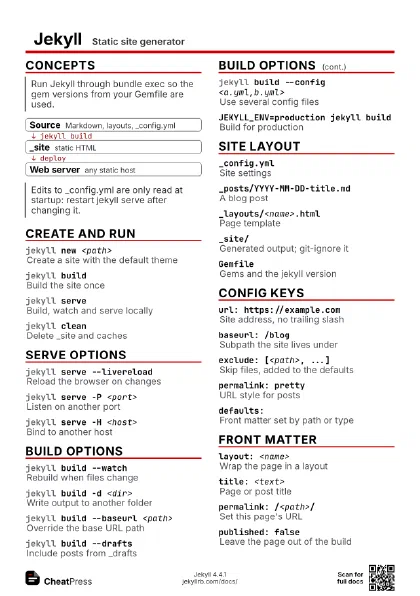
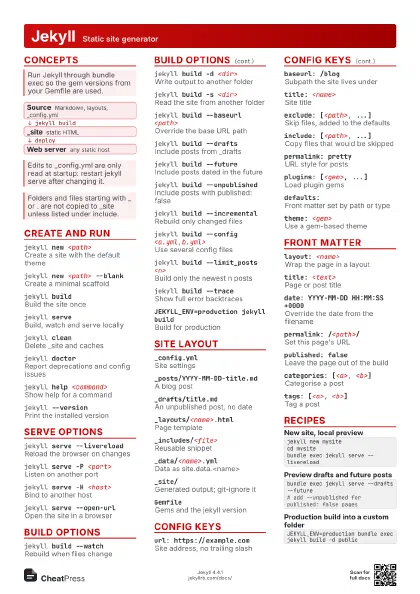
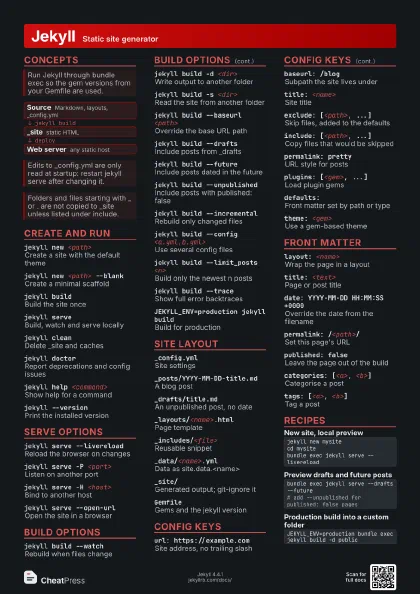
Concepts
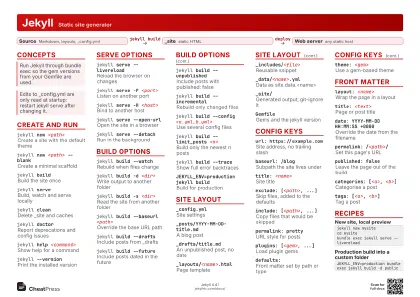
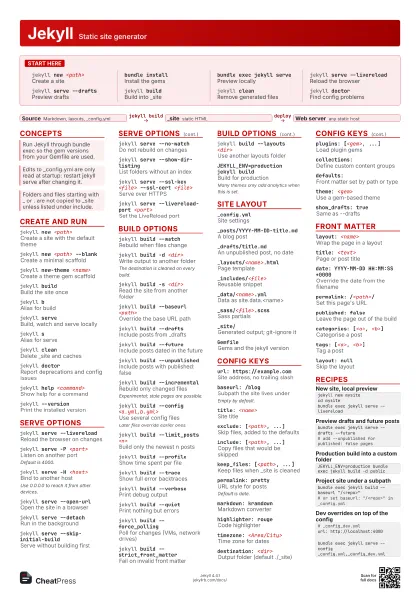
- Source Markdown, layouts, _config.yml
- _site static HTML
- Web server any static host
Create and run
jekyll new <path>
Create a site with the default theme
jekyll new <path> --blank
Create a minimal scaffold
jekyll new-theme <name>
Create a theme gem scaffold
jekyll buildBuild the site once
jekyll bAlias for build
jekyll serveBuild, watch and serve locally
jekyll sAlias for serve
jekyll cleanDelete _site and caches
jekyll doctorReport deprecations and config issues
jekyll help <command>
Show help for a command
jekyll --version
Print the installed version
Serve options
jekyll serve --livereload
Reload the browser on changes
jekyll serve -P <port>
Listen on another port
Default is 4000.
jekyll serve -H <host>
Bind to another host
Use 0.0.0.0 to reach it from other devices.
jekyll serve --open-url
Open the site in a browser
jekyll serve --detach
Run in the background
jekyll serve --skip-initial-build
Serve without building first
jekyll serve --no-watch
Do not rebuild on changes
jekyll serve --show-dir-listing
List folders without an index
jekyll serve --ssl-key <file> --ssl-cert
                    <file>
Serve over HTTPS
jekyll serve --livereload-port <port>
Set the LiveReload port
Build options
jekyll build --watch
Rebuild when files change
jekyll build -d <dir>
Write output to another folder
The destination is cleaned on every build.
jekyll build -s <dir>
Read the site from another folder
jekyll build --baseurl <path>
Override the base URL path
jekyll build --drafts
Include posts from _drafts
jekyll build --future
Include posts dated in the future
jekyll build --unpublished
Include posts with published: false
jekyll build --incremental
Rebuild only changed files
Experimental; stale pages are possible.
jekyll build --config <a.yml,b.yml>
Use several config files
Later files override earlier ones.
jekyll build --limit_posts <n>
Build only the newest n posts
jekyll build --profile
Show time spent per file
jekyll build --trace
Show full error backtraces
jekyll build --verbose
Print debug output
jekyll build --quiet
Print nothing but errors
jekyll build --force_polling
Poll for changes (VMs, network drives)
jekyll build --strict_front_matter
Fail on invalid front matter
jekyll build --layouts <dir>
Use another layouts folder
JEKYLL_ENV=production jekyll build
Build for production
Many themes only add analytics when this is set.
Site layout
_config.ymlSite settings
_posts/YYYY-MM-DD-title.md
A blog post
_drafts/title.md
An unpublished post, no date
_layouts/<name>.html
Page template
_includes/<file>
Reusable snippet
_data/<name>.yml
Data as site.data.<name>
_sass/<file>.scss
Sass partials
_site/Generated output; git-ignore it
GemfileGems and the jekyll version
Config keys
url: https://example.com
Site address, no trailing slash
baseurl: /blogSubpath the site lives under
Empty by default.
title: <name>
Site title
exclude: [<path>, ...]
Skip files, added to the defaults
include: [<path>, ...]
Copy files that would be skipped
keep_files: [<path>, ...]
Keep files when _site is cleaned
permalink: pretty
URL style for posts
Default is date.
markdown: kramdown
Markdown converter
highlighter: rouge
Code highlighter
timezone: <Area/City>
Time zone for dates
destination: <dir>
Output folder (default ./_site)
plugins: [<gem>, ...]
Load plugin gems
collections:Define custom content groups
defaults:Front matter set by path or type
theme: <gem>
Use a gem-based theme
show_drafts: true
Same as --drafts
Front matter
layout: <name>
Wrap the page in a layout
title: <text>
Page or post title
date: YYYY-MM-DD HH:MM:SS +0000
Override the date from the filename
permalink: /<path>/
Set this page's URL
published: false
Leave the page out of the build
categories: [<a>, <b>]
Categorise a post
tags: [<a>, <b>]
Tag a post
layout: nullSkip the layout
Recipes
jekyll new mysitecd mysitebundle exec jekyll serve --livereloadbundle exec jekyll serve --drafts --future# add --unpublished for published: false pagesJEKYLL_ENV=production bundle exec jekyll build -d publicbundle exec jekyll build --baseurl "/<repo>"# or set baseurl: "/<repo>" in _config.yml# _config_dev.ymlurl: http://localhost:4000bundle exec jekyll serve --config _config.yml,_config_dev.yml