Cheat
TruffleHog Secret scanner
 Light · Postcard
102 × 152 mm · PDF
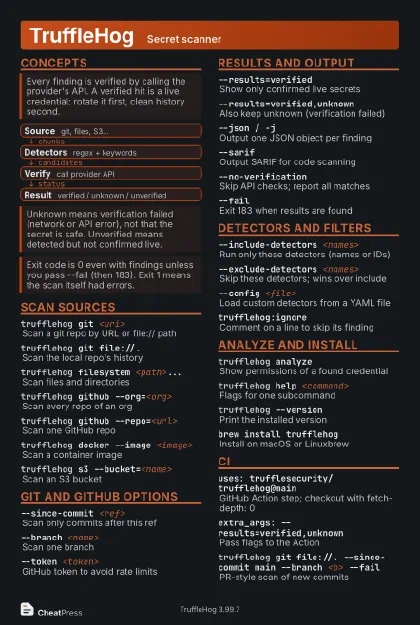 Dark · Postcard
102 × 152 mm · PDF
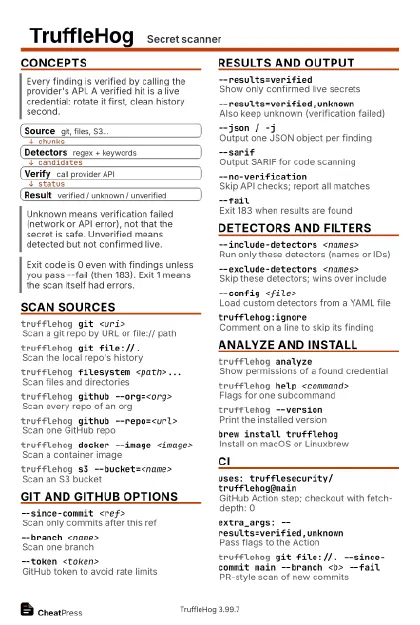 Ink saver · Postcard
102 × 152 mm · PDF
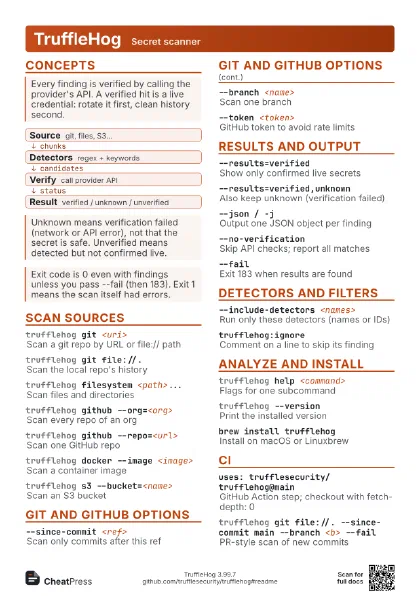
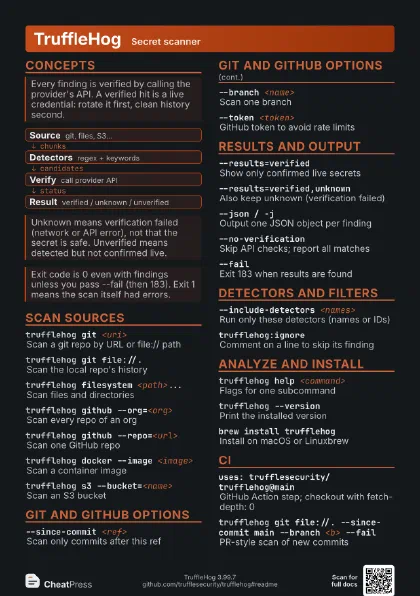
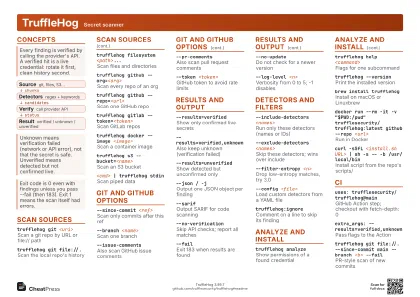 Light · A4 landscape
297 × 210 mm · PDF
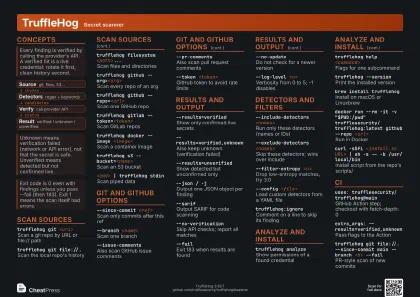 Dark · A4 landscape
297 × 210 mm · PDF
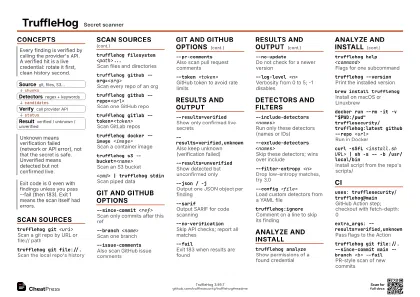 Ink saver · A4 landscape
297 × 210 mm · PDF
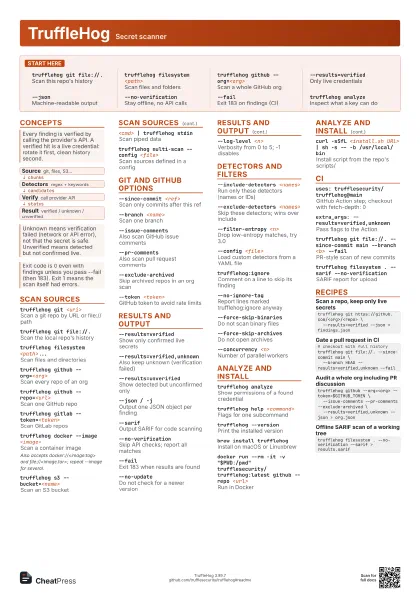
 Light · A3 landscape
420 × 297 mm · PDF
 Dark · A3 landscape
420 × 297 mm · PDF
 Ink saver · A3 landscape
420 × 297 mm · PDF
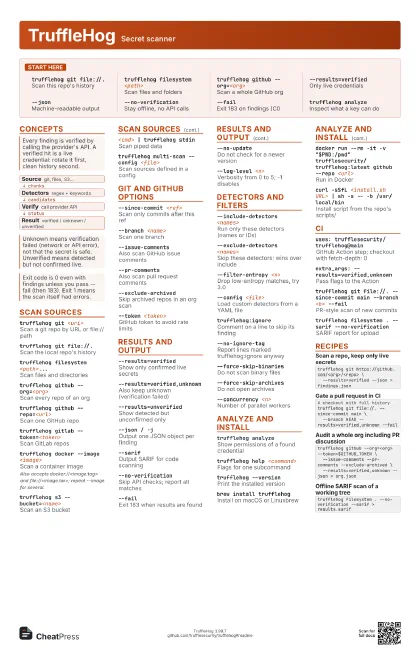
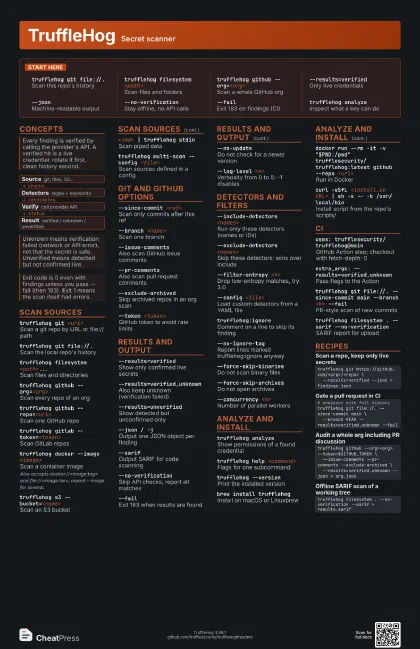
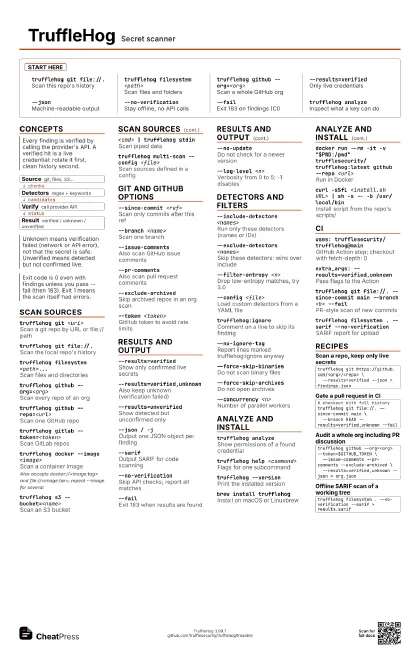
Start here
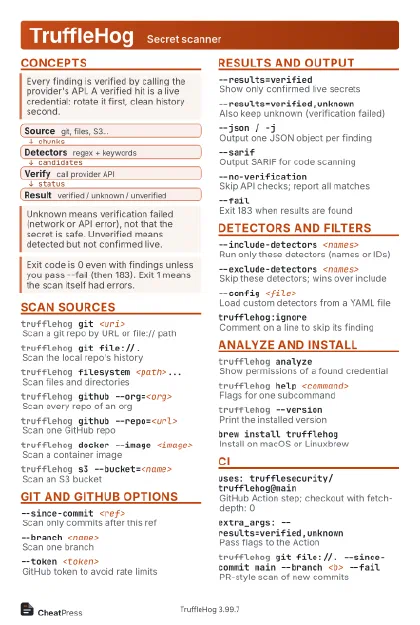
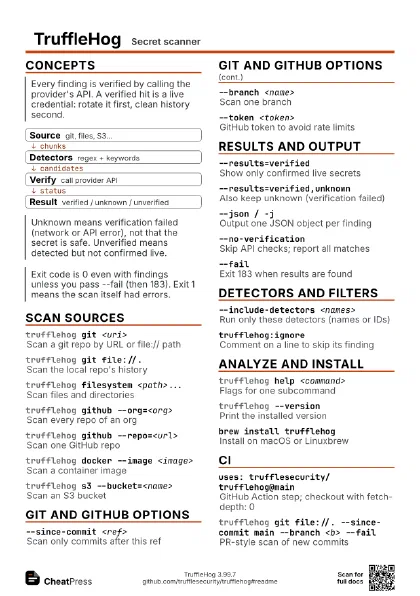
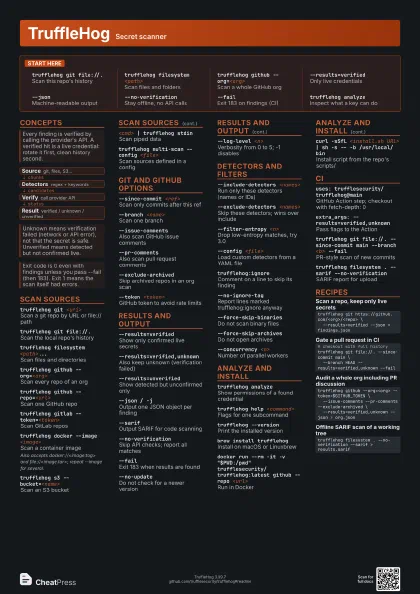
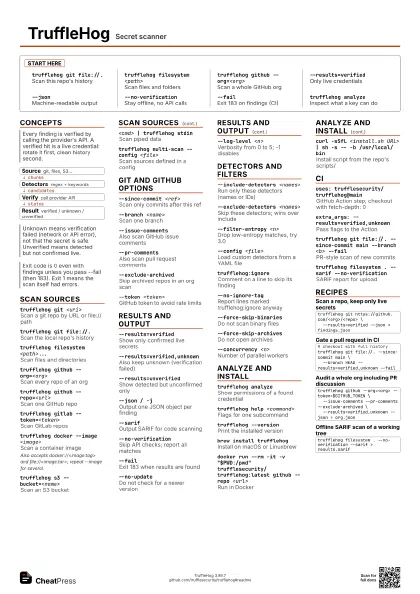
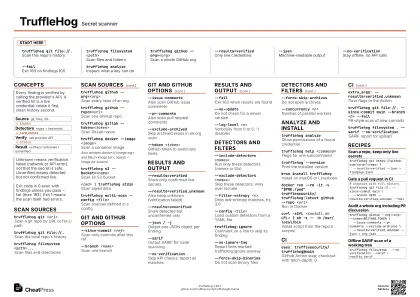
trufflehog git file://.
Scan this repo's history
trufflehog filesystem <path>
Scan files and folders
trufflehog github --org=<org>
Scan a whole GitHub org
--results=verified
Only live credentials
--jsonMachine-readable output
--no-verification
Stay offline, no API calls
--failExit 183 on findings (CI)
trufflehog analyze
Inspect what a key can do
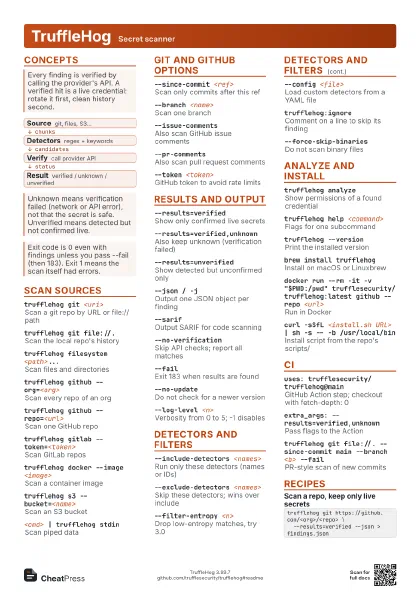
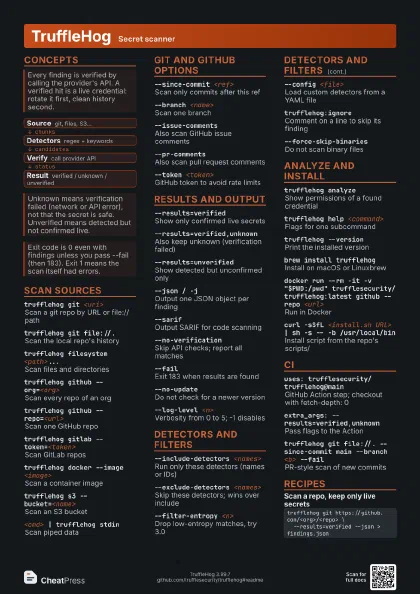
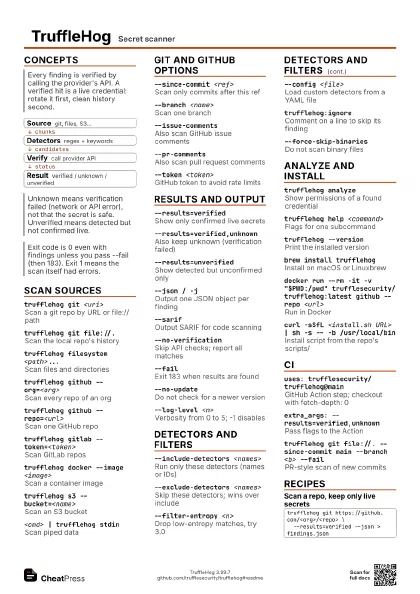
Concepts
- Source git, files, S3...
- Detectors regex + keywords
- Verify call provider API
- Result verified / unknown / unverified
Scan sources
trufflehog git <uri>
Scan a git repo by URL or file:// path
trufflehog git file://.
Scan the local repo's history
trufflehog filesystem <path>...
Scan files and directories
trufflehog github --org=<org>
Scan every repo of an org
trufflehog github --repo=<url>
Scan one GitHub repo
trufflehog gitlab --token=<token>
Scan GitLab repos
trufflehog docker --image <image>
Scan a container image
Also accepts docker://<image:tag> and
file://<image.tar>; repeat --image for several.
trufflehog s3 --bucket=<name>
Scan an S3 bucket
<cmd> | trufflehog stdin
Scan piped data
trufflehog multi-scan --config <file>
Scan sources defined in a config
Git and GitHub options
--since-commit <ref>
Scan only commits after this ref
--branch <name>
Scan one branch
--issue-comments
Also scan GitHub issue comments
--pr-commentsAlso scan pull request comments
--exclude-archived
Skip archived repos in an org scan
--token <token>
GitHub token to avoid rate limits
Results and output
--results=verified
Show only confirmed live secrets
--results=verified,unknown
Also keep unknown (verification failed)
--results=unverified
Show detected but unconfirmed only
--json / -jOutput one JSON object per finding
--sarifOutput SARIF for code scanning
--no-verification
Skip API checks; report all matches
--failExit 183 when results are found
--no-updateDo not check for a newer version
--log-level <n>
Verbosity from 0 to 5; -1 disables
Detectors and filters
--include-detectors <names>
Run only these detectors (names or IDs)
--exclude-detectors <names>
Skip these detectors; wins over include
--filter-entropy <n>
Drop low-entropy matches, try 3.0
--config <file>
Load custom detectors from a YAML file
trufflehog:ignore
Comment on a line to skip its finding
--no-ignore-tag
Report lines marked trufflehog:ignore anyway
--force-skip-binaries
Do not scan binary files
--force-skip-archives
Do not open archives
--concurrency <n>
Number of parallel workers
Analyze and install
trufflehog analyze
Show permissions of a found credential
trufflehog help <command>
Flags for one subcommand
trufflehog --version
Print the installed version
brew install trufflehog
Install on macOS or Linuxbrew
docker run --rm -it -v "$PWD:/pwd"
                    trufflesecurity/trufflehog:latest github --repo
                    <url>
Run in Docker
curl -sSfL <install.sh URL> | sh -s -- -b
                    /usr/local/bin
Install script from the repo's scripts/
CI
uses: trufflesecurity/trufflehog@main
GitHub Action step; checkout with fetch-depth: 0
extra_args: --results=verified,unknown
Pass flags to the Action
trufflehog git file://. --since-commit main --branch
                    <b> --fail
PR-style scan of new commits
trufflehog filesystem . --sarif --no-verification
SARIF report for upload
Recipes
trufflehog git https://github.com/<org>/<repo> \ --results=verified --json > findings.json# checkout with full historytrufflehog git file://. --since-commit main \ --branch HEAD --results=verified,unknown --failtrufflehog github --org=<org> --token=$GITHUB_TOKEN \ --issue-comments --pr-comments --exclude-archived \ --results=verified,unknown --json > org.jsontrufflehog filesystem . --no-verification --sarif > results.sarif