Cheat
Semgrep Static code scanning
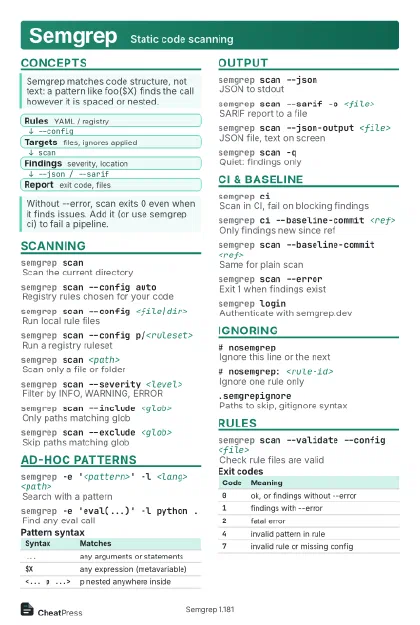 Light · Postcard
102 × 152 mm · PDF
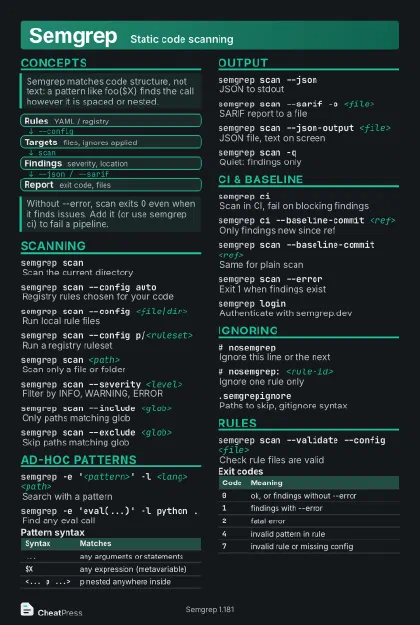 Dark · Postcard
102 × 152 mm · PDF
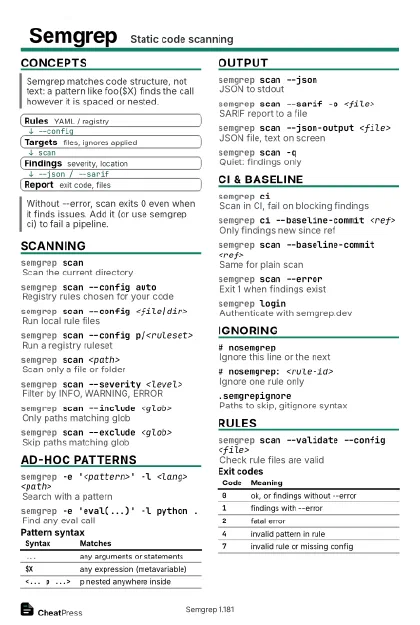 Ink saver · Postcard
102 × 152 mm · PDF
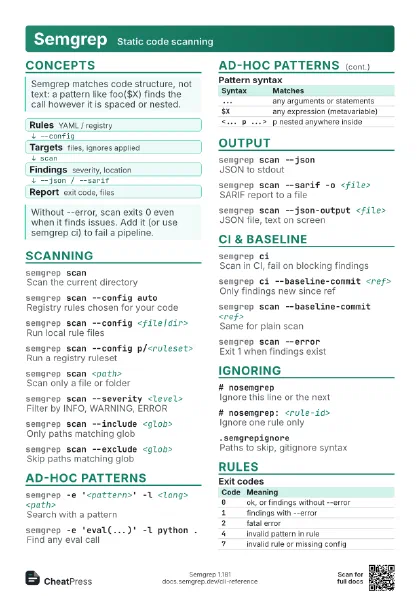
 Light · A4 landscape
297 × 210 mm · PDF
 Dark · A4 landscape
297 × 210 mm · PDF
 Ink saver · A4 landscape
297 × 210 mm · PDF
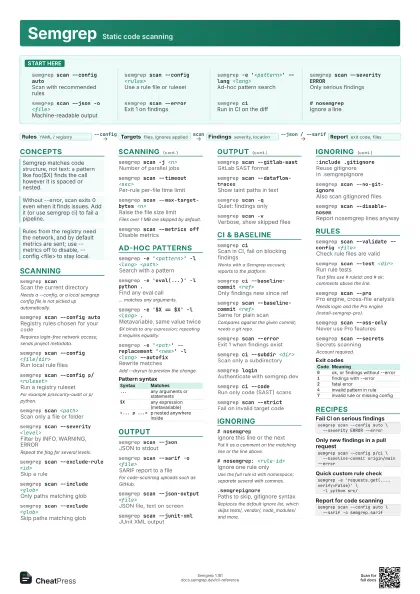
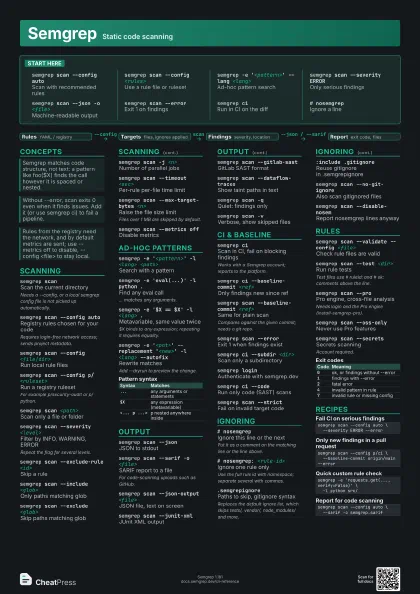
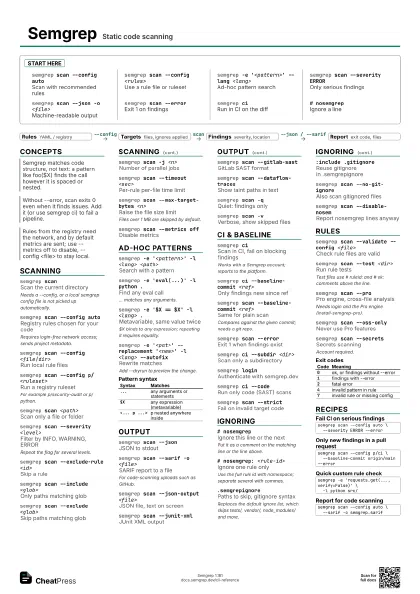
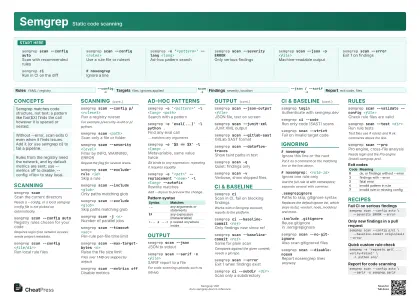 Light · A3 landscape
420 × 297 mm · PDF
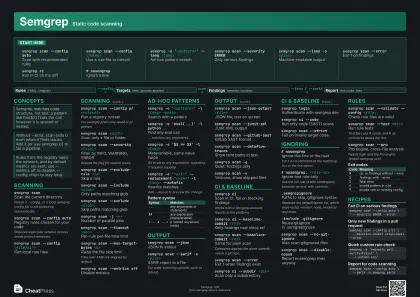 Dark · A3 landscape
420 × 297 mm · PDF
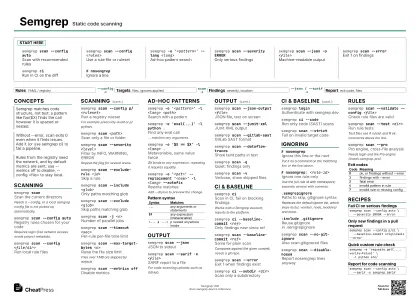 Ink saver · A3 landscape
420 × 297 mm · PDF
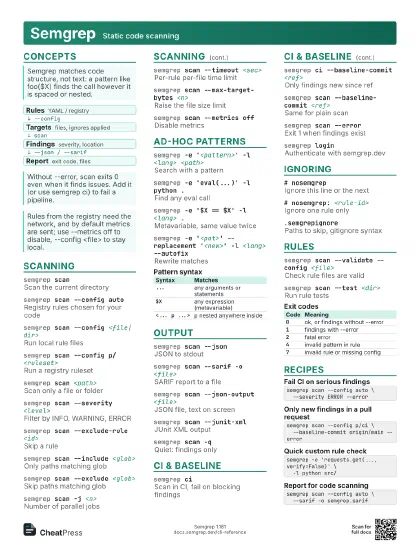
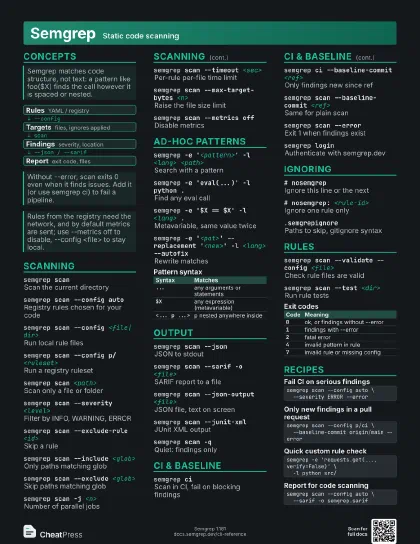
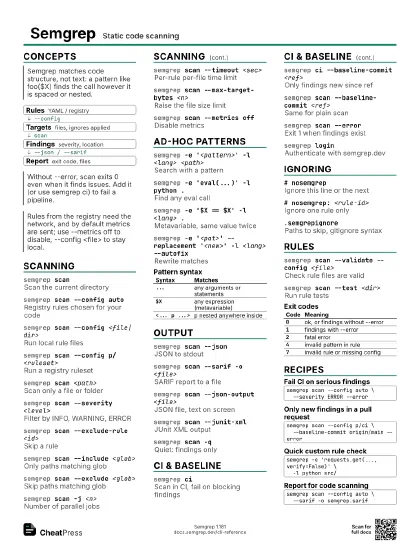
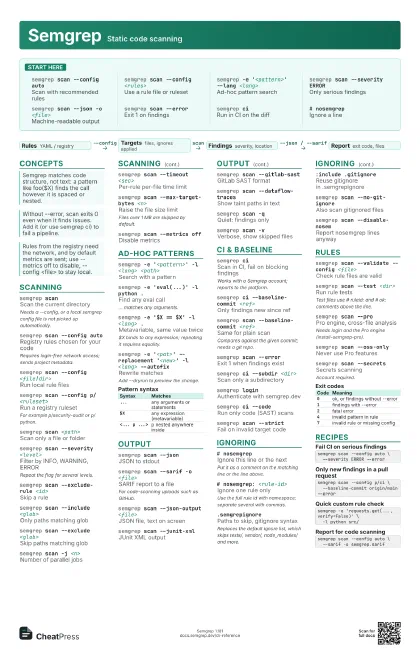
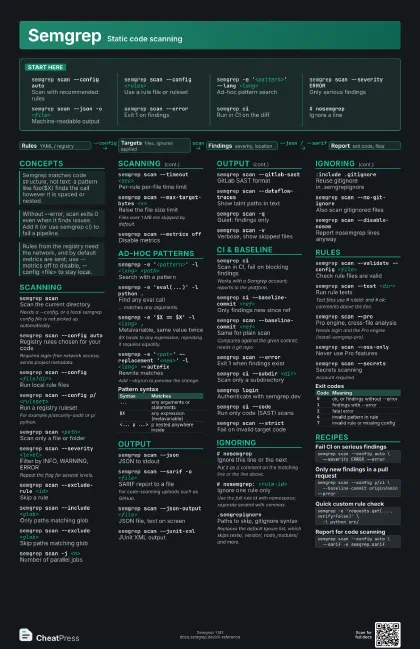
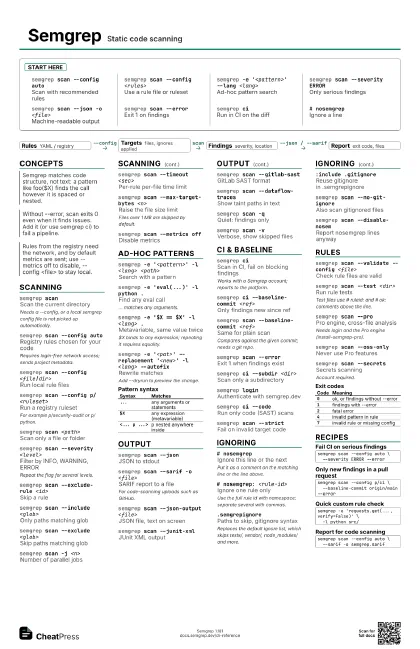
Start here
semgrep scan --config auto
Scan with recommended rules
semgrep scan --config <rules>
Use a rule file or ruleset
semgrep -e '<pattern>' --lang
                    <lang>
Ad-hoc pattern search
semgrep scan --severity ERROR
Only serious findings
semgrep scan --json -o <file>
Machine-readable output
semgrep scan --error
Exit 1 on findings
semgrep ciRun in CI on the diff
# nosemgrepIgnore a line
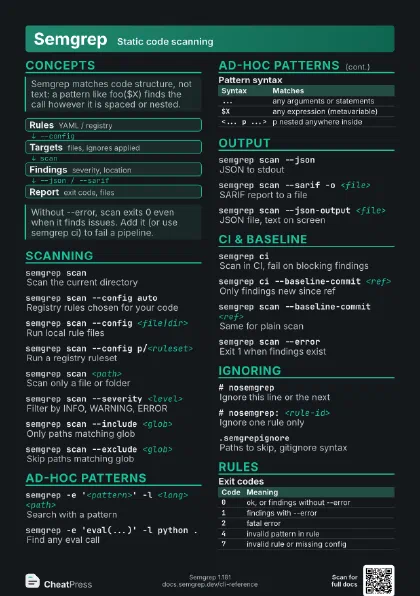
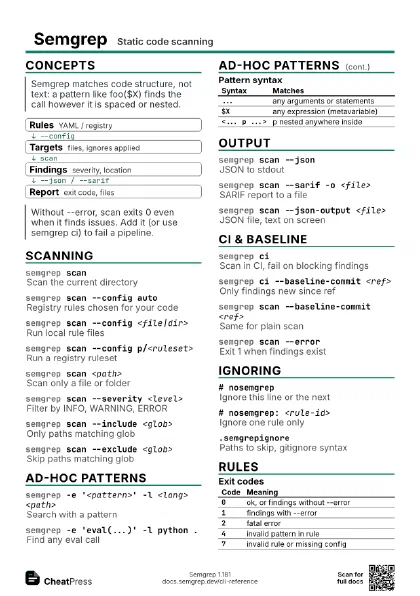
Concepts
- Rules YAML / registry
- Targets files, ignores applied
- Findings severity, location
- Report exit code, files
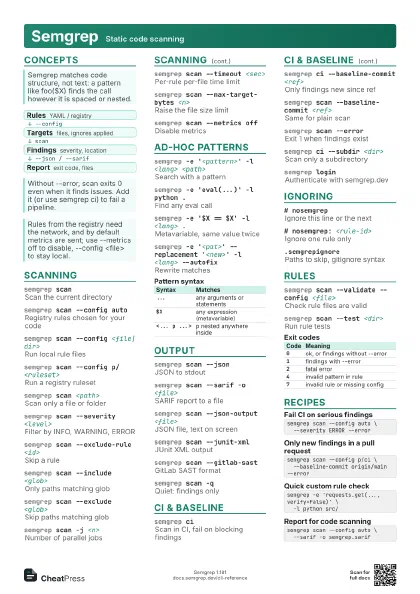
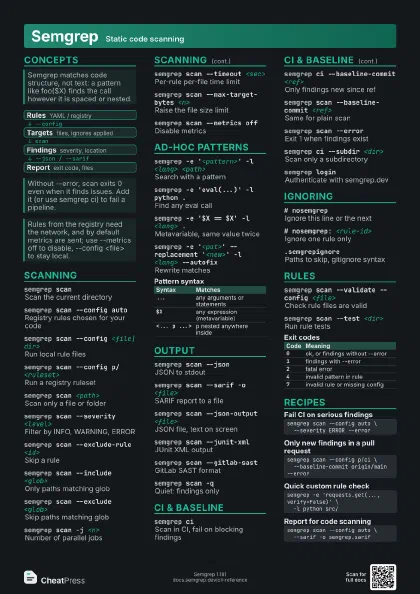
Scanning
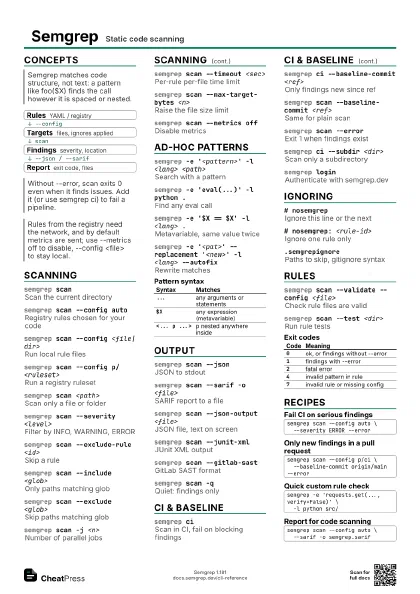
semgrep scanScan the current directory
Needs a --config, or a local semgrep config file is not picked
up automatically.
semgrep scan --config auto
Registry rules chosen for your code
Requires login-free network access; sends project metadata.
semgrep scan --config <file|dir>
Run local rule files
semgrep scan --config p/<ruleset>
Run a registry ruleset
For example p/security-audit or p/python.
semgrep scan <path>
Scan only a file or folder
semgrep scan --severity <level>
Filter by INFO, WARNING, ERROR
Repeat the flag for several levels.
semgrep scan --exclude-rule <id>
Skip a rule
semgrep scan --include <glob>
Only paths matching glob
semgrep scan --exclude <glob>
Skip paths matching glob
semgrep scan -j <n>
Number of parallel jobs
semgrep scan --timeout <sec>
Per-rule per-file time limit
semgrep scan --max-target-bytes <n>
Raise the file size limit
Files over 1 MB are skipped by default.
semgrep scan --metrics off
Disable metrics
Ad-hoc patterns
semgrep -e '<pattern>' -l <lang>
                    <path>
Search with a pattern
semgrep -e 'eval(...)' -l python .
Find any eval call
... matches any arguments.
semgrep -e '$X == $X' -l <lang> .
Metavariable, same value twice
$X binds to any expression; repeating it requires equality.
semgrep -e '<pat>' --replacement
                    '<new>' -l <lang> --autofix
Rewrite matches
Add --dryrun to preview the change.
| Syntax | Matches |
|---|---|
... |
any arguments or statements |
$X |
any expression (metavariable) |
<... p ...> |
p nested anywhere inside |
Output
semgrep scan --json
JSON to stdout
semgrep scan --sarif -o <file>
SARIF report to a file
For code-scanning uploads such as GitHub.
semgrep scan --json-output <file>
JSON file, text on screen
semgrep scan --junit-xml
JUnit XML output
semgrep scan --gitlab-sast
GitLab SAST format
semgrep scan --dataflow-traces
Show taint paths in text
semgrep scan -qQuiet: findings only
semgrep scan -vVerbose, show skipped files
CI & baseline
semgrep ciScan in CI, fail on blocking findings
Works with a Semgrep account; reports to the platform.
semgrep ci --baseline-commit <ref>
Only findings new since ref
semgrep scan --baseline-commit <ref>
Same for plain scan
Compares against the given commit; needs a git repo.
semgrep scan --error
Exit 1 when findings exist
semgrep ci --subdir <dir>
Scan only a subdirectory
semgrep loginAuthenticate with semgrep.dev
semgrep ci --code
Run only code (SAST) scans
semgrep scan --strict
Fail on invalid target code
Ignoring
# nosemgrepIgnore this line or the next
Put it as a comment on the matching line or the line above.
# nosemgrep: <rule-id>
Ignore one rule only
Use the full rule id with namespace; separate several with
commas.
.semgrepignorePaths to skip, gitignore syntax
Replaces the default ignore list, which skips tests/, vendor/,
node_modules/ and more.
:include .gitignore
Reuse gitignore in .semgrepignore
semgrep scan --no-git-ignore
Also scan gitignored files
semgrep scan --disable-nosem
Report nosemgrep lines anyway
Rules
semgrep scan --validate --config <file>
Check rule files are valid
semgrep scan --test <dir>
Run rule tests
Test files use # ruleid: and # ok: comments above the line.
semgrep scan --pro
Pro engine, cross-file analysis
Needs login and the Pro engine (install-semgrep-pro).
semgrep scan --oss-only
Never use Pro features
semgrep scan --secrets
Secrets scanning
Account required.
| Code | Meaning |
|---|---|
0 |
ok, or findings without --error |
1 |
findings with --error |
2 |
fatal error |
4 |
invalid pattern in rule |
7 |
invalid rule or missing config |
Recipes
semgrep scan --config auto \ --severity ERROR --errorsemgrep scan --config p/ci \ --baseline-commit origin/main --errorsemgrep -e 'requests.get(..., verify=False)' \ -l python src/semgrep scan --config auto \ --sarif -o semgrep.sarif