Cheat
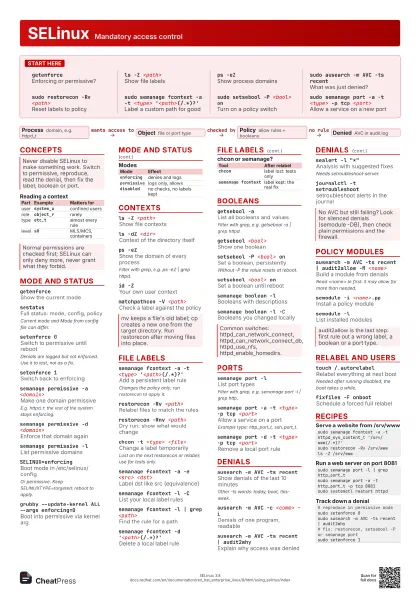
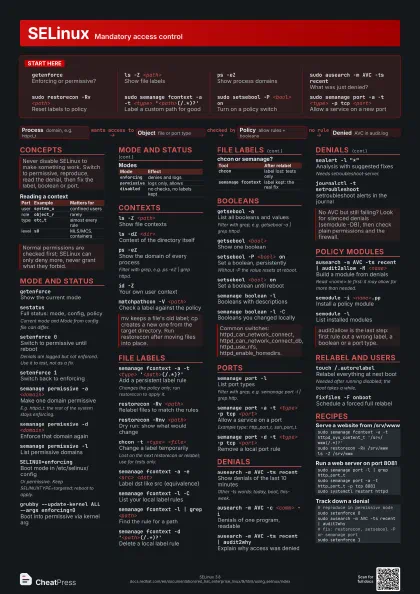
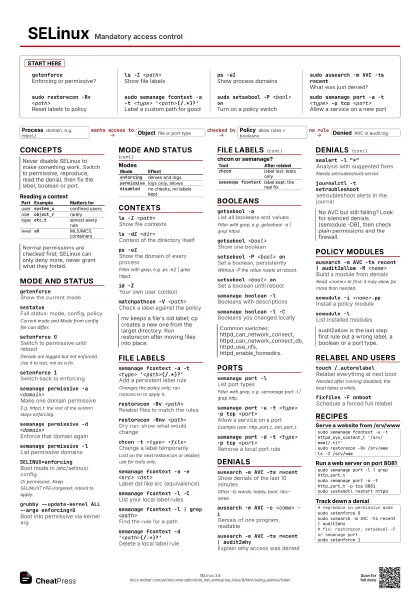
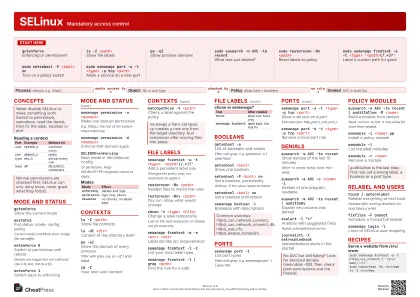
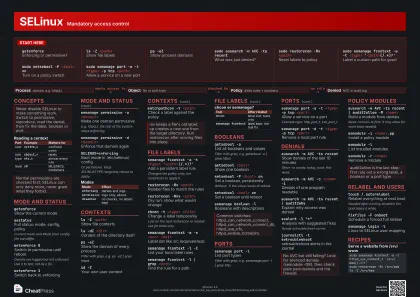
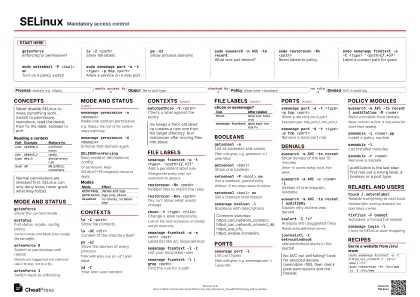
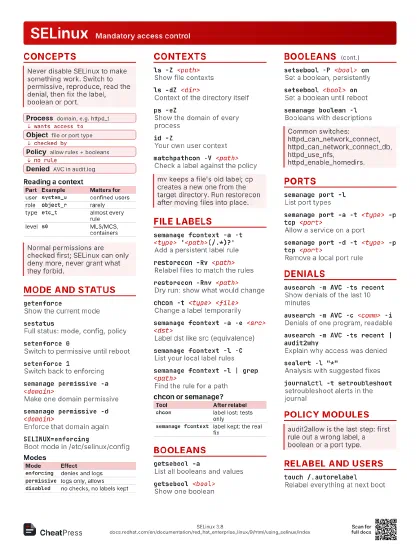
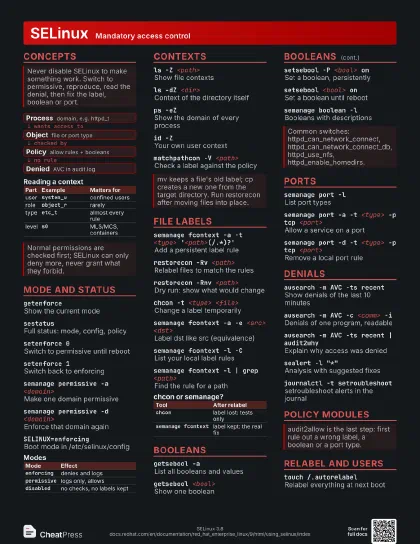
SELinux Mandatory access control
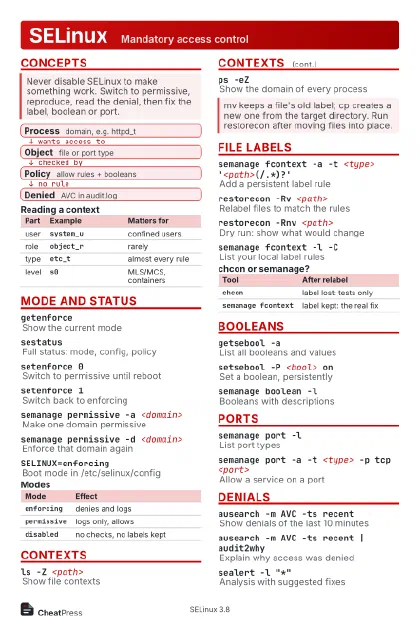 Light · Postcard
102 × 152 mm · PDF
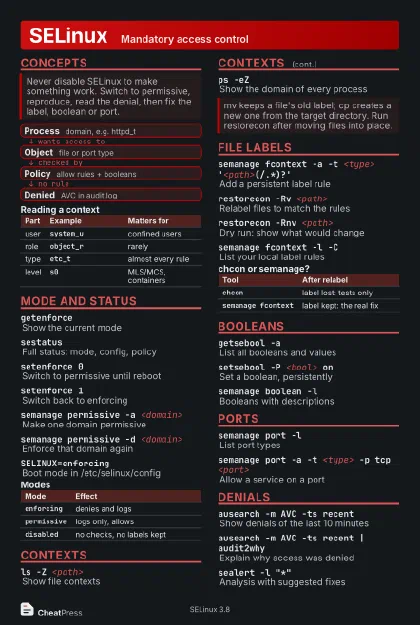 Dark · Postcard
102 × 152 mm · PDF
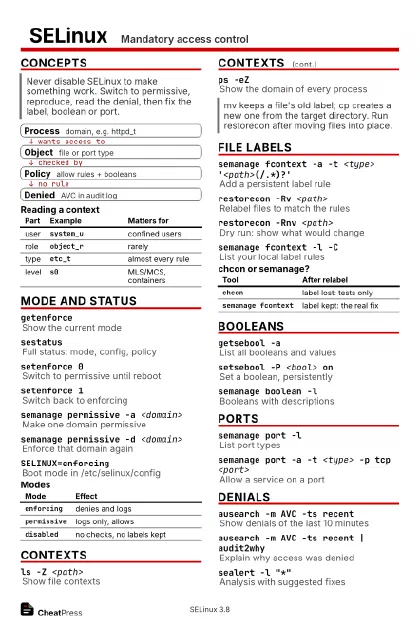 Ink saver · Postcard
102 × 152 mm · PDF
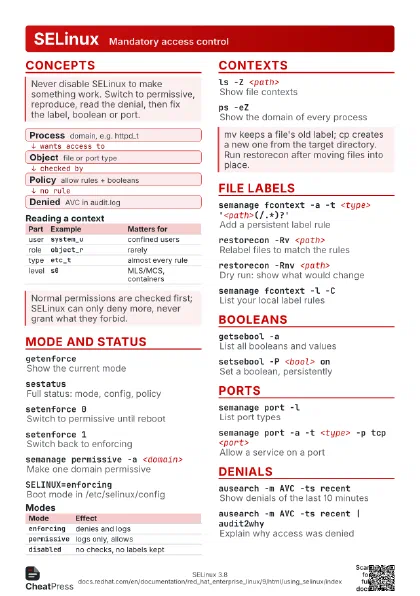
 Light · A4 landscape
297 × 210 mm · PDF
 Dark · A4 landscape
297 × 210 mm · PDF
 Ink saver · A4 landscape
297 × 210 mm · PDF
 Light · A3 landscape
420 × 297 mm · PDF
 Dark · A3 landscape
420 × 297 mm · PDF
 Ink saver · A3 landscape
420 × 297 mm · PDF
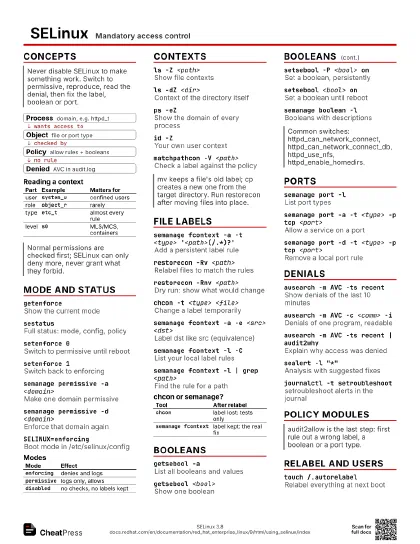
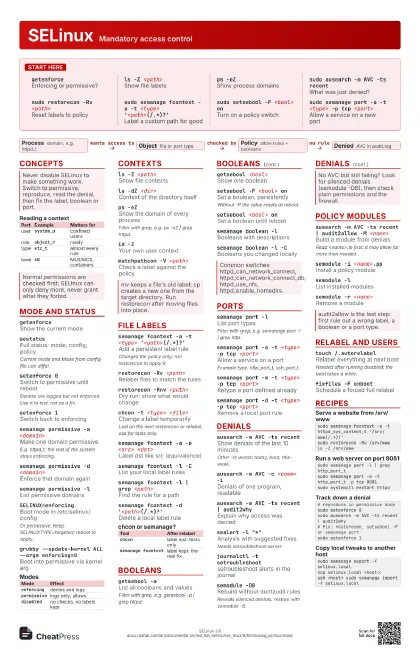
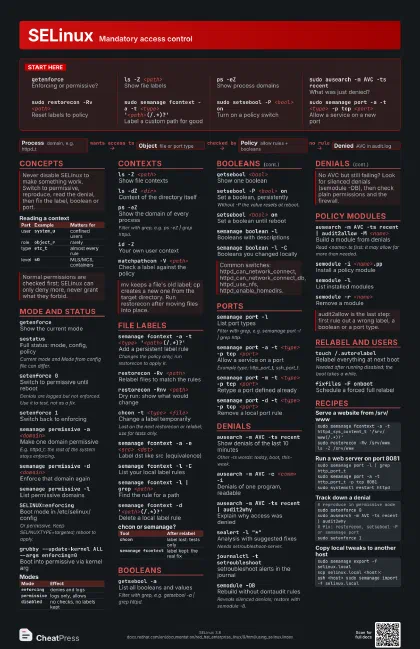
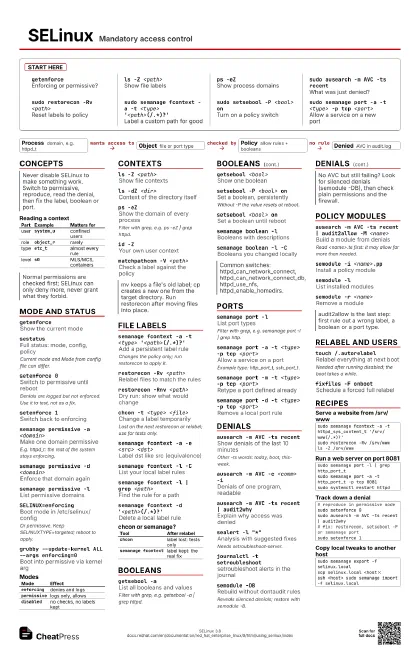
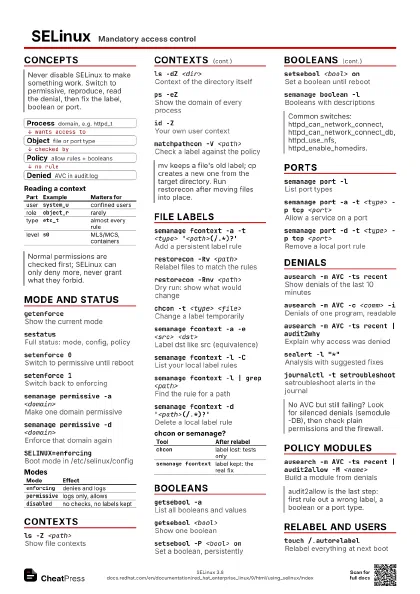
Start here
getenforceEnforcing or permissive?
ls -Z <path>
Show file labels
ps -eZShow process domains
sudo ausearch -m AVC -ts recent
What was just denied?
sudo restorecon -Rv <path>
Reset labels to policy
sudo semanage fcontext -a -t <type>
                    '<path>(/.*)?'
Label a custom path for good
sudo setsebool -P <bool> on
Turn on a policy switch
sudo semanage port -a -t <type> -p tcp
                    <port>
Allow a service on a new port
Concepts
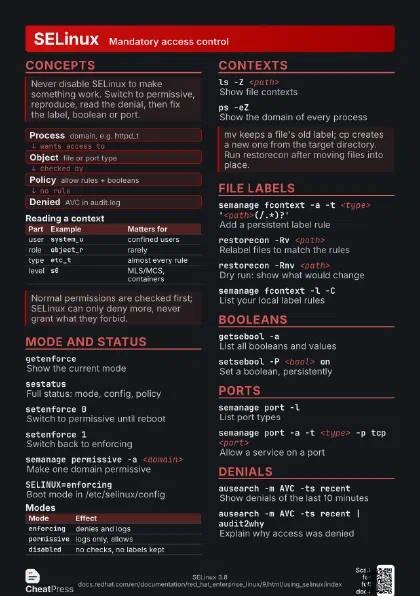
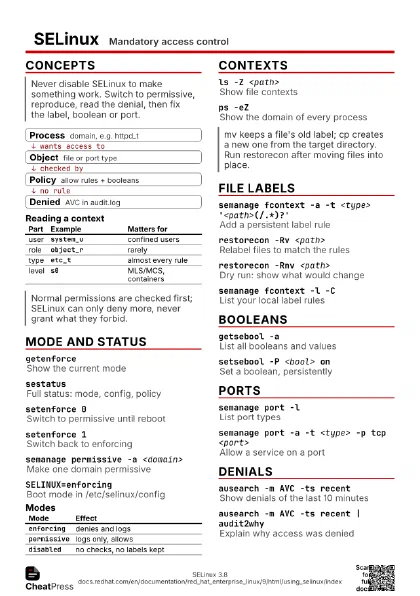
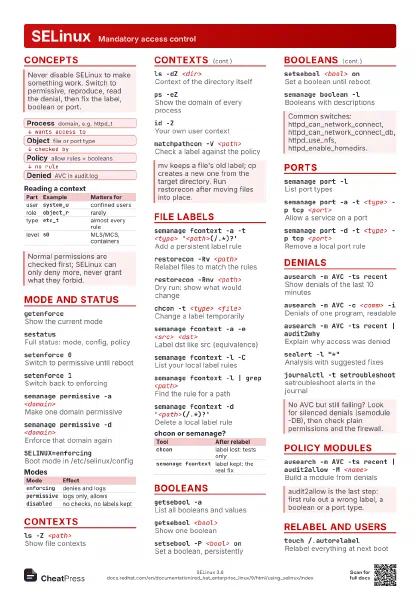
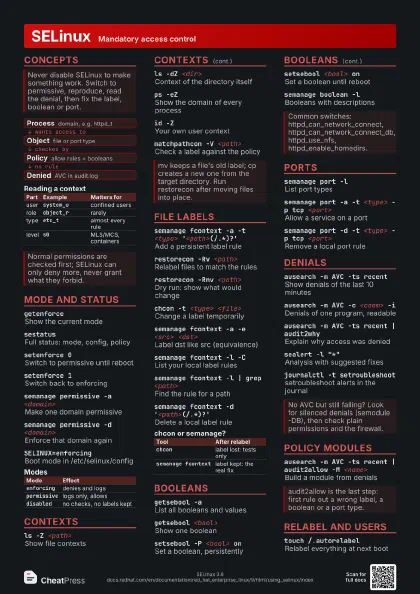
- Process domain, e.g. httpd_t
- Object file or port type
- Policy allow rules + booleans
- Denied AVC in audit.log
| Part | Example | Matters for |
|---|---|---|
| user | system_u |
confined users |
| role | object_r |
rarely |
| type | etc_t |
almost every rule |
| level | s0 |
MLS/MCS, containers |
Mode and status
getenforceShow the current mode
sestatusFull status: mode, config, policy
Current mode and Mode from config file can differ.
setenforce 0Switch to permissive until reboot
Denials are logged but not enforced. Use it to test, not as a
fix.
setenforce 1Switch back to enforcing
semanage permissive -a <domain>
Make one domain permissive
E.g. httpd_t: the rest of the system stays enforcing.
semanage permissive -d <domain>
Enforce that domain again
semanage permissive -l
List permissive domains
SELINUX=enforcing
Boot mode in /etc/selinux/config
Or permissive. Keep SELINUXTYPE=targeted; reboot to apply.
grubby --update-kernel ALL --args enforcing=0
Boot into permissive via kernel arg
grubby --update-kernel ALL --args selinux=0
Disable SELinux entirely (RHEL 9+)
Last resort. Turning it back on needs a full relabel.
| Mode | Effect |
|---|---|
enforcing |
denies and logs |
permissive |
logs only, allows |
disabled |
no checks, no labels kept |
Contexts
ls -Z <path>
Show file contexts
ls -dZ <dir>
Context of the directory itself
ps -eZShow the domain of every process
Filter with grep, e.g. ps -eZ | grep httpd.
id -ZYour own user context
matchpathcon -V <path>
Check a label against the policy
File labels
semanage fcontext -a -t <type>
                    '<path>(/.*)?'
Add a persistent label rule
Changes the policy only; run restorecon to apply it.
restorecon -Rv <path>
Relabel files to match the rules
restorecon -Rnv <path>
Dry run: show what would change
chcon -t <type> <file>
Change a label temporarily
Lost on the next restorecon or relabel; use for tests only.
chcon --reference=<ref> <file>
Copy another file's label
semanage fcontext -a -e <src> <dst>
Label dst like src (equivalence)
semanage fcontext -l -C
List your local label rules
semanage fcontext -l | grep <path>
Find the rule for a path
semanage fcontext -d '<path>(/.*)?'
Delete a local label rule
| Tool | After relabel |
|---|---|
chcon |
label lost: tests only |
semanage fcontext |
label kept: the real fix |
Booleans
getsebool -aList all booleans and values
Filter with grep, e.g. getsebool -a | grep httpd.
getsebool <bool>
Show one boolean
setsebool -P <bool> on
Set a boolean, persistently
Without -P the value resets at reboot.
setsebool <bool> on
Set a boolean until reboot
semanage boolean -l
Booleans with descriptions
semanage boolean -l -C
Booleans you changed locally
Ports
semanage port -l
List port types
Filter with grep, e.g. semanage port -l | grep http.
semanage port -a -t <type> -p tcp <port>
Allow a service on a port
Example type: http_port_t, ssh_port_t.
semanage port -m -t <type> -p tcp <port>
Retype a port defined already
semanage port -d -t <type> -p tcp <port>
Remove a local port rule
Denials
ausearch -m AVC -ts recent
Show denials of the last 10 minutes
Other -ts words: today, boot, this-week.
ausearch -m AVC -c <comm> -i
Denials of one program, readable
ausearch -m AVC -ts recent | audit2why
Explain why access was denied
sealert -l "*"
Analysis with suggested fixes
Needs setroubleshoot-server.
journalctl -t setroubleshoot
setroubleshoot alerts in the journal
semodule -DBRebuild without dontaudit rules
Reveals silenced denials; restore with semodule -B.
semodule -BRebuild policy, dontaudit back on
Policy modules
ausearch -m AVC -ts recent | audit2allow -M
                    <name>
Build a module from denials
Read <name>.te first: it may allow far more than needed.
semodule -i <name>.pp
Install a policy module
semodule -lList installed modules
semodule -r <name>
Remove a module
Relabel and users
touch /.autorelabel
Relabel everything at next boot
Needed after running disabled; the boot takes a while.
fixfiles -F onboot
Schedule a forced full relabel
semanage login -l
Linux to SELinux user mapping
useradd -Z staff_u <user>
Create a confined user
Recipes
sudo semanage fcontext -a -t httpd_sys_content_t '/srv/www(/.*)?'sudo restorecon -Rv /srv/wwwls -Z /srv/wwwsudo semanage port -l | grep http_port_tsudo semanage port -a -t http_port_t -p tcp 8081sudo systemctl restart httpd# reproduce in permissive modesudo setenforce 0sudo ausearch -m AVC -ts recent | audit2why# fix: restorecon, setsebool -P or semanage portsudo setenforce 1sudo semanage export -f selinux.localscp selinux.local <host>:ssh <host> sudo semanage import -f selinux.local