Cheat
Prisma Database ORM toolkit
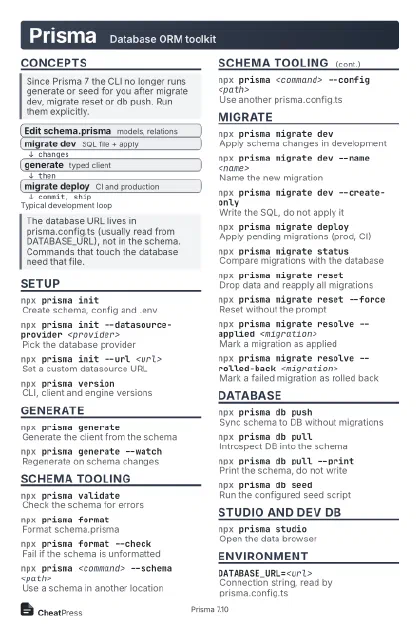 Light · Postcard
102 × 152 mm · PDF
 Dark · Postcard
102 × 152 mm · PDF
 Ink saver · Postcard
102 × 152 mm · PDF
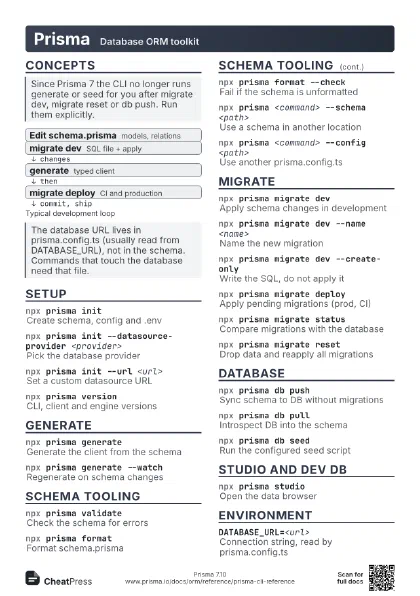
 Light · A4 landscape
297 × 210 mm · PDF
 Dark · A4 landscape
297 × 210 mm · PDF
 Ink saver · A4 landscape
297 × 210 mm · PDF
 Light · A3 landscape
420 × 297 mm · PDF
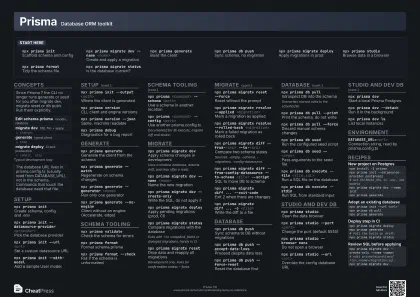 Dark · A3 landscape
420 × 297 mm · PDF
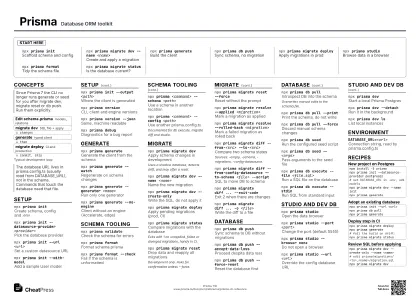 Ink saver · A3 landscape
420 × 297 mm · PDF
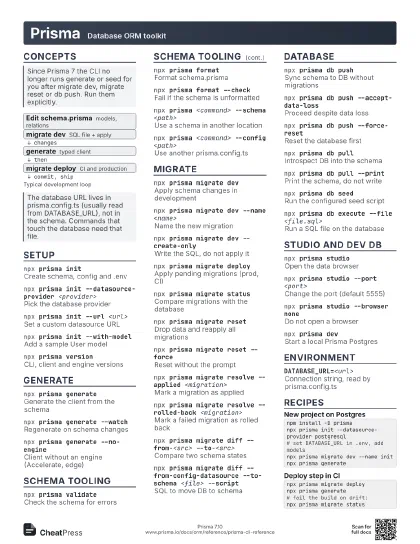
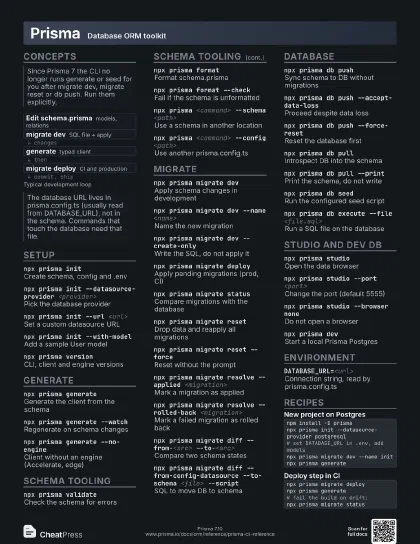
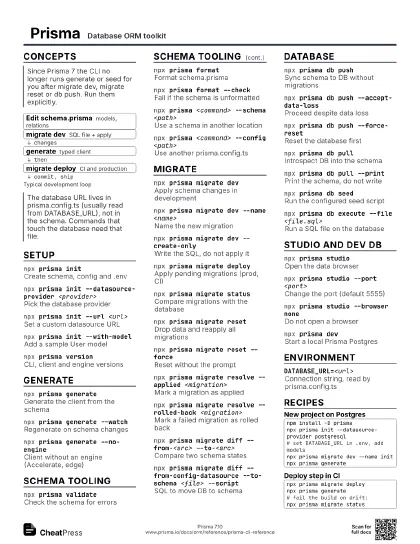
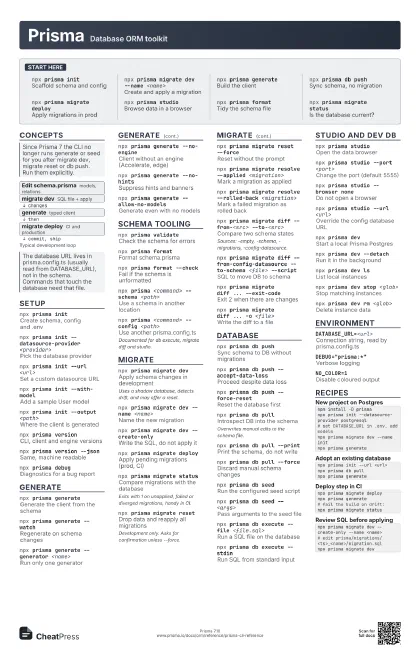
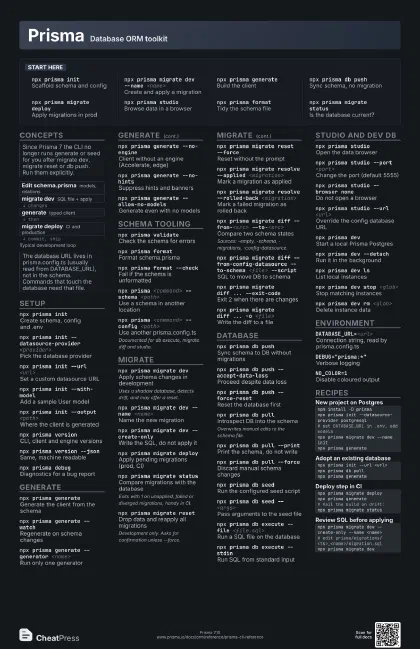
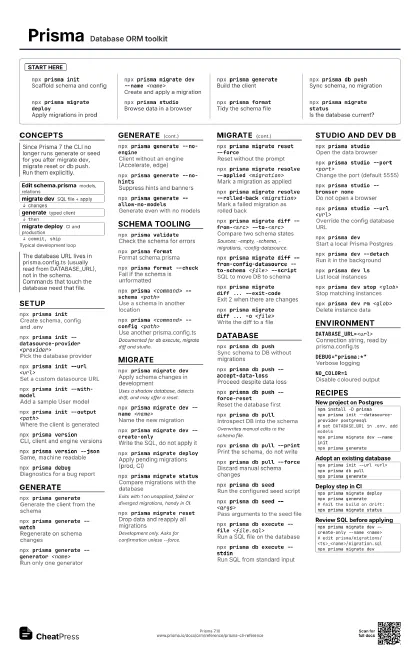
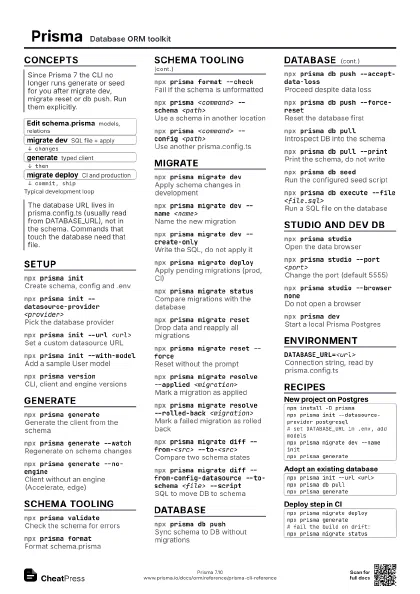
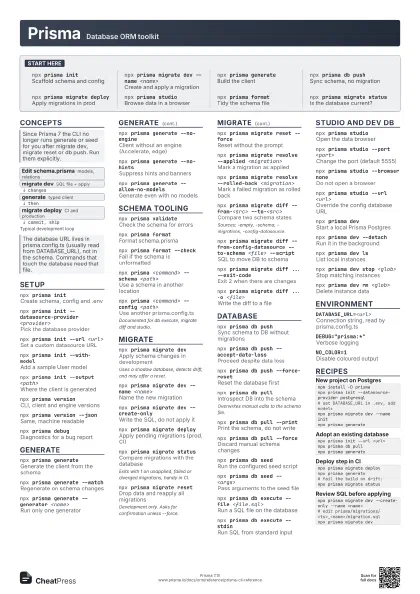
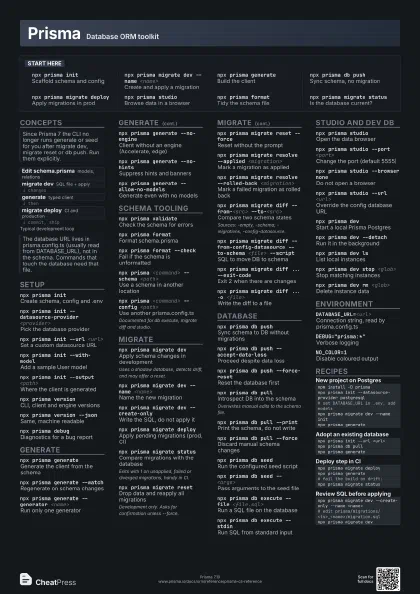
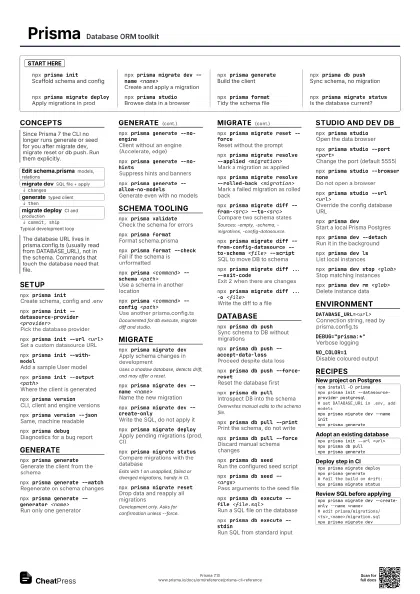
Start here
npx prisma initScaffold schema and config
npx prisma migrate dev --name <name>
Create and apply a migration
npx prisma generate
Build the client
npx prisma db push
Sync schema, no migration
npx prisma migrate deploy
Apply migrations in prod
npx prisma studio
Browse data in a browser
npx prisma format
Tidy the schema file
npx prisma migrate status
Is the database current?
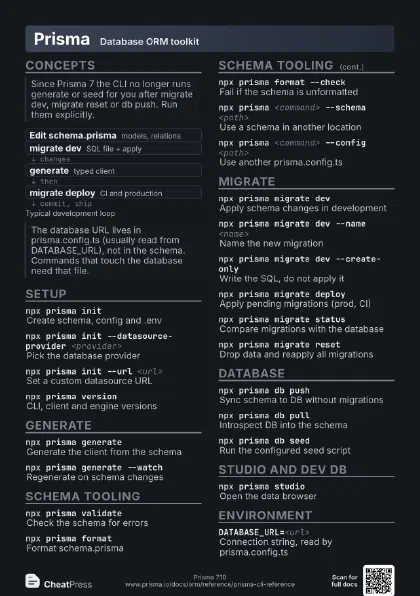
Concepts
- Edit schema.prisma models, relations
- migrate dev SQL file + apply
- generate typed client
- migrate deploy CI and production
Setup
npx prisma initCreate schema, config and .env
npx prisma init --datasource-provider
                    <provider>
Pick the database provider
npx prisma init --url <url>
Set a custom datasource URL
npx prisma init --with-model
Add a sample User model
npx prisma init --output <path>
Where the client is generated
npx prisma version
CLI, client and engine versions
npx prisma version --json
Same, machine readable
npx prisma debug
Diagnostics for a bug report
Generate
npx prisma generate
Generate the client from the schema
npx prisma generate --watch
Regenerate on schema changes
npx prisma generate --generator <name>
Run only one generator
npx prisma generate --no-engine
Client without an engine (Accelerate, edge)
npx prisma generate --no-hints
Suppress hints and banners
npx prisma generate --allow-no-models
Generate even with no models
Schema tooling
npx prisma validate
Check the schema for errors
npx prisma format
Format schema.prisma
npx prisma format --check
Fail if the schema is unformatted
npx prisma <command> --schema <path>
Use a schema in another location
npx prisma <command> --config <path>
Use another prisma.config.ts
Documented for db execute, migrate diff and studio.
Migrate
npx prisma migrate dev
Apply schema changes in development
Uses a shadow database, detects drift, and may offer a reset.
npx prisma migrate dev --name <name>
Name the new migration
npx prisma migrate dev --create-only
Write the SQL, do not apply it
npx prisma migrate deploy
Apply pending migrations (prod, CI)
npx prisma migrate status
Compare migrations with the database
Exits with 1 on unapplied, failed or diverged migrations,
handy in CI.
npx prisma migrate reset
Drop data and reapply all migrations
Development only. Asks for confirmation unless --force.
npx prisma migrate reset --force
Reset without the prompt
npx prisma migrate resolve --applied
                    <migration>
Mark a migration as applied
npx prisma migrate resolve --rolled-back
                    <migration>
Mark a failed migration as rolled back
npx prisma migrate diff --from-<src>
                    --to-<src>
Compare two schema states
Sources: -empty, -schema, -migrations, -config-datasource.
npx prisma migrate diff --from-config-datasource
                    --to-schema <file> --script
SQL to move DB to schema
npx prisma migrate diff ... --exit-code
Exit 2 when there are changes
npx prisma migrate diff ... -o <file>
Write the diff to a file
Database
npx prisma db push
Sync schema to DB without migrations
npx prisma db push --accept-data-loss
Proceed despite data loss
npx prisma db push --force-reset
Reset the database first
npx prisma db pull
Introspect DB into the schema
Overwrites manual edits to the schema file.
npx prisma db pull --print
Print the schema, do not write
npx prisma db pull --force
Discard manual schema changes
npx prisma db seed
Run the configured seed script
npx prisma db seed -- <args>
Pass arguments to the seed file
npx prisma db execute --file <file.sql>
Run a SQL file on the database
npx prisma db execute --stdin
Run SQL from standard input
Studio and dev DB
npx prisma studio
Open the data browser
npx prisma studio --port <port>
Change the port (default 5555)
npx prisma studio --browser none
Do not open a browser
npx prisma studio --url <url>
Override the config database URL
npx prisma devStart a local Prisma Postgres
npx prisma dev --detach
Run it in the background
npx prisma dev ls
List local instances
npx prisma dev stop <glob>
Stop matching instances
npx prisma dev rm <glob>
Delete instance data
Environment
DATABASE_URL=<url>
Connection string, read by prisma.config.ts
DEBUG="prisma:*"
Verbose logging
NO_COLOR=1Disable coloured output
Recipes
npm install -D prismanpx prisma init --datasource-provider postgresql# set DATABASE_URL in .env, add modelsnpx prisma migrate dev --name initnpx prisma generatenpx prisma init --url <url>npx prisma db pullnpx prisma generatenpx prisma migrate deploynpx prisma generate# fail the build on drift:npx prisma migrate statusnpx prisma migrate dev --create-only --name <name># edit prisma/migrations/<ts>_<name>/migration.sqlnpx prisma migrate dev