Cheat
nvtop GPU monitor
 Light · Postcard
102 × 152 mm · PDF
 Dark · Postcard
102 × 152 mm · PDF
 Ink saver · Postcard
102 × 152 mm · PDF
 Light · A4 landscape
297 × 210 mm · PDF
 Dark · A4 landscape
297 × 210 mm · PDF
 Ink saver · A4 landscape
297 × 210 mm · PDF
 Light · A3 landscape
420 × 297 mm · PDF
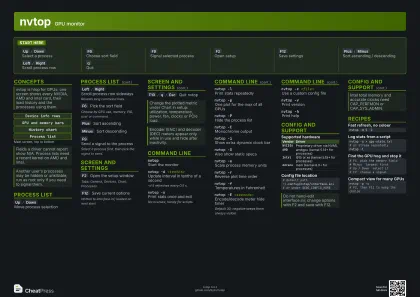 Dark · A3 landscape
420 × 297 mm · PDF
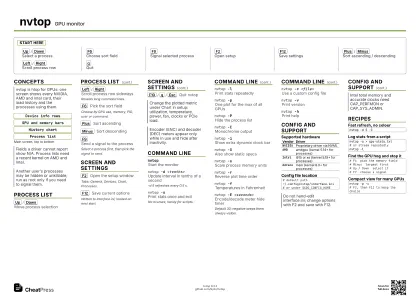 Ink saver · A3 landscape
420 × 297 mm · PDF
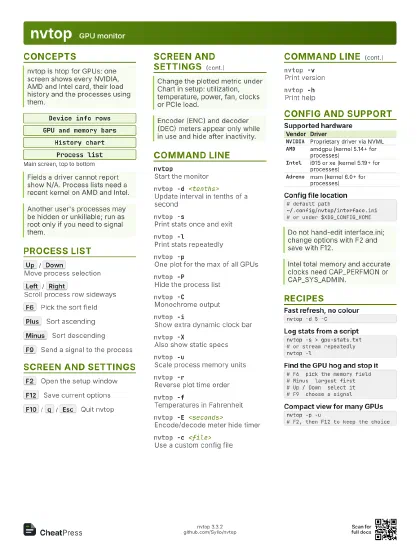
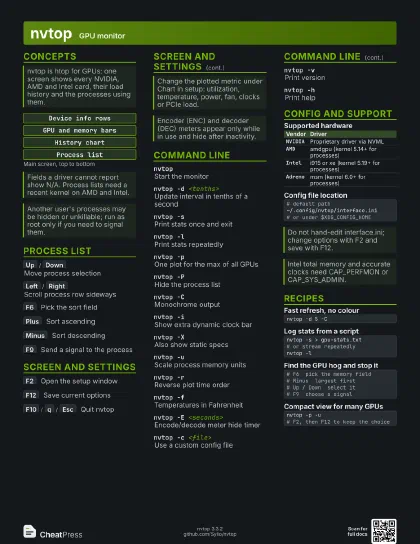
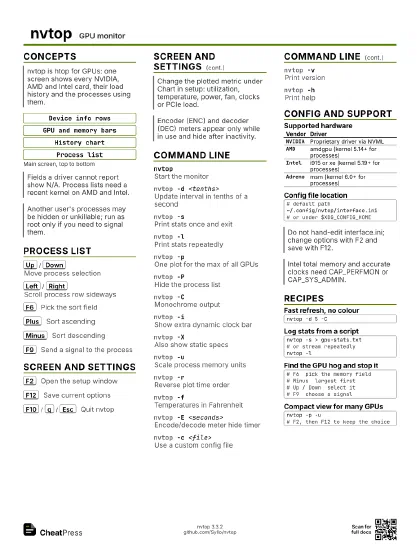
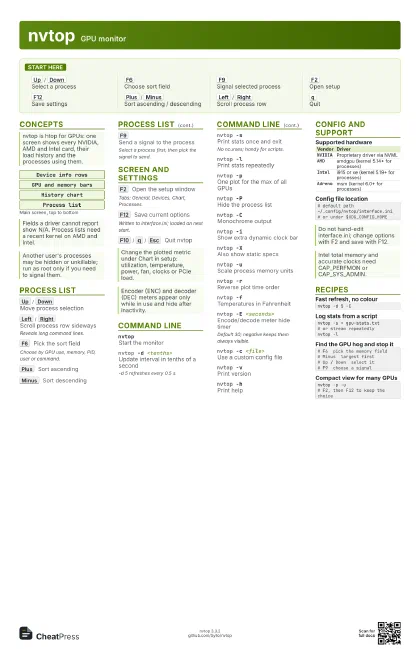
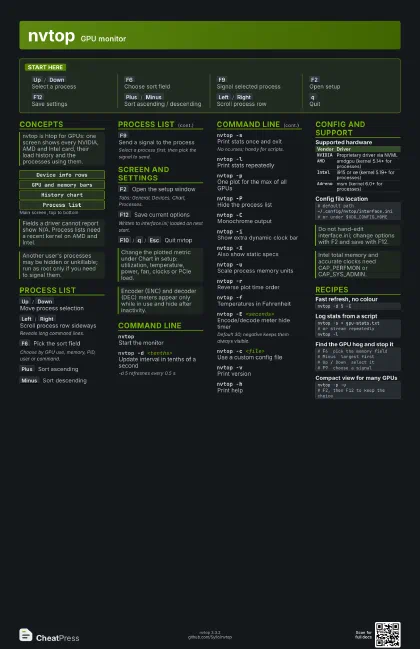
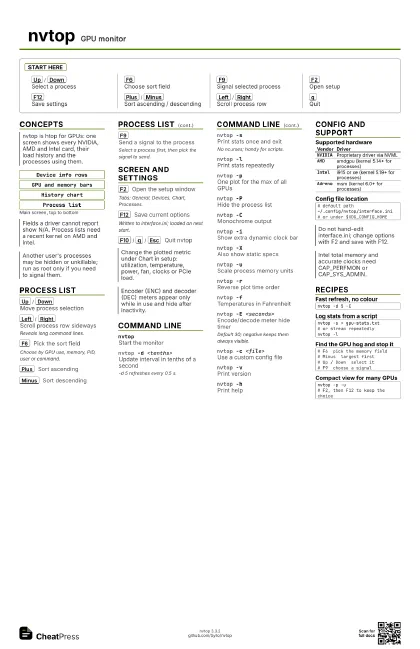
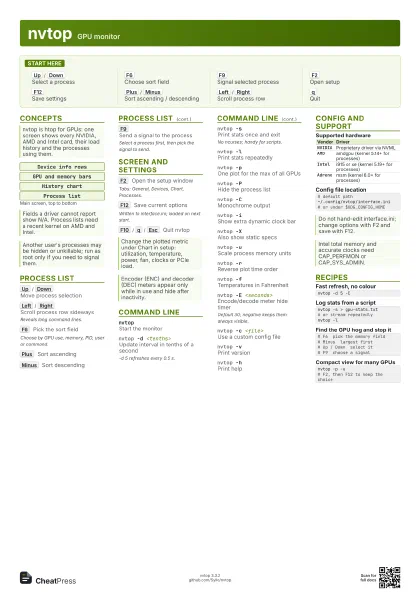
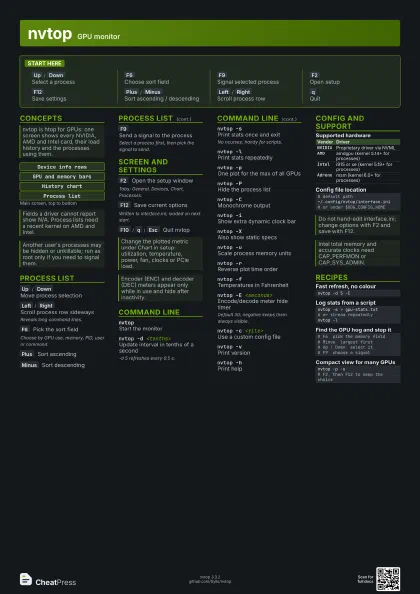
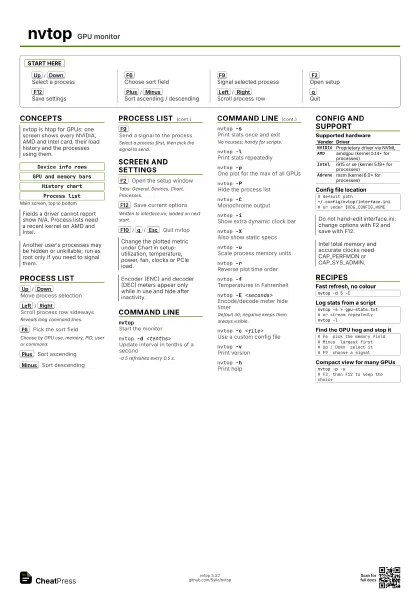
Start here
Up
/
Down
Select a process
F6
Choose sort field
F9
Signal selected process
F2
Open setup
F12
Save settings
Plus
/
Minus
Sort ascending / descending
Left
/
Right
Scroll process row
q
Quit
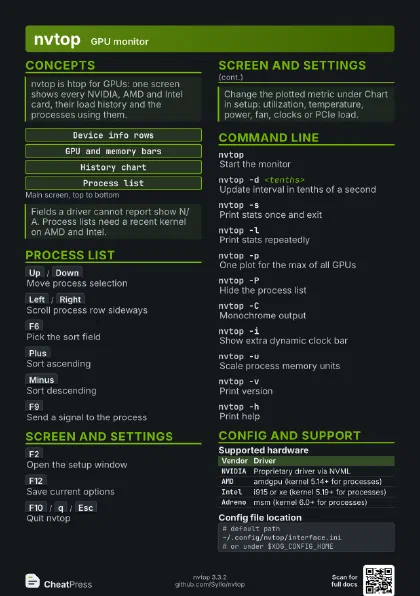
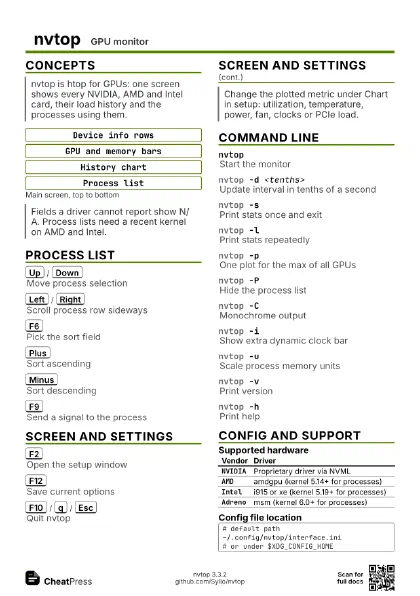
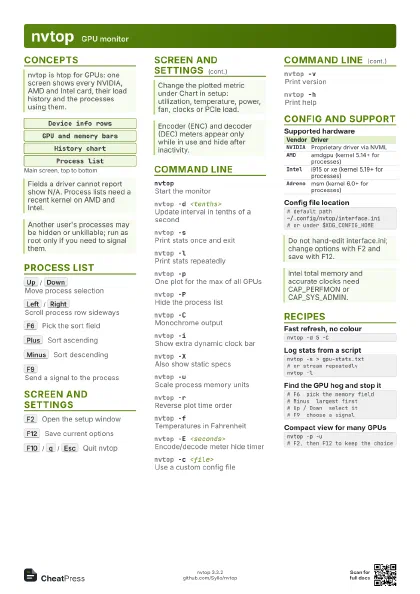
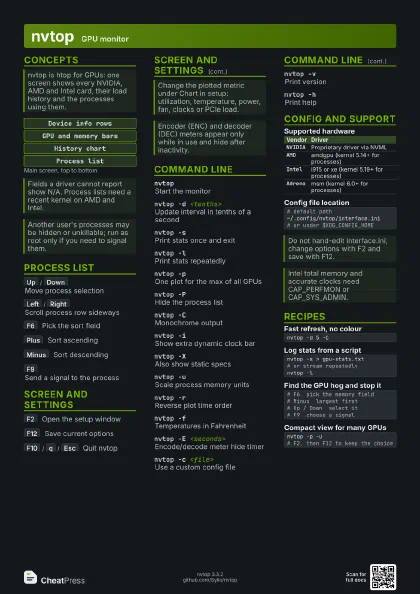
Concepts
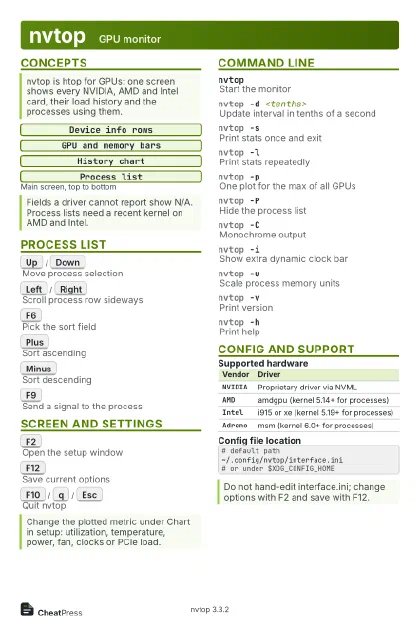
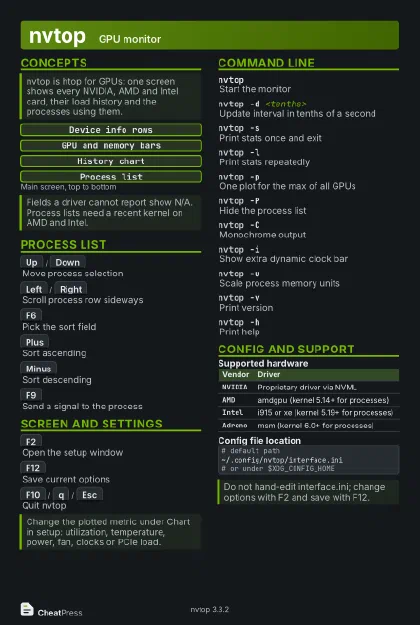
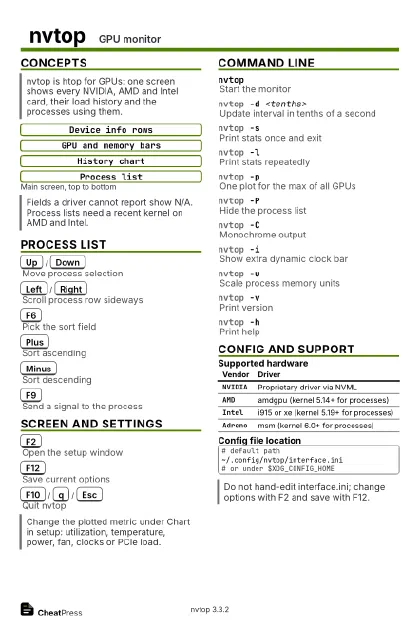
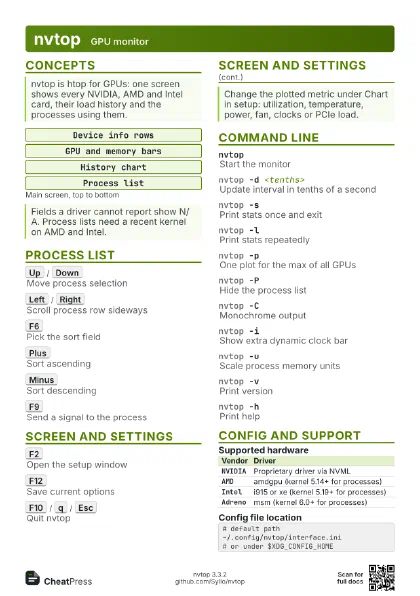
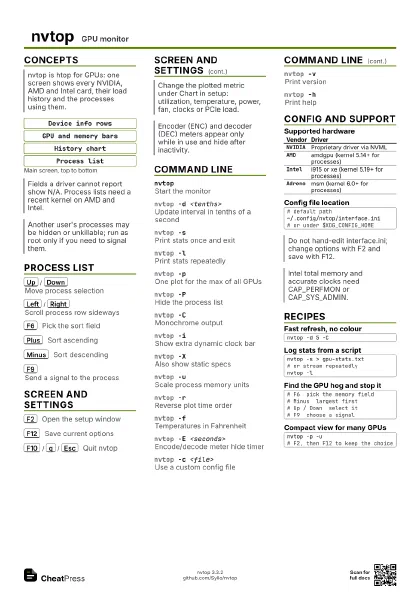
Device info rows
GPU and memory bars
History chart
Process list
Process List
Up
/
Down
Move process selection
Left
/
Right
Scroll process row sideways
Reveals long command lines.
F6
Pick the sort field
Choose by GPU use, memory, PID, user or command.
Plus
Sort ascending
Minus
Sort descending
F9
Send a signal to the process
Select a process first, then pick the signal to send.
Screen and Settings
F2
Open the setup window
Tabs: General, Devices, Chart, Processes.
F12
Save current options
Written to interface.ini; loaded on next start.
F10
/
q
/
Esc
Quit nvtop
Command Line
nvtopStart the monitor
nvtop -d <tenths>
Update interval in tenths of a second
-d 5 refreshes every 0.5 s.
nvtop -sPrint stats once and exit
No ncurses; handy for scripts.
nvtop -lPrint stats repeatedly
nvtop -pOne plot for the max of all GPUs
nvtop -PHide the process list
nvtop -CMonochrome output
nvtop -iShow extra dynamic clock bar
nvtop -XAlso show static specs
nvtop -uScale process memory units
nvtop -rReverse plot time order
nvtop -fTemperatures in Fahrenheit
nvtop -E <seconds>
Encode/decode meter hide timer
Default 30; negative keeps them always visible.
nvtop -c <file>
Use a custom config file
nvtop -vPrint version
nvtop -hPrint help
Config and Support
| Vendor | Driver |
|---|---|
NVIDIA |
Proprietary driver via NVML |
AMD |
amdgpu (kernel 5.14+ for processes) |
Intel |
i915 or xe (kernel 5.19+ for processes) |
Adreno |
msm (kernel 6.0+ for processes) |
# default path~/.config/nvtop/interface.ini# or under $XDG_CONFIG_HOMERecipes
nvtop -d 5 -Cnvtop -s > gpu-stats.txt# or stream repeatedlynvtop -l# F6 pick the memory field# Minus largest first# Up / Down select it# F9 choose a signalnvtop -p -u# F2, then F12 to keep the choice