Cheat
mdBook Markdown books
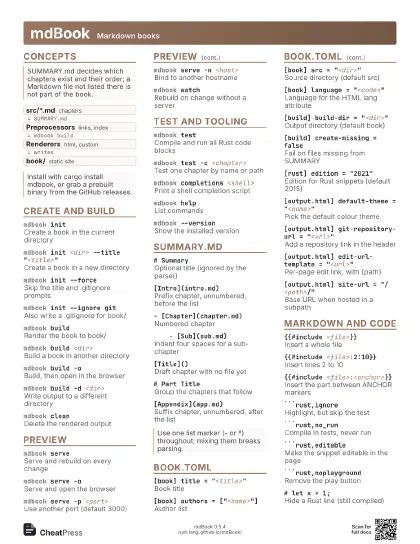
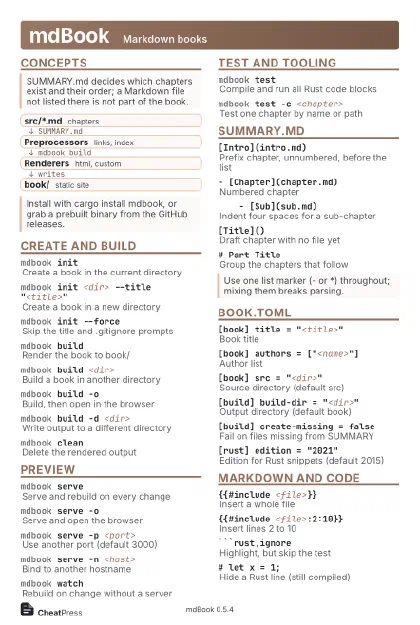 Light · Postcard
102 × 152 mm · PDF
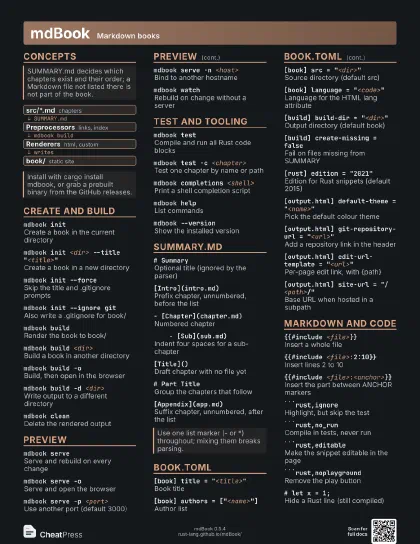
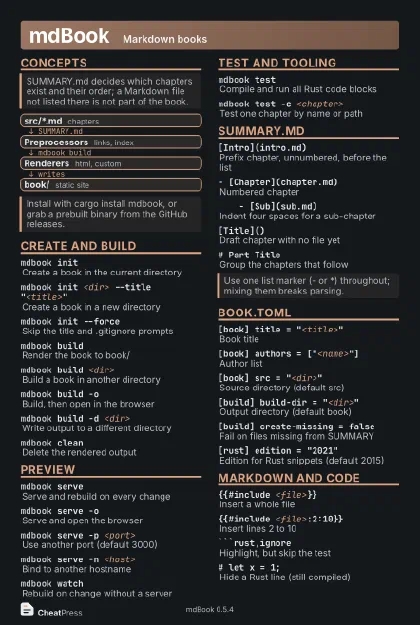 Dark · Postcard
102 × 152 mm · PDF
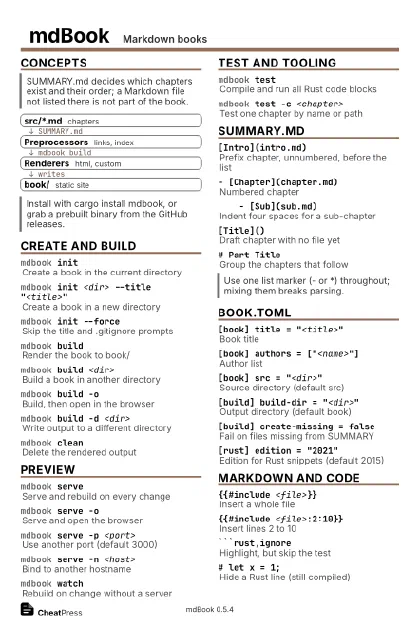 Ink saver · Postcard
102 × 152 mm · PDF
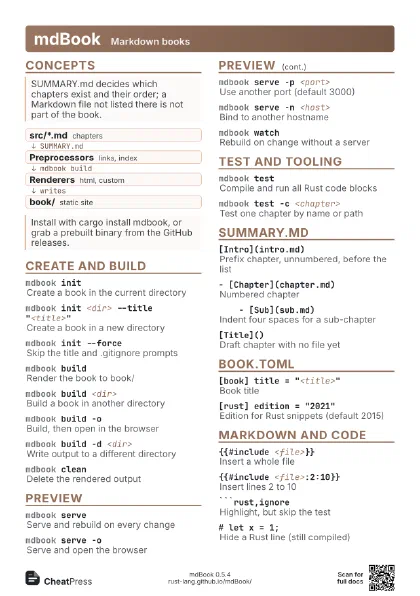
 Light · A4 landscape
297 × 210 mm · PDF
 Dark · A4 landscape
297 × 210 mm · PDF
 Ink saver · A4 landscape
297 × 210 mm · PDF
 Light · A3 landscape
420 × 297 mm · PDF
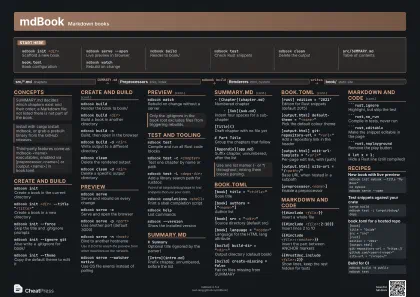 Dark · A3 landscape
420 × 297 mm · PDF
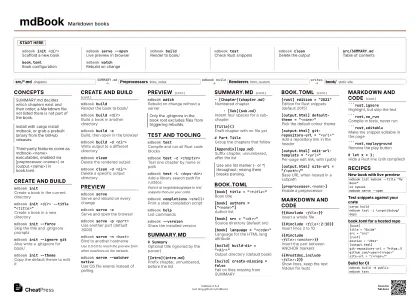 Ink saver · A3 landscape
420 × 297 mm · PDF
Start here
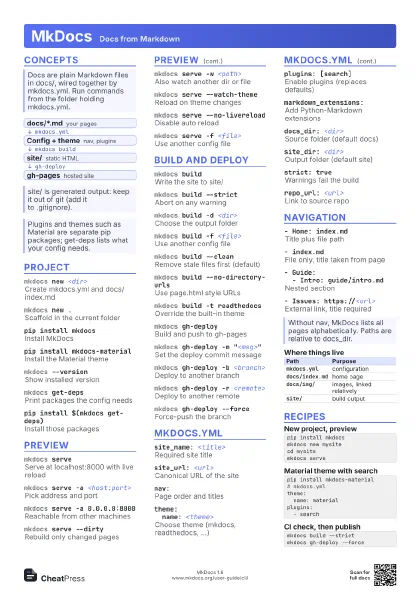
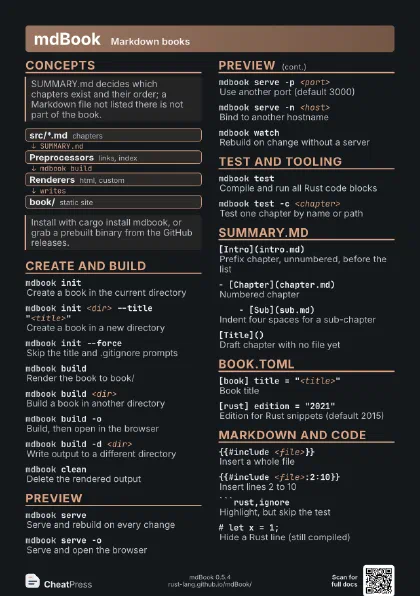
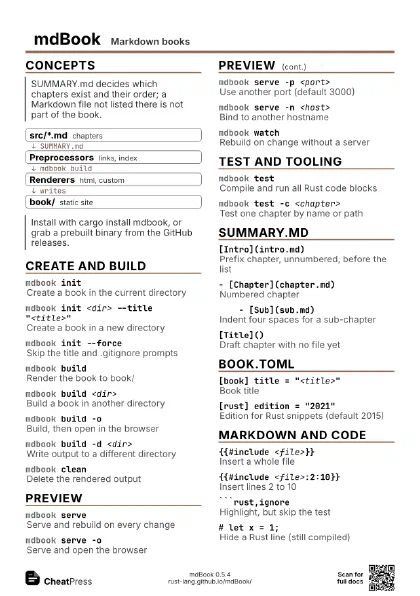
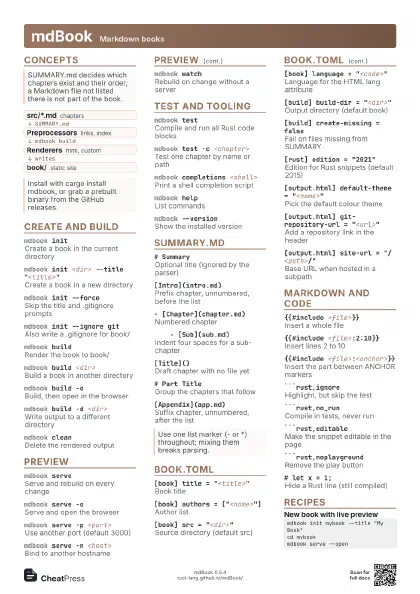
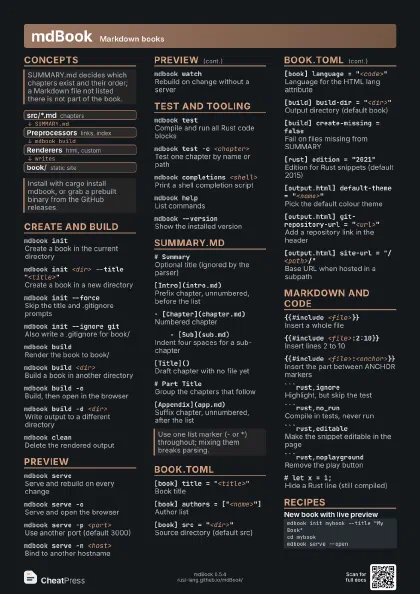
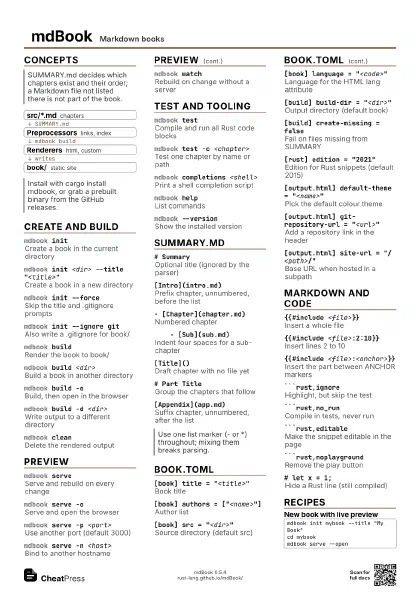
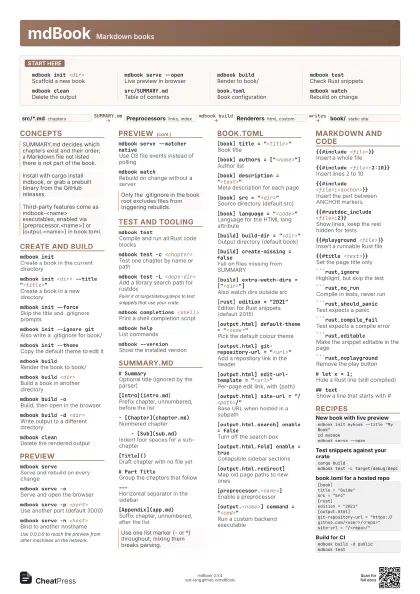
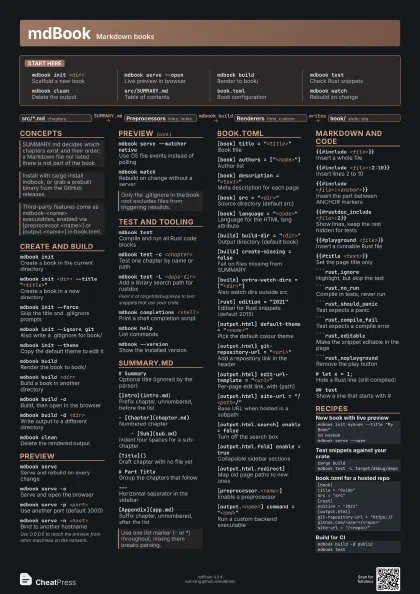
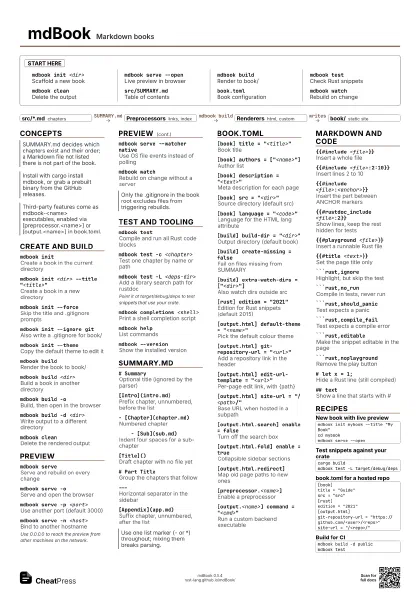
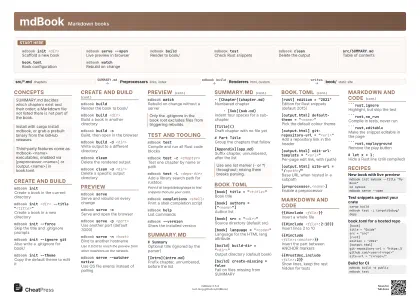
mdbook init <dir>
Scaffold a new book
mdbook serve --open
Live preview in browser
mdbook buildRender to book/
mdbook testCheck Rust snippets
mdbook cleanDelete the output
src/SUMMARY.mdTable of contents
book.tomlBook configuration
mdbook watchRebuild on change
Concepts
- src/*.md chapters
- Preprocessors links, index
- Renderers html, custom
- book/ static site
Create and build
mdbook initCreate a book in the current directory
mdbook init <dir> --title
                    "<title>"
Create a book in a new directory
mdbook init --force
Skip the title and .gitignore prompts
mdbook init --ignore git
Also write a .gitignore for book/
mdbook init --theme
Copy the default theme to edit it
mdbook buildRender the book to book/
mdbook build <dir>
Build a book in another directory
mdbook build -oBuild, then open in the browser
mdbook build -d <dir>
Write output to a different directory
mdbook cleanDelete the rendered output
mdbook clean -d <dir>
Delete a specific output directory
Preview
mdbook serveServe and rebuild on every change
mdbook serve -oServe and open the browser
mdbook serve -p <port>
Use another port (default 3000)
mdbook serve -n <host>
Bind to another hostname
Use 0.0.0.0 to reach the preview from other machines on the
network.
mdbook serve --watcher native
Use OS file events instead of polling
mdbook watchRebuild on change without a server
mdbook watch -oRebuild on change and open the output
Test and tooling
mdbook testCompile and run all Rust code blocks
mdbook test -c <chapter>
Test one chapter by name or path
mdbook test -L <deps-dir>
Add a library search path for rustdoc
Point it at target/debug/deps to test snippets that use your
crate.
mdbook completions <shell>
Print a shell completion script
mdbook completions bash > <file>
Install bash completions
mdbook helpList commands
mdbook --version
Show the installed version
SUMMARY.md
# SummaryOptional title (ignored by the parser)
[Intro](intro.md)
Prefix chapter, unnumbered, before the list
- [Chapter](chapter.md)
Numbered chapter
- [Sub](sub.md)
Indent four spaces for a sub-chapter
[Title]()Draft chapter with no file yet
# Part TitleGroup the chapters that follow
---Horizontal separator in the sidebar
[Appendix](app.md)
Suffix chapter, unnumbered, after the list
book.toml
[book] title = "<title>"
Book title
[book] authors = ["<name>"]
Author list
[book] description = "<text>"
Meta description for each page
[book] src = "<dir>"
Source directory (default src)
[book] language = "<code>"
Language for the HTML lang attribute
[build] build-dir = "<dir>"
Output directory (default book)
[build] create-missing = false
Fail on files missing from SUMMARY
[build] extra-watch-dirs = ["<dir>"]
Also watch dirs outside src
[rust] edition = "2021"
Edition for Rust snippets (default 2015)
[output.html] default-theme = "<name>"
Pick the default colour theme
[output.html] git-repository-url =
                    "<url>"
Add a repository link in the header
[output.html] edit-url-template =
                    "<url>"
Per-page edit link, with {path}
[output.html] site-url = "/<path>/"
Base URL when hosted in a subpath
[output.html.search] enable = false
Turn off the search box
[output.html.fold] enable = true
Collapsible sidebar sections
[output.html.redirect]
Map old page paths to new ones
[preprocessor.<name>]
Enable a preprocessor
[output.<name>] command = "<cmd>"
Run a custom backend executable
Markdown and code
{{#include <file>}}
Insert a whole file
{{#include <file>:2:10}}
Insert lines 2 to 10
{{#include <file>:<anchor>}}
Insert the part between ANCHOR markers
{{#rustdoc_include <file>:2}}
Show lines, keep the rest hidden for tests
{{#playground <file>}}
Insert a runnable Rust file
{{#title <text>}}
Set the page title only
```rust,ignoreHighlight, but skip the test
```rust,no_runCompile in tests, never run
```rust,should_panic
Test expects a panic
```rust,compile_fail
Test expects a compile error
```rust,editable
Make the snippet editable in the page
```rust,noplayground
Remove the play button
# let x = 1;Hide a Rust line (still compiled)
## textShow a line that starts with #
```rust,edition2021
Force an edition for one block
python = "~"
hidelines prefix in [output.html.code.hidelines]
Recipes
mdbook init mybook --title "My Book"cd mybookmdbook serve --opencargo buildmdbook test -L target/debug/deps[book]title = "Guide"src = "src"[rust]edition = "2021"[output.html]git-repository-url = "https://github.com/<user>/<repo>"site-url = "/<repo>/"mdbook build -d publicmdbook test