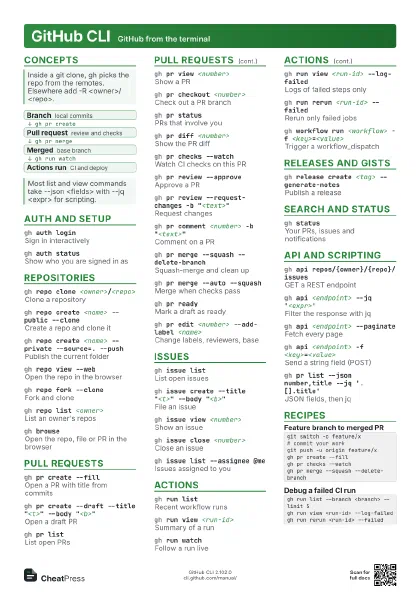
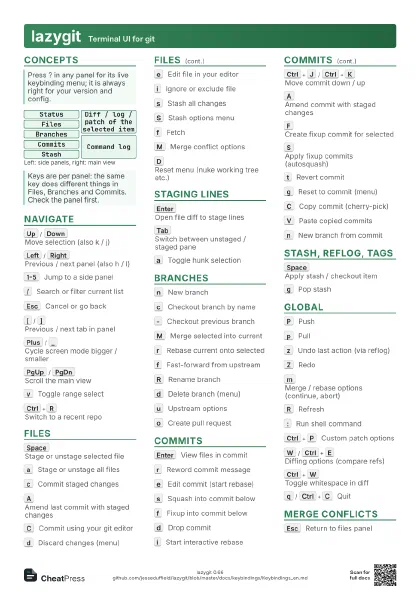
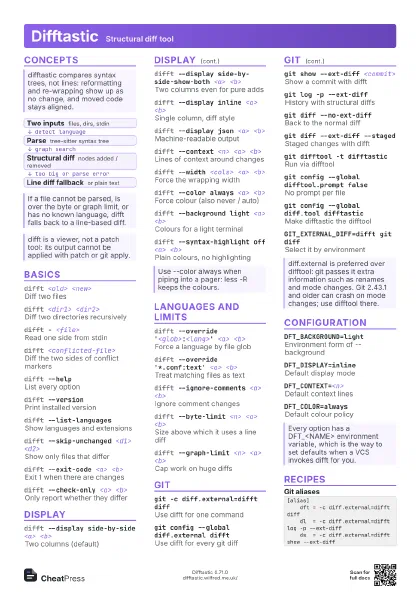
Cheat
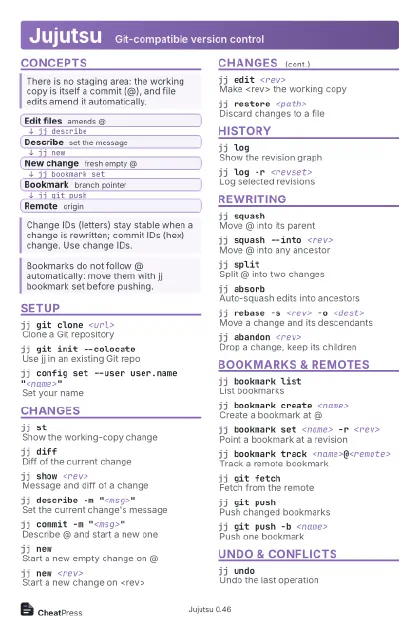
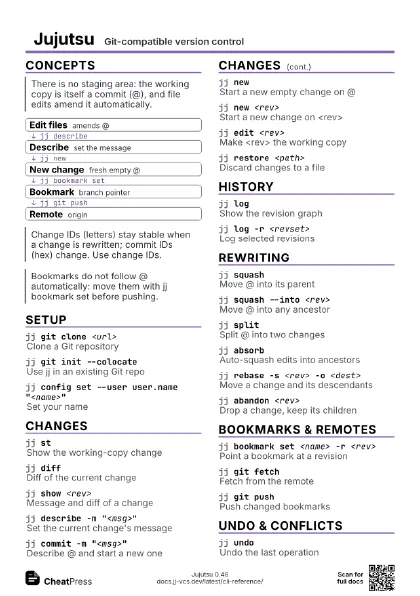
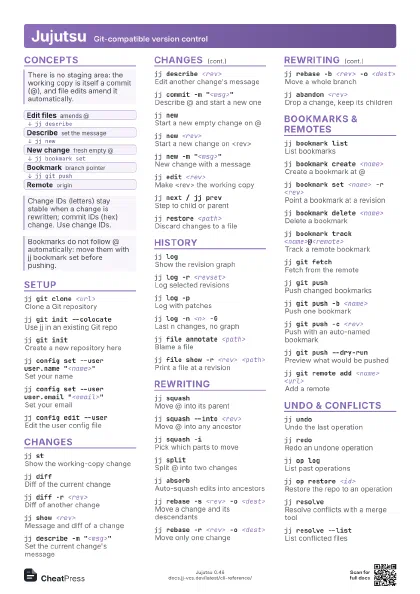
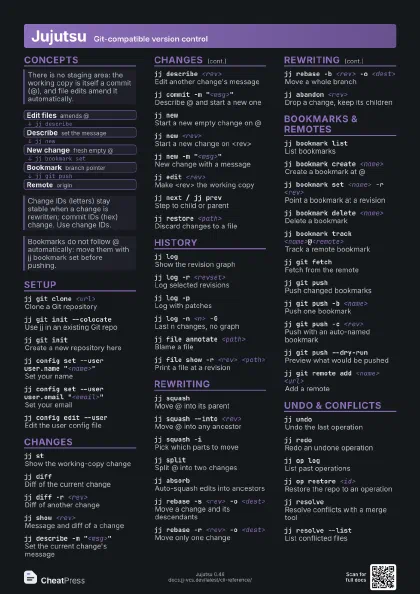
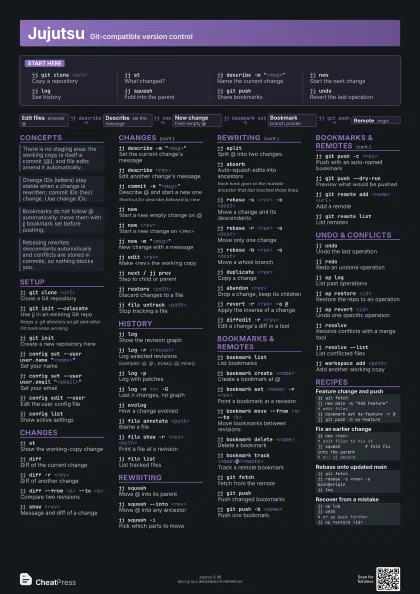
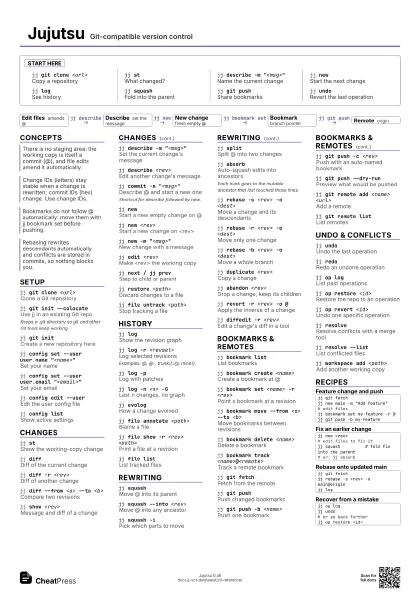
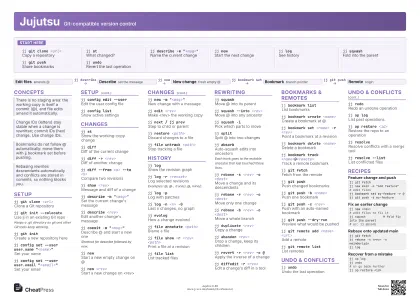
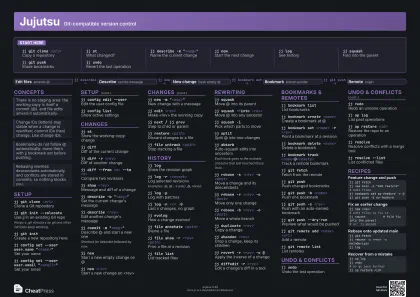
Jujutsu Git-compatible version control
 Light · Postcard
102 × 152 mm · PDF
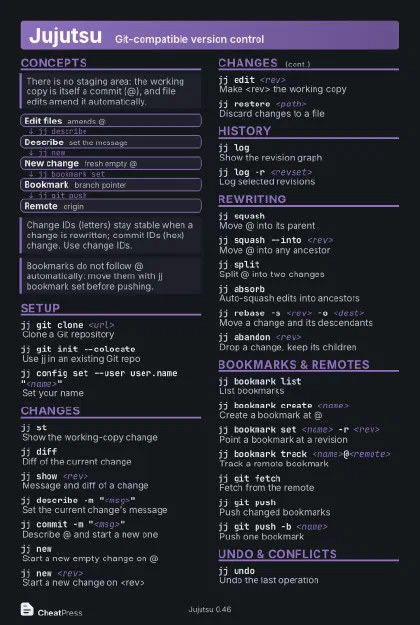 Dark · Postcard
102 × 152 mm · PDF
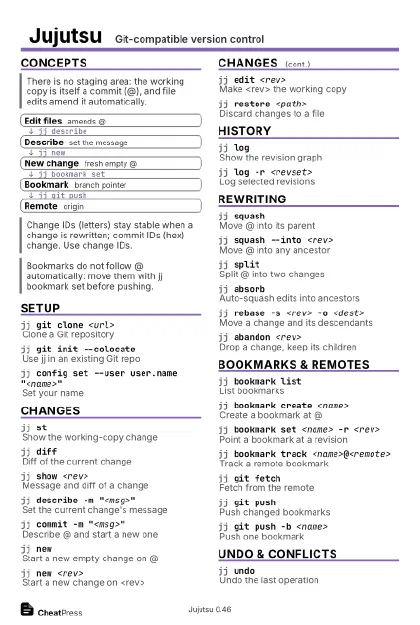 Ink saver · Postcard
102 × 152 mm · PDF
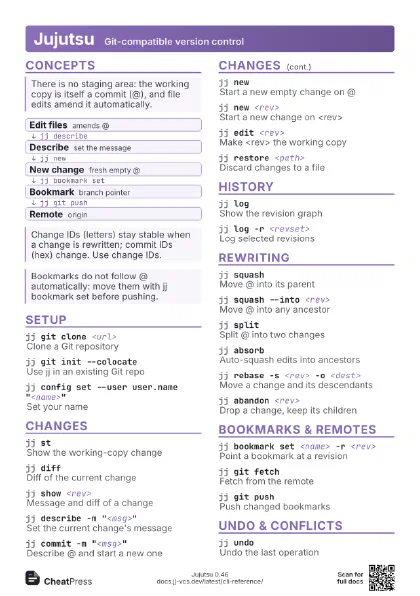
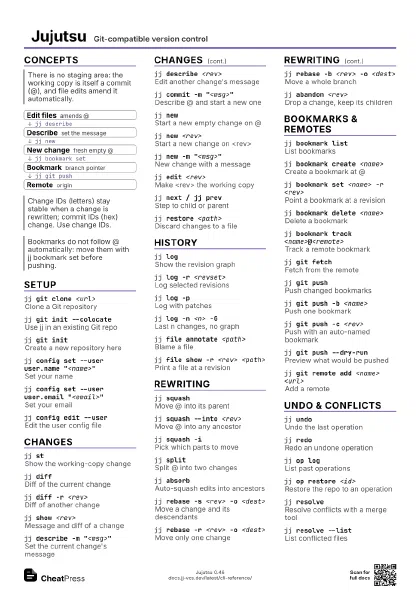
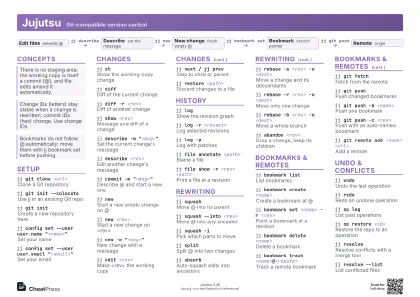 Light · A4 landscape
297 × 210 mm · PDF
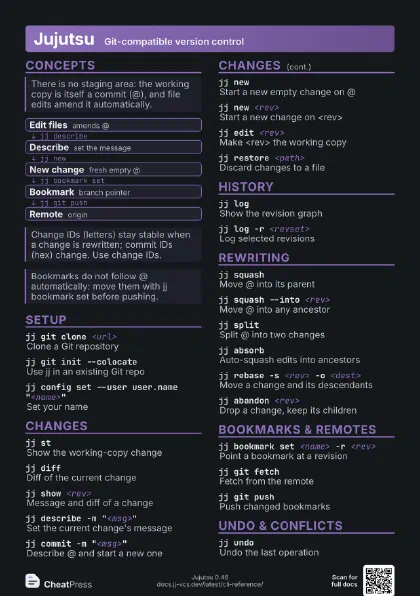
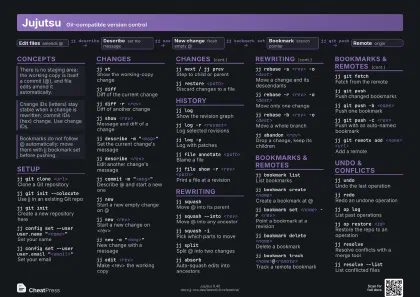 Dark · A4 landscape
297 × 210 mm · PDF
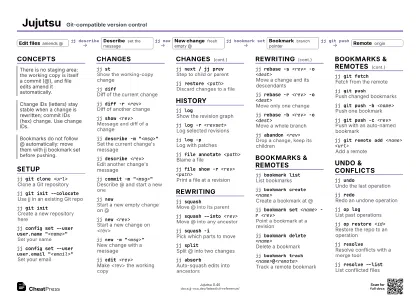 Ink saver · A4 landscape
297 × 210 mm · PDF
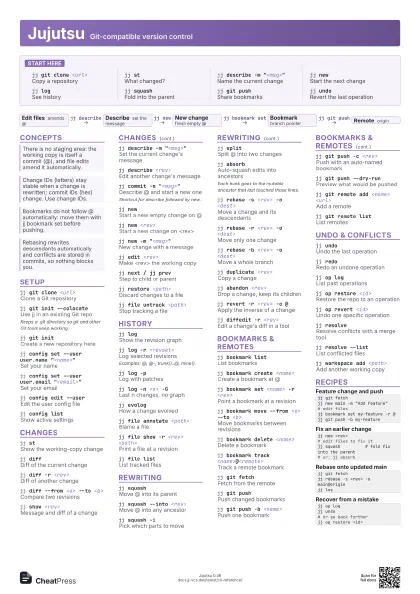
 Light · A3 landscape
420 × 297 mm · PDF
 Dark · A3 landscape
420 × 297 mm · PDF
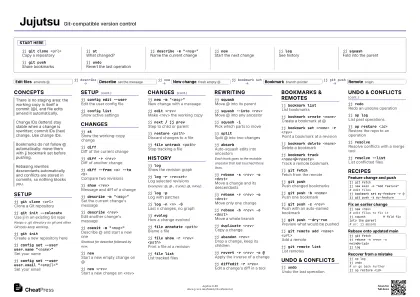 Ink saver · A3 landscape
420 × 297 mm · PDF
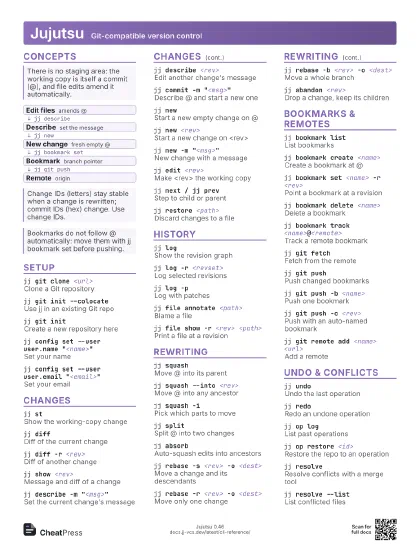
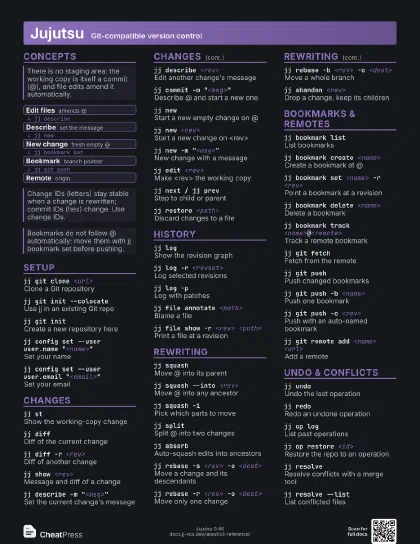
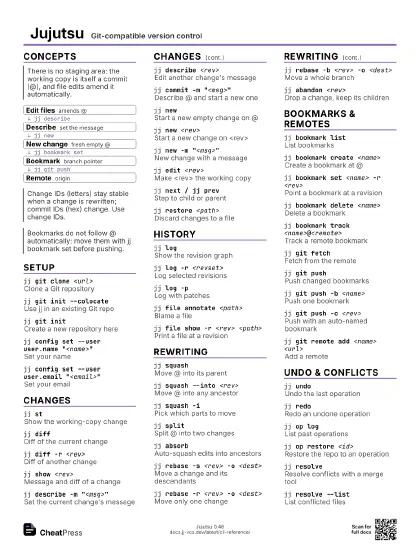
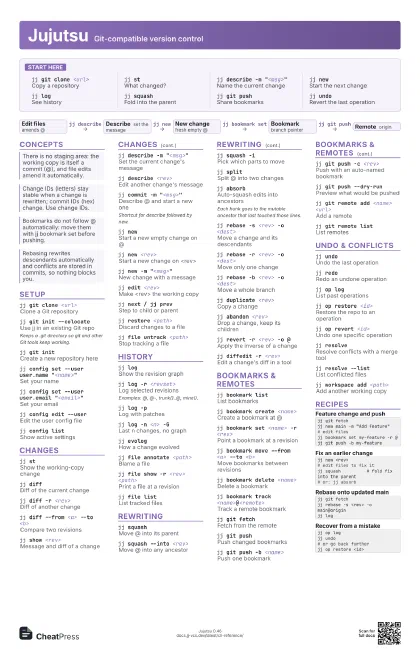
Start here
jj git clone <url>
Copy a repository
jj stWhat changed?
jj describe -m "<msg>"
Name the current change
jj newStart the next change
jj logSee history
jj squashFold into the parent
jj git pushShare bookmarks
jj undoRevert the last operation
Concepts
- Edit files amends @
- Describe set the message
- New change fresh empty @
- Bookmark branch pointer
- Remote origin
Setup
jj git clone <url>
Clone a Git repository
jj git init --colocate
Use jj in an existing Git repo
Keeps a .git directory so git and other Git tools keep
working.
jj git initCreate a new repository here
jj config set --user user.name "<name>"
Set your name
jj config set --user user.email
                    "<email>"
Set your email
jj config edit --user
Edit the user config file
jj config listShow active settings
Changes
jj stShow the working-copy change
jj diffDiff of the current change
jj diff -r <rev>
Diff of another change
jj diff --from <a> --to <b>
Compare two revisions
jj show <rev>
Message and diff of a change
jj describe -m "<msg>"
Set the current change's message
jj describe <rev>
Edit another change's message
jj commit -m "<msg>"
Describe @ and start a new one
Shortcut for describe followed by new.
jj newStart a new empty change on @
jj new <rev>
Start a new change on <rev>
jj new -m "<msg>"
New change with a message
jj edit <rev>
Make <rev> the working copy
jj next / jj prev
Step to child or parent
jj restore <path>
Discard changes to a file
jj file untrack <path>
Stop tracking a file
History
jj logShow the revision graph
jj log -r <revset>
Log selected revisions
Examples: @, @-, trunk()..@, mine().
jj log -pLog with patches
jj log -n <n> -G
Last n changes, no graph
jj evologHow a change evolved
jj file annotate <path>
Blame a file
jj file show -r <rev> <path>
Print a file at a revision
jj file listList tracked files
Rewriting
jj squashMove @ into its parent
jj squash --into <rev>
Move @ into any ancestor
jj squash -iPick which parts to move
jj splitSplit @ into two changes
jj absorbAuto-squash edits into ancestors
Each hunk goes to the mutable ancestor that last touched those
lines.
jj rebase -s <rev> -o <dest>
Move a change and its descendants
jj rebase -r <rev> -o <dest>
Move only one change
jj rebase -b <rev> -o <dest>
Move a whole branch
jj duplicate <rev>
Copy a change
jj abandon <rev>
Drop a change, keep its children
jj revert -r <rev> -o @
Apply the inverse of a change
jj diffedit -r <rev>
Edit a change's diff in a tool
Bookmarks & remotes
jj bookmark list
List bookmarks
jj bookmark create <name>
Create a bookmark at @
jj bookmark set <name> -r <rev>
Point a bookmark at a revision
jj bookmark move --from <a> --to <b>
Move bookmarks between revisions
jj bookmark delete <name>
Delete a bookmark
jj bookmark track <name>@<remote>
Track a remote bookmark
jj git fetchFetch from the remote
jj git pushPush changed bookmarks
jj git push -b <name>
Push one bookmark
jj git push -c <rev>
Push with an auto-named bookmark
jj git push --dry-run
Preview what would be pushed
jj git remote add <name> <url>
Add a remote
jj git remote list
List remotes
Undo & conflicts
jj undoUndo the last operation
jj redoRedo an undone operation
jj op logList past operations
jj op restore <id>
Restore the repo to an operation
jj op revert <id>
Undo one specific operation
jj resolveResolve conflicts with a merge tool
jj resolve --list
List conflicted files
jj workspace add <path>
Add another working copy
Recipes
jj git fetchjj new main -m "Add feature"# edit filesjj bookmark set my-feature -r @jj git push -b my-featurejj new <rev># edit files to fix itjj squash # fold fix into the parent# or: jj absorbjj git fetchjj rebase -s <rev> -o main@originjj logjj op logjj undo# or go back furtherjj op restore <id>