Cheat
Duplicity Encrypted incremental backups
 Light · Postcard
102 × 152 mm · PDF
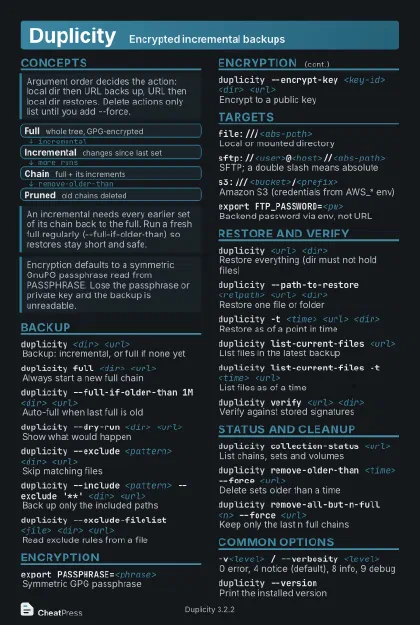 Dark · Postcard
102 × 152 mm · PDF
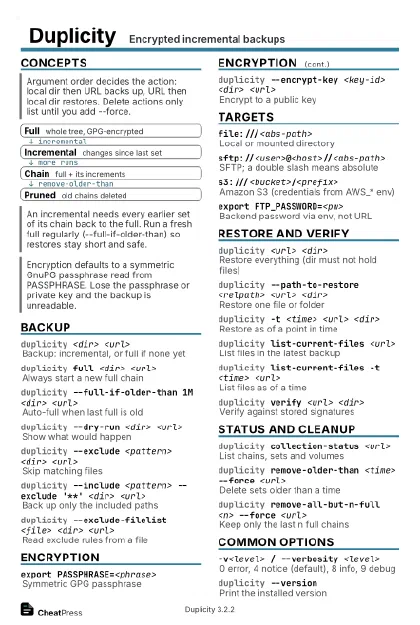 Ink saver · Postcard
102 × 152 mm · PDF
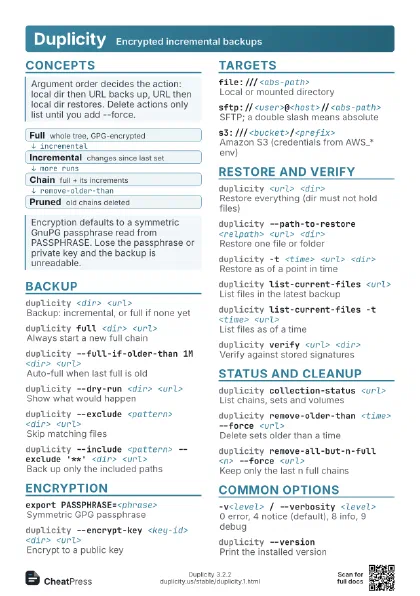
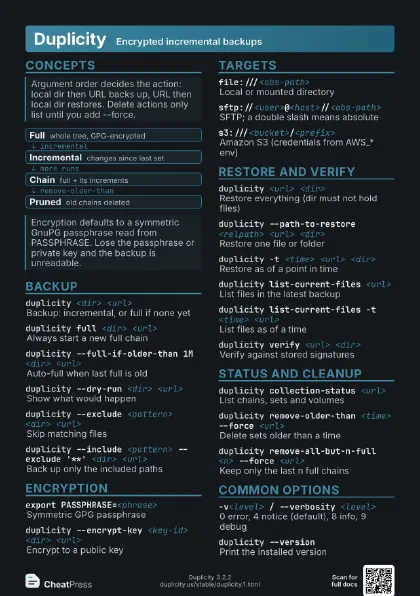
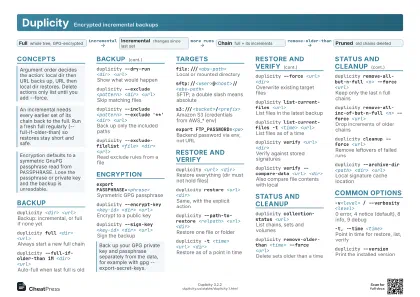 Light · A4 landscape
297 × 210 mm · PDF
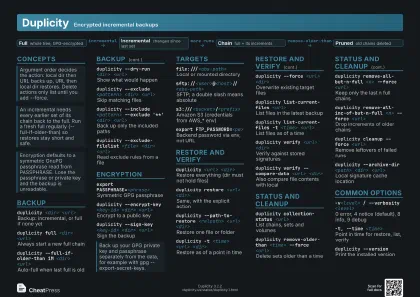 Dark · A4 landscape
297 × 210 mm · PDF
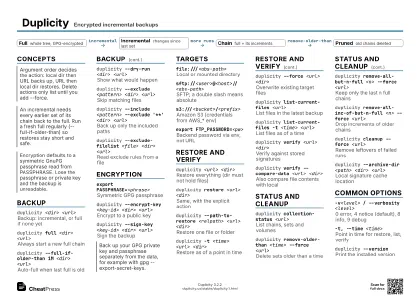 Ink saver · A4 landscape
297 × 210 mm · PDF
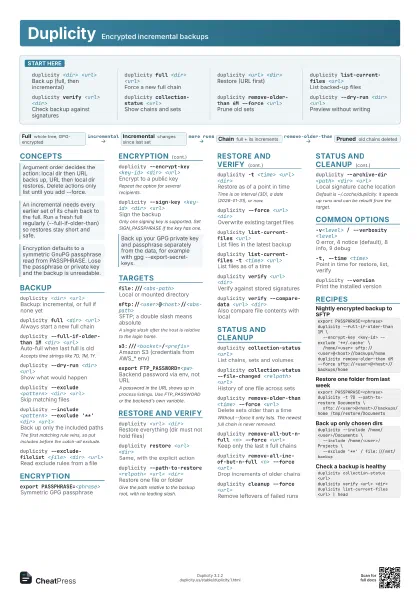
 Light · A3 landscape
420 × 297 mm · PDF
 Dark · A3 landscape
420 × 297 mm · PDF
 Ink saver · A3 landscape
420 × 297 mm · PDF
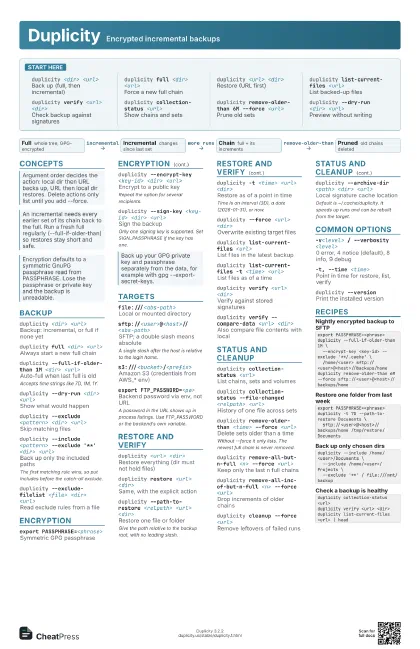
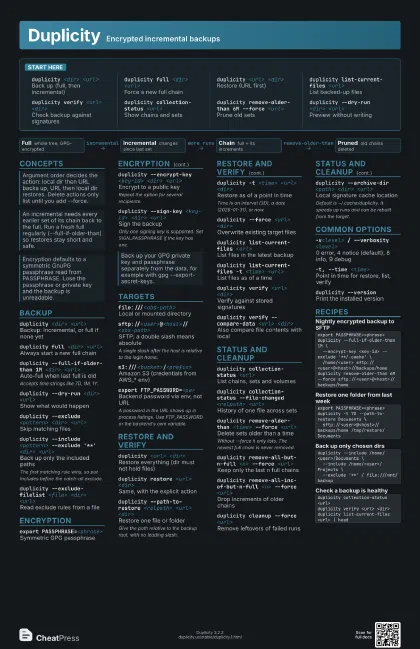
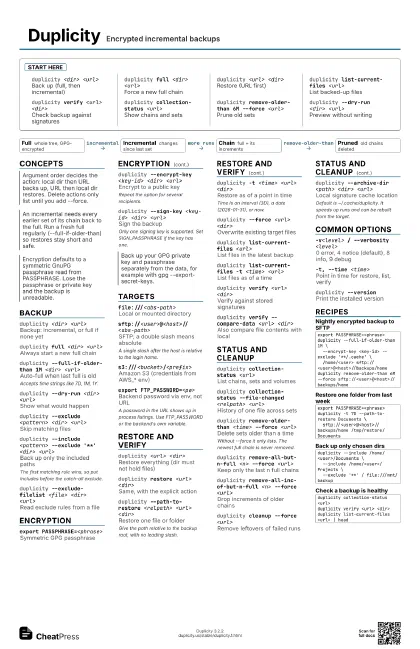
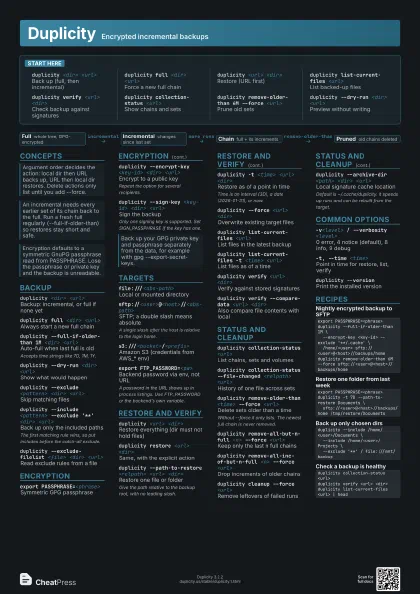
Start here
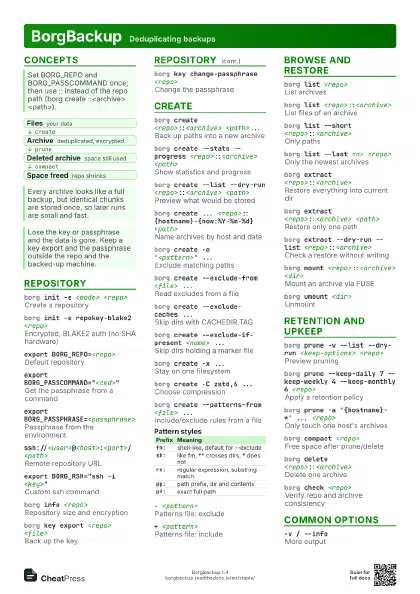
duplicity <dir> <url>
Back up (full, then incremental)
duplicity full <dir> <url>
Force a new full chain
duplicity <url> <dir>
Restore (URL first)
duplicity list-current-files <url>
List backed-up files
duplicity verify <url> <dir>
Check backup against signatures
duplicity collection-status <url>
Show chains and sets
duplicity remove-older-than 6M --force <url>
Prune old sets
duplicity --dry-run <dir> <url>
Preview without writing
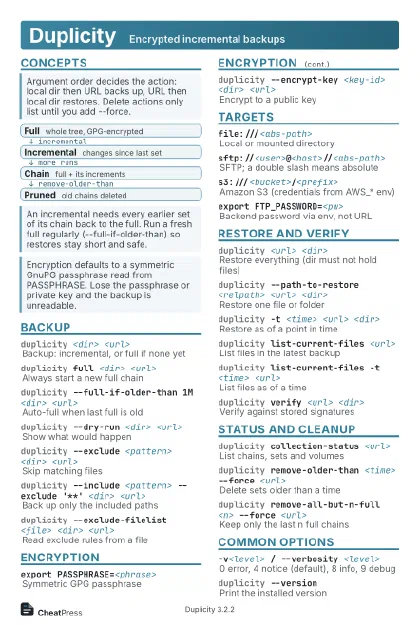
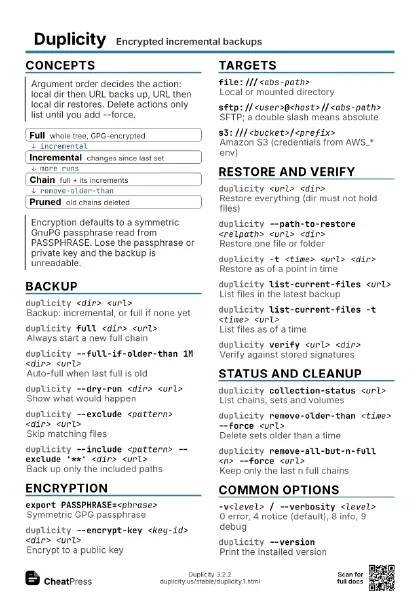
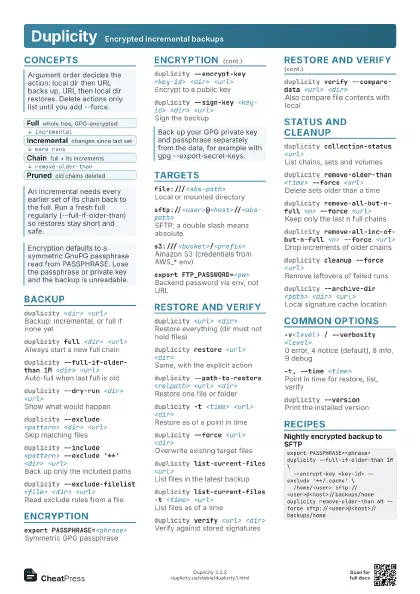
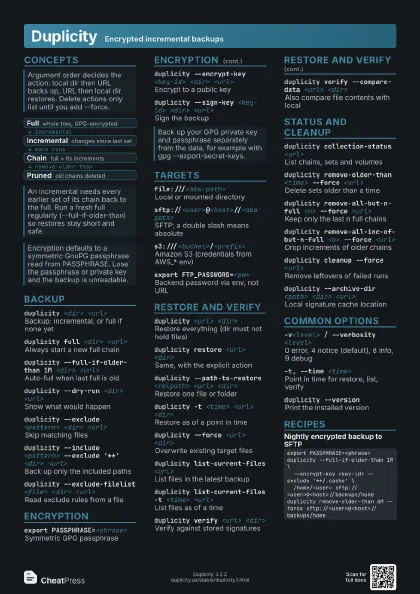
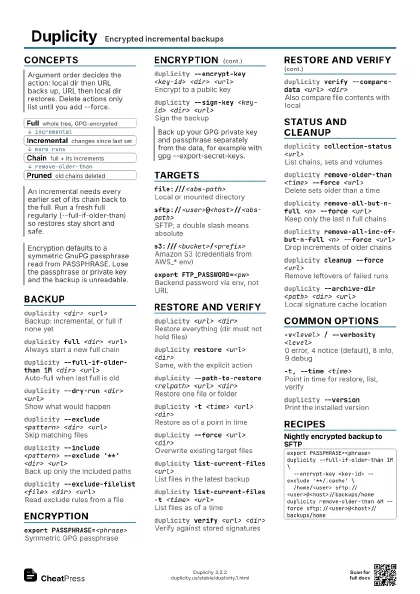
Concepts
- Full whole tree, GPG-encrypted
- Incremental changes since last set
- Chain full + its increments
- Pruned old chains deleted
Backup
duplicity <dir> <url>
Backup: incremental, or full if none yet
duplicity full <dir> <url>
Always start a new full chain
duplicity --full-if-older-than 1M <dir>
                    <url>
Auto-full when last full is old
Accepts time strings like 7D, 1M, 1Y.
duplicity --dry-run <dir> <url>
Show what would happen
duplicity --exclude <pattern> <dir>
                    <url>
Skip matching files
duplicity --include <pattern> --exclude '**'
                    <dir> <url>
Back up only the included paths
The first matching rule wins, so put includes before the
catch-all exclude.
duplicity --exclude-filelist <file> <dir>
                    <url>
Read exclude rules from a file
Encryption
export PASSPHRASE=<phrase>
Symmetric GPG passphrase
duplicity --encrypt-key <key-id> <dir>
                    <url>
Encrypt to a public key
Repeat the option for several recipients.
duplicity --sign-key <key-id> <dir>
                    <url>
Sign the backup
Only one signing key is supported. Set SIGN_PASSPHRASE if the
key has one.
Targets
file:///<abs-path>
Local or mounted directory
sftp://<user>@<host>//<abs-path>
SFTP; a double slash means absolute
A single slash after the host is relative to the login home.
s3:///<bucket>/<prefix>
Amazon S3 (credentials from AWS_* env)
export FTP_PASSWORD=<pw>
Backend password via env, not URL
A password in the URL shows up in process listings. Use
FTP_PASSWORD or the backend's own variable.
Restore and verify
duplicity <url> <dir>
Restore everything (dir must not hold files)
duplicity restore <url> <dir>
Same, with the explicit action
duplicity --path-to-restore <relpath> <url>
                    <dir>
Restore one file or folder
Give the path relative to the backup root, with no leading
slash.
duplicity -t <time> <url> <dir>
Restore as of a point in time
Time is an interval (3D), a date (2026-01-31), or now.
duplicity --force <url> <dir>
Overwrite existing target files
duplicity list-current-files <url>
List files in the latest backup
duplicity list-current-files -t <time>
                    <url>
List files as of a time
duplicity verify <url> <dir>
Verify against stored signatures
duplicity verify --compare-data <url>
                    <dir>
Also compare file contents with local
Status and cleanup
duplicity collection-status <url>
List chains, sets and volumes
duplicity collection-status --file-changed <relpath>
                    <url>
History of one file across sets
duplicity remove-older-than <time> --force
                    <url>
Delete sets older than a time
Without --force it only lists. The newest full chain is never
removed.
duplicity remove-all-but-n-full <n> --force
                    <url>
Keep only the last n full chains
duplicity remove-all-inc-of-but-n-full <n> --force
                    <url>
Drop increments of older chains
duplicity cleanup --force <url>
Remove leftovers of failed runs
duplicity --archive-dir <path> <dir>
                    <url>
Local signature cache location
Default is ~/.cache/duplicity. It speeds up runs and can be
rebuilt from the target.
Common options
-v<level> / --verbosity <level>
0 error, 4 notice (default), 8 info, 9 debug
-t, --time <time>
Point in time for restore, list, verify
duplicity --version
Print the installed version
Recipes
export PASSPHRASE=<phrase>duplicity --full-if-older-than 1M \ --encrypt-key <key-id> --exclude '**/.cache' \ /home/<user> sftp://<user>@<host>//backups/homeduplicity remove-older-than 6M --force sftp://<user>@<host>//backups/homeexport PASSPHRASE=<phrase>duplicity -t 7D --path-to-restore Documents \ sftp://<user>@<host>//backups/home /tmp/restore/Documentsduplicity --include /home/<user>/Documents \ --include /home/<user>/Projects \ --exclude '**' / file:///mnt/backupduplicity collection-status <url>duplicity verify <url> <dir>duplicity list-current-files <url> | head