Cheat
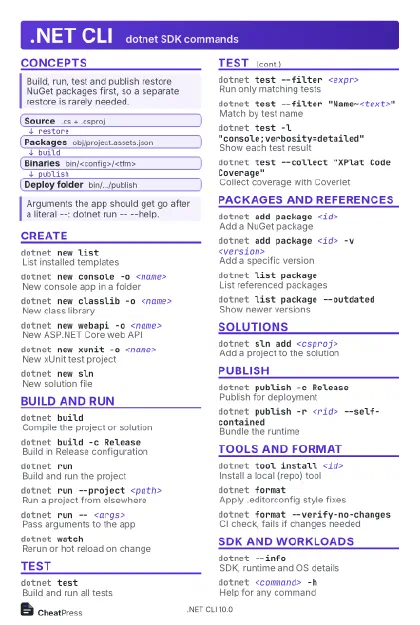
.NET CLI dotnet SDK commands
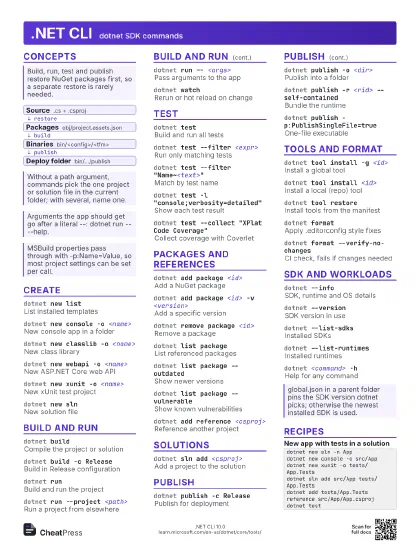
 Light · Postcard
102 × 152 mm · PDF
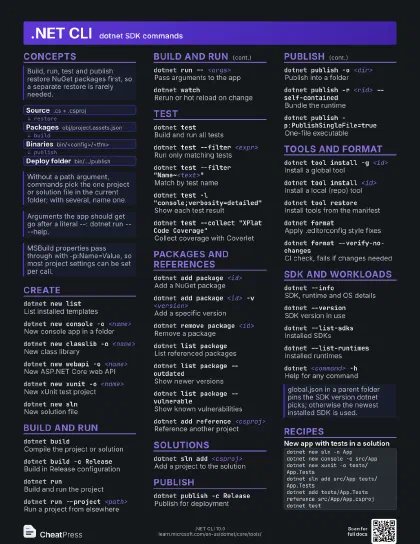
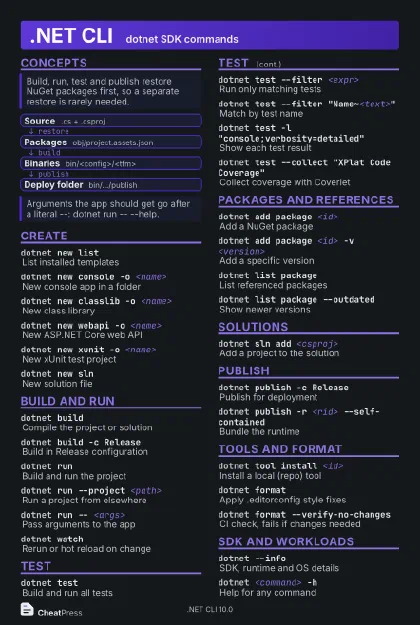 Dark · Postcard
102 × 152 mm · PDF
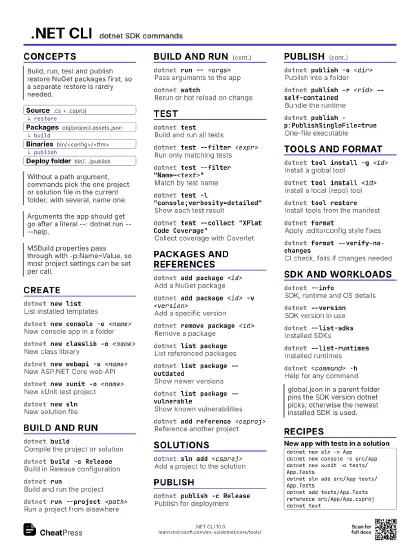
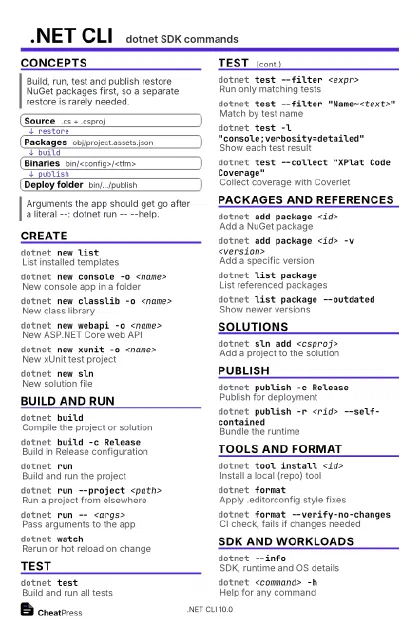 Ink saver · Postcard
102 × 152 mm · PDF
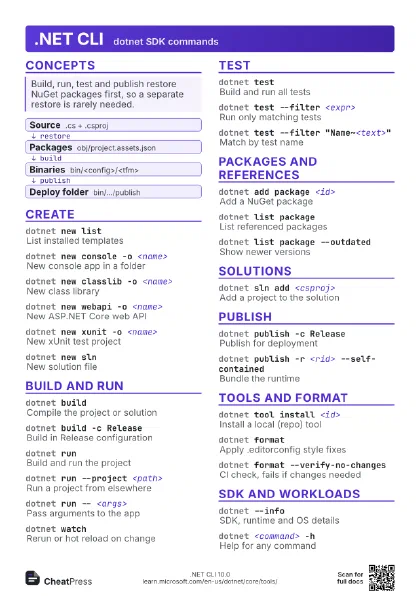
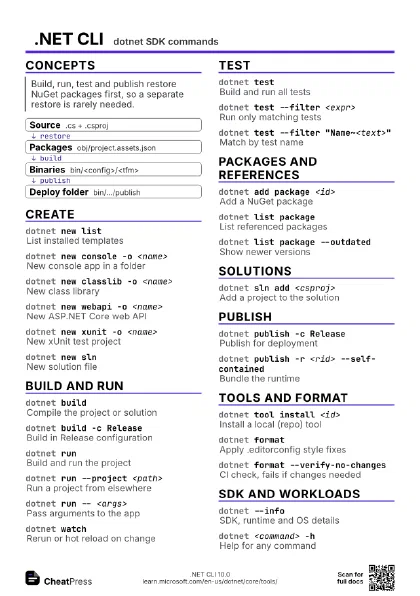
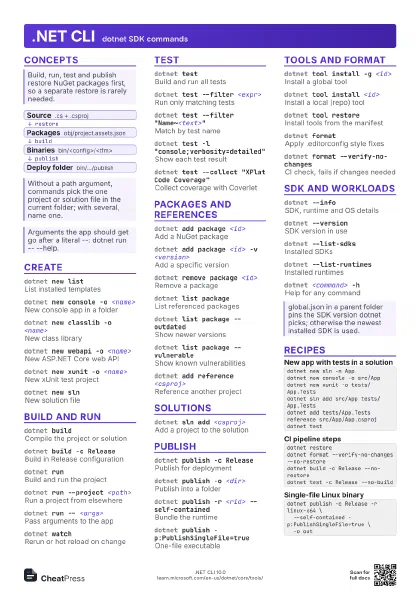
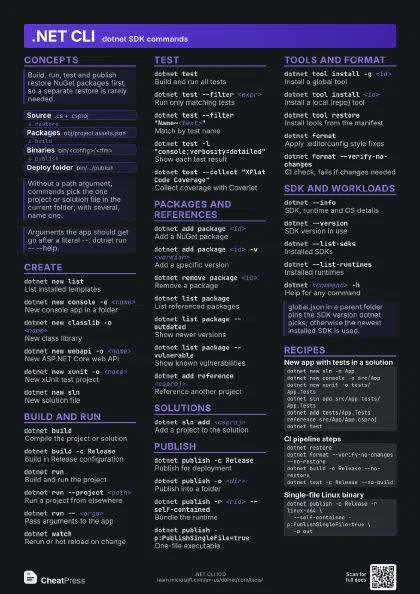
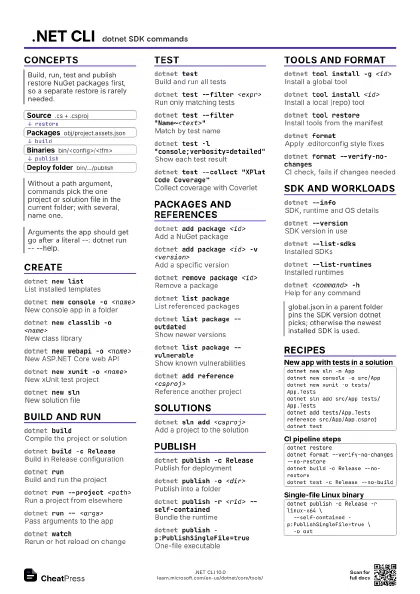
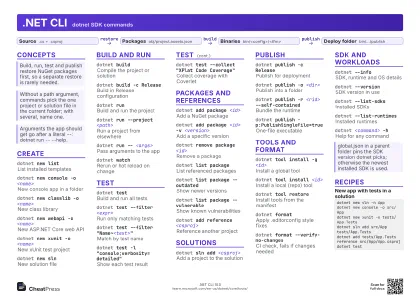 Light · A4 landscape
297 × 210 mm · PDF
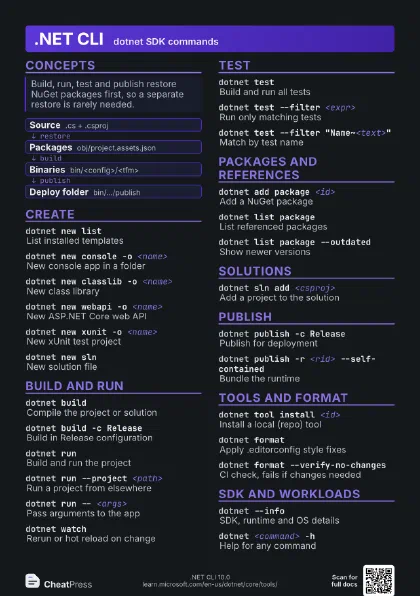
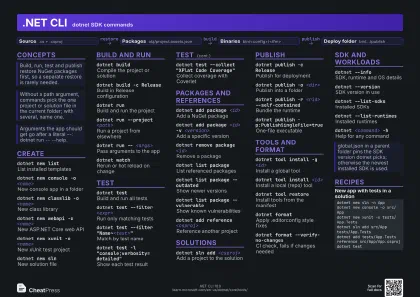 Dark · A4 landscape
297 × 210 mm · PDF
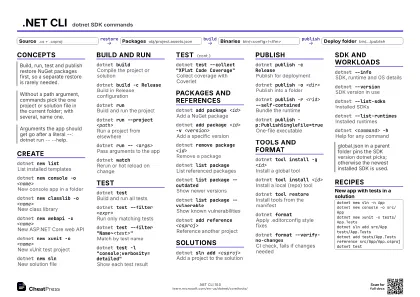 Ink saver · A4 landscape
297 × 210 mm · PDF
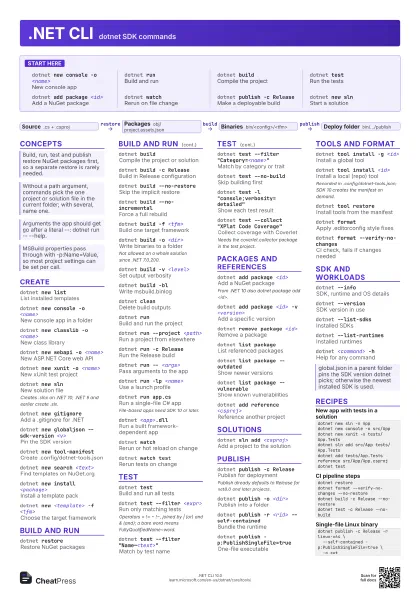
 Light · A3 landscape
420 × 297 mm · PDF
 Dark · A3 landscape
420 × 297 mm · PDF
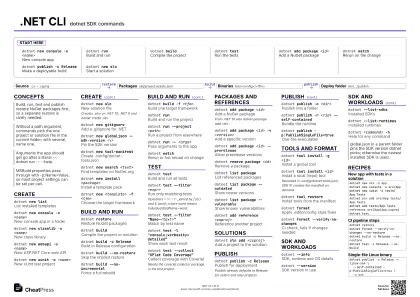 Ink saver · A3 landscape
420 × 297 mm · PDF
Start here
dotnet new console -o <name>
New console app
dotnet runBuild and run
dotnet buildCompile the project
dotnet testRun the tests
dotnet add package <id>
Add a NuGet package
dotnet watchRerun on file change
dotnet publish -c Release
Make a deployable build
dotnet new slnStart a solution
Concepts
- Source .cs + .csproj
- Packages obj/project.assets.json
- Binaries bin/<config>/<tfm>
- Deploy folder bin/.../publish
Create
dotnet new listList installed templates
dotnet new console -o <name>
New console app in a folder
dotnet new classlib -o <name>
New class library
dotnet new webapi -o <name>
New ASP.NET Core web API
dotnet new xunit -o <name>
New xUnit test project
dotnet new slnNew solution file
Creates .slnx on .NET 10; .NET 9 and earlier create .sln.
dotnet new gitignore
Add a .gitignore for .NET
dotnet new globaljson --sdk-version <v>
Pin the SDK version
dotnet new tool-manifest
Create .config/dotnet-tools.json
dotnet new search <text>
Find templates on NuGet.org
dotnet new install <package>
Install a template pack
dotnet new <template> -f <tfm>
Choose the target framework
Build and run
dotnet restoreRestore NuGet packages
dotnet buildCompile the project or solution
dotnet build -c Release
Build in Release configuration
dotnet build --no-restore
Skip the implicit restore
dotnet build --no-incremental
Force a full rebuild
dotnet build -f <tfm>
Build one target framework
dotnet build -o <dir>
Write binaries to a folder
Not allowed on a whole solution since .NET 7.0.200.
dotnet build -v <level>
Set output verbosity
dotnet build -bl
Write msbuild.binlog
dotnet cleanDelete build outputs
dotnet runBuild and run the project
dotnet run --project <path>
Run a project from elsewhere
dotnet run -c Release
Run the Release build
dotnet run -- <args>
Pass arguments to the app
dotnet run -lp <name>
Use a launch profile
dotnet run --no-build
Run without building first
dotnet run app.cs
Run a single-file C# app
File-based apps need SDK 10 or later.
dotnet <app>.dll
Run a built framework-dependent app
dotnet watchRerun or hot reload on change
dotnet watch test
Rerun tests on change
Test
dotnet testBuild and run all tests
dotnet test --filter <expr>
Run only matching tests
Operators = != ~ !~, joined by | (or) and & (and); a bare
word means FullyQualifiedName~word.
dotnet test --filter "Name~<text>"
Match by test name
dotnet test --filter "Category=<name>"
Match by category or trait
dotnet test --no-build
Skip building first
dotnet test -tList tests without running
dotnet test -l "console;verbosity=detailed"
Show each test result
dotnet test -l trx
Write a .trx results file
dotnet test --collect "XPlat Code Coverage"
Collect coverage with Coverlet
Needs the coverlet.collector package in the test project.
dotnet test --blame
Find the test that crashed the host
Packages and references
dotnet add package <id>
Add a NuGet package
From .NET 10 also dotnet package add <id>.
dotnet add package <id> -v <version>
Add a specific version
dotnet add package <id> --prerelease
Allow prerelease versions
dotnet add <project> package <id>
Add to another project
dotnet remove package <id>
Remove a package
dotnet list package
List referenced packages
dotnet list package --outdated
Show newer versions
dotnet list package --vulnerable
Show known vulnerabilities
dotnet list package --include-transitive
Include indirect dependencies
dotnet add reference <csproj>
Reference another project
dotnet remove reference <csproj>
Drop a project reference
dotnet list reference
List project references
dotnet nuget locals all --clear
Clear NuGet caches
dotnet nuget push <nupkg> -s <url> -k
                    <key>
Publish a package
dotnet nuget add source <url> -n <name>
Add a package source
dotnet pack -c Release
Create a .nupkg
Solutions
dotnet sln add <csproj>
Add a project to the solution
dotnet sln add **/*.csproj
Add every project (Unix glob)
dotnet sln listList solution projects
dotnet sln remove <csproj>
Remove a project
dotnet sln <file>.sln migrate
Convert .sln to .slnx
Publish
dotnet publish -c Release
Publish for deployment
Publish already defaults to Release for net8.0 and later
projects.
dotnet publish -o <dir>
Publish into a folder
dotnet publish -r <rid> --self-contained
Bundle the runtime
dotnet publish -r <rid> --no-self-contained
Framework-dependent for a RID
dotnet publish -p:PublishSingleFile=true
One-file executable
dotnet publish -p:PublishTrimmed=true
Trim unused libraries
dotnet publish -p:PublishReadyToRun=true
Precompile for faster startup
dotnet publish -p:PublishAot=true
Native AOT build
dotnet publish --no-build
Publish existing build output
Tools and format
dotnet tool install -g <id>
Install a global tool
dotnet tool install <id>
Install a local (repo) tool
Recorded in .config/dotnet-tools.json; SDK 10 creates the
manifest on demand.
dotnet tool restore
Install tools from the manifest
dotnet tool run <name>
Run a local tool
dotnet tool list -g
List global tools
dotnet tool update -g <id>
Update a tool
dotnet tool uninstall -g <id>
Remove a tool
dotnet formatApply .editorconfig style fixes
dotnet format --verify-no-changes
CI check, fails if changes needed
dotnet format whitespace
Fix whitespace only
dotnet format style --severity info
Fix code style issues
SDK and workloads
dotnet --infoSDK, runtime and OS details
dotnet --version
SDK version in use
dotnet --list-sdks
Installed SDKs
dotnet --list-runtimes
Installed runtimes
dotnet <command> -h
Help for any command
dotnet workload list
Show installed workloads
dotnet workload install <id>
Install a workload (e.g. maui)
Needs sudo on Linux/macOS when the SDK is in a protected
folder.
dotnet sdk check
Report available SDK/runtime updates
dotnet dev-certs https --trust
Trust the HTTPS dev certificate
dotnet build-server shutdown
Stop MSBuild and compiler servers
| Property | Effect |
|---|---|
Configuration |
Debug or Release |
TargetFramework |
e.g. net10.0 |
RuntimeIdentifier |
e.g. linux-x64 |
Version |
Assembly and package version |
Nullable |
enable or disable |
Recipes
dotnet new sln -n Appdotnet new console -o src/Appdotnet new xunit -o tests/App.Testsdotnet sln add src/App tests/App.Testsdotnet add tests/App.Tests reference src/App/App.csprojdotnet testdotnet restoredotnet format --verify-no-changes --no-restoredotnet build -c Release --no-restoredotnet test -c Release --no-builddotnet publish -c Release -r linux-x64 \ --self-contained -p:PublishSingleFile=true \ -o outdotnet test --collect "XPlat Code Coverage" \ -l "trx;LogFileName=results.trx" \ --results-directory ./TestResults