Cheat
Pipenv Python env and dependencies
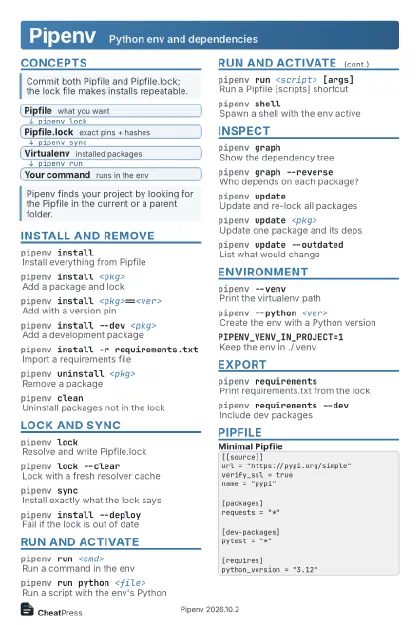 Light · Postcard
102 × 152 mm · PDF
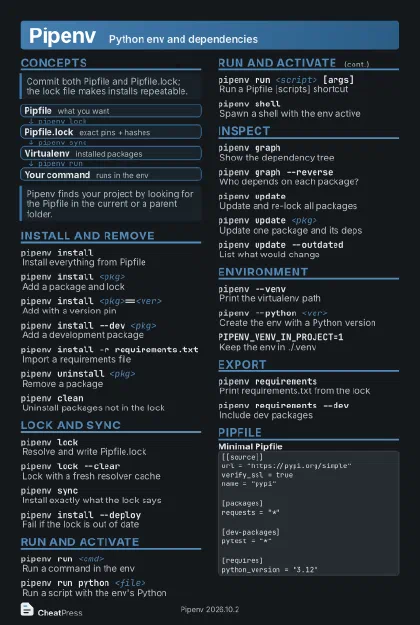 Dark · Postcard
102 × 152 mm · PDF
 Ink saver · Postcard
102 × 152 mm · PDF
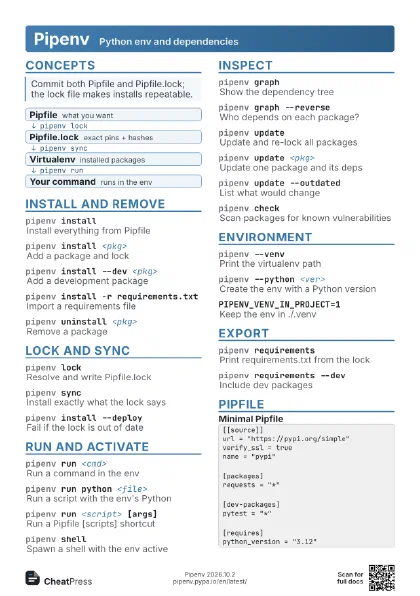
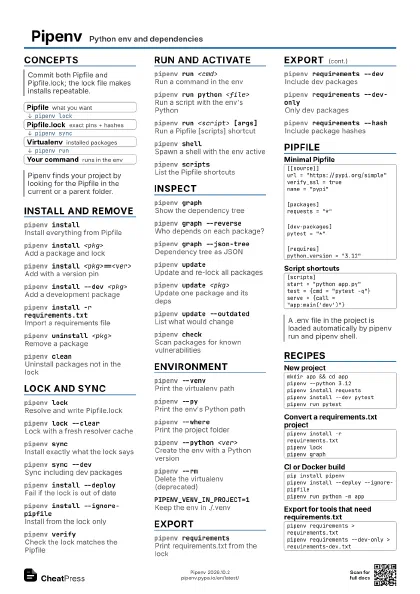
 Light · A4 landscape
297 × 210 mm · PDF
 Dark · A4 landscape
297 × 210 mm · PDF
 Ink saver · A4 landscape
297 × 210 mm · PDF
 Light · A3 landscape
420 × 297 mm · PDF
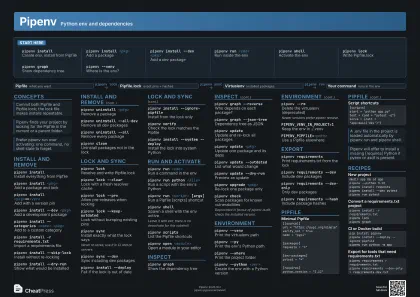 Dark · A3 landscape
420 × 297 mm · PDF
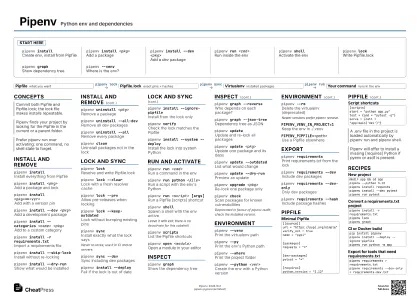 Ink saver · A3 landscape
420 × 297 mm · PDF
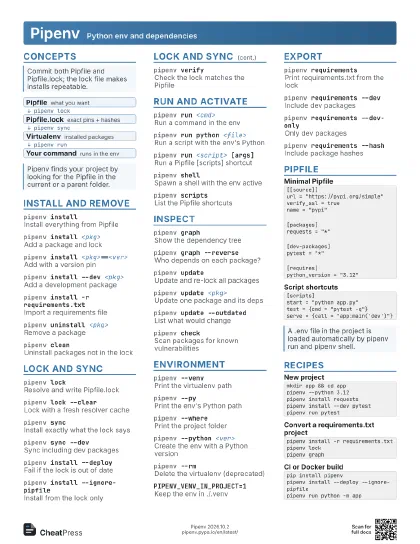
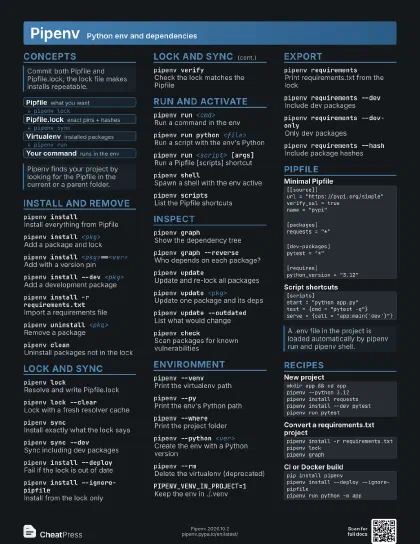
Start here
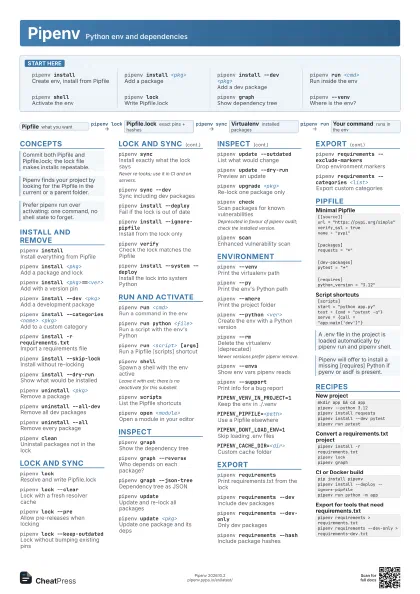
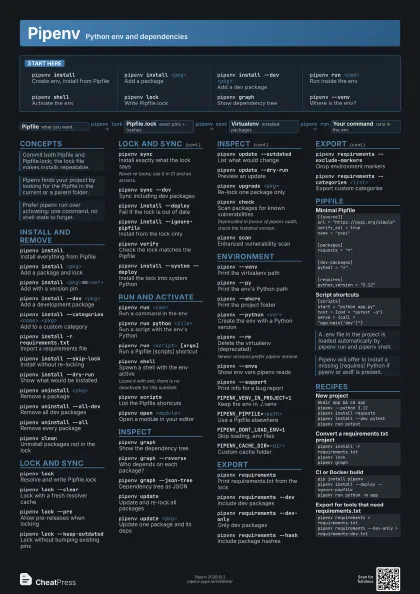
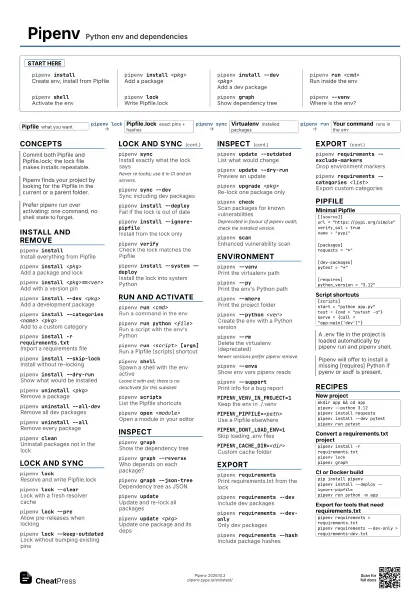
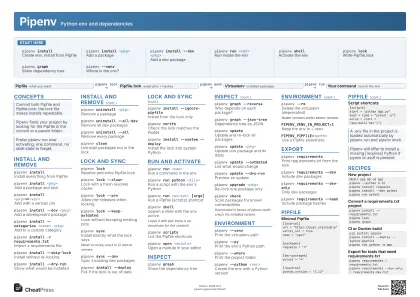
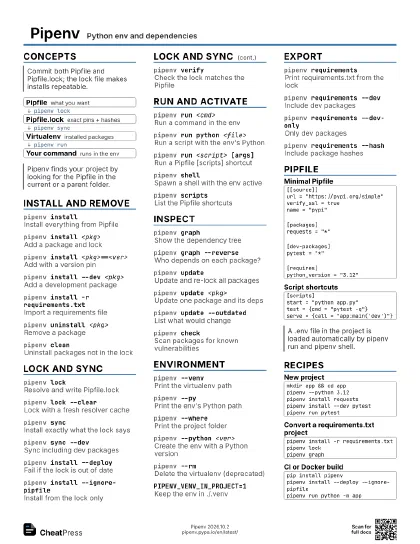
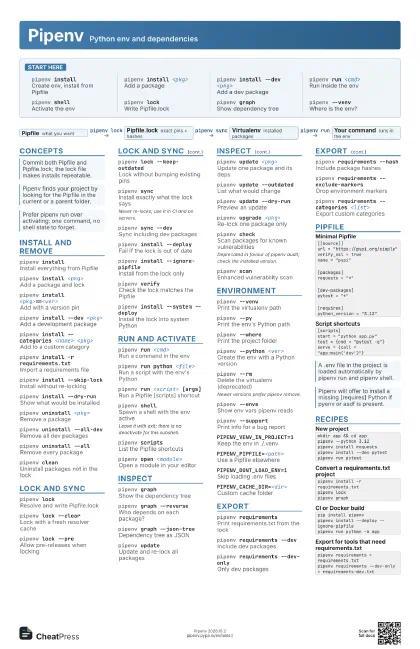
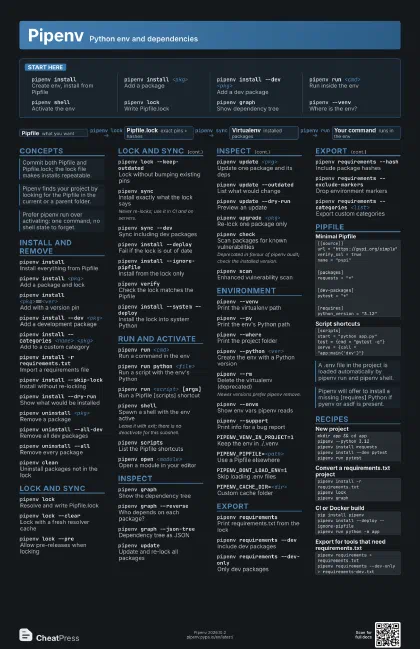
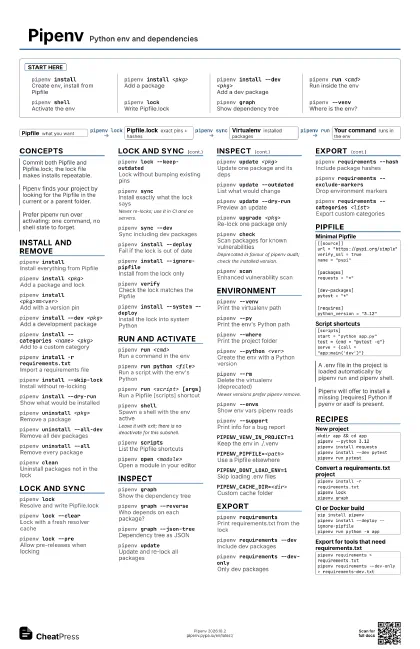
pipenv installCreate env, install from Pipfile
pipenv install <pkg>
Add a package
pipenv install --dev <pkg>
Add a dev package
pipenv run <cmd>
Run inside the env
pipenv shellActivate the env
pipenv lockWrite Pipfile.lock
pipenv graphShow dependency tree
pipenv --venvWhere is the env?
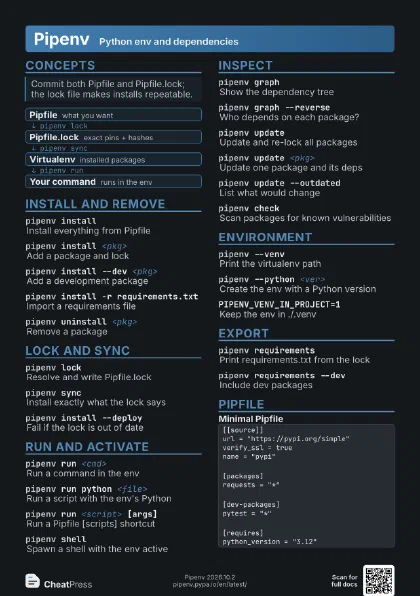
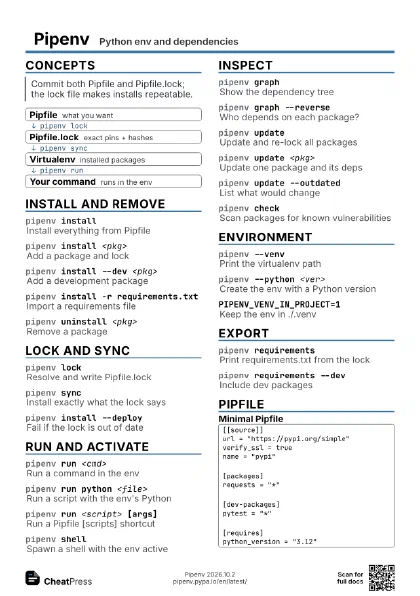
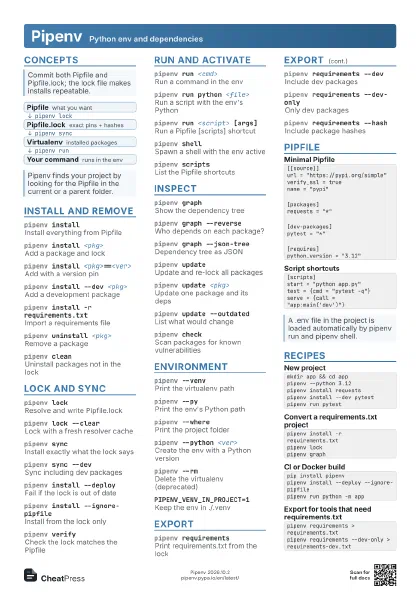
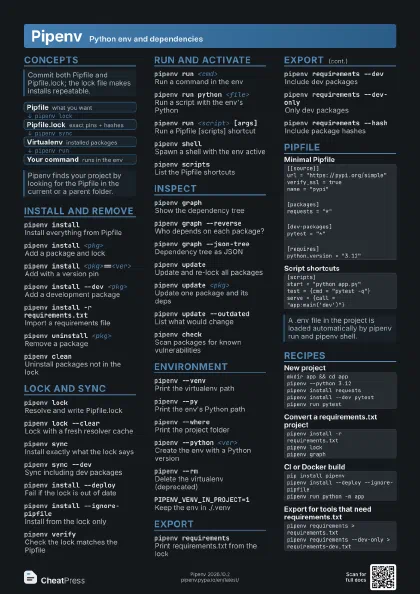
Concepts
- Pipfile what you want
- Pipfile.lock exact pins + hashes
- Virtualenv installed packages
- Your command runs in the env
Install and remove
pipenv installInstall everything from Pipfile
pipenv install <pkg>
Add a package and lock
pipenv install <pkg>==<ver>
Add with a version pin
pipenv install --dev <pkg>
Add a development package
pipenv install --categories <name> <pkg>
Add to a custom category
pipenv install -r requirements.txt
Import a requirements file
pipenv install --skip-lock
Install without re-locking
pipenv install --dry-run
Show what would be installed
pipenv uninstall <pkg>
Remove a package
pipenv uninstall --all-dev
Remove all dev packages
pipenv uninstall --all
Remove every package
pipenv cleanUninstall packages not in the lock
Lock and sync
pipenv lockResolve and write Pipfile.lock
pipenv lock --clear
Lock with a fresh resolver cache
pipenv lock --pre
Allow pre-releases when locking
pipenv lock --keep-outdated
Lock without bumping existing pins
pipenv syncInstall exactly what the lock says
Never re-locks; use it in CI and on servers.
pipenv sync --dev
Sync including dev packages
pipenv install --deploy
Fail if the lock is out of date
pipenv install --ignore-pipfile
Install from the lock only
pipenv verifyCheck the lock matches the Pipfile
pipenv install --system --deploy
Install the lock into system Python
Run and activate
pipenv run <cmd>
Run a command in the env
pipenv run python <file>
Run a script with the env's Python
pipenv run <script> [args]
Run a Pipfile [scripts] shortcut
pipenv shellSpawn a shell with the env active
Leave it with exit; there is no deactivate for this subshell.
pipenv scriptsList the Pipfile shortcuts
pipenv open <module>
Open a module in your editor
Inspect
pipenv graphShow the dependency tree
pipenv graph --reverse
Who depends on each package?
pipenv graph --json-tree
Dependency tree as JSON
pipenv updateUpdate and re-lock all packages
pipenv update <pkg>
Update one package and its deps
pipenv update --outdated
List what would change
pipenv update --dry-run
Preview an update
pipenv upgrade <pkg>
Re-lock one package only
pipenv checkScan packages for known vulnerabilities
Deprecated in favour of pipenv audit; check the installed
version.
pipenv scanEnhanced vulnerability scan
Environment
pipenv --venvPrint the virtualenv path
pipenv --pyPrint the env's Python path
pipenv --wherePrint the project folder
pipenv --python <ver>
Create the env with a Python version
pipenv --rmDelete the virtualenv (deprecated)
Newer versions prefer pipenv remove.
pipenv --envsShow env vars pipenv reads
pipenv --support
Print info for a bug report
PIPENV_VENV_IN_PROJECT=1
Keep the env in ./.venv
PIPENV_PIPFILE=<path>
Use a Pipfile elsewhere
PIPENV_DONT_LOAD_ENV=1
Skip loading .env files
PIPENV_CACHE_DIR=<dir>
Custom cache folder
Export
pipenv requirements
Print requirements.txt from the lock
pipenv requirements --dev
Include dev packages
pipenv requirements --dev-only
Only dev packages
pipenv requirements --hash
Include package hashes
pipenv requirements --exclude-markers
Drop environment markers
pipenv requirements --categories <list>
Export custom categories
Pipfile
[[source]]url = "https://pypi.org/simple"verify_ssl = truename = "pypi"[packages]requests = "*"[dev-packages]pytest = "*"[requires]python_version = "3.12"[scripts]start = "python app.py"test = {cmd = "pytest -q"}serve = {call = "app:main('dev')"}Recipes
mkdir app && cd apppipenv --python 3.12pipenv install requestspipenv install --dev pytestpipenv run pytestpipenv install -r requirements.txtpipenv lockpipenv graphpip install pipenvpipenv install --deploy --ignore-pipfilepipenv run python -m apppipenv requirements > requirements.txtpipenv requirements --dev-only > requirements-dev.txt