Cheat
Nim Compiled, Python-like language
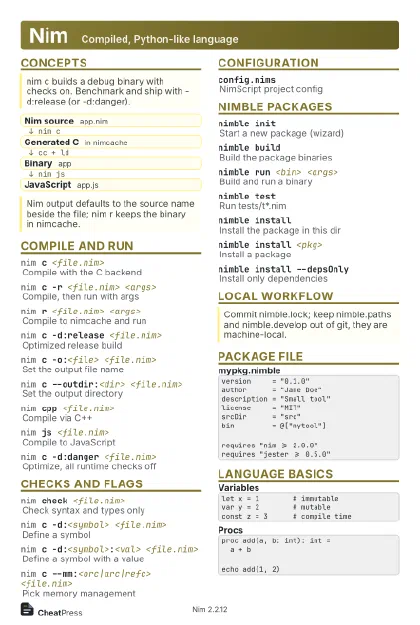 Light · Postcard
102 × 152 mm · PDF
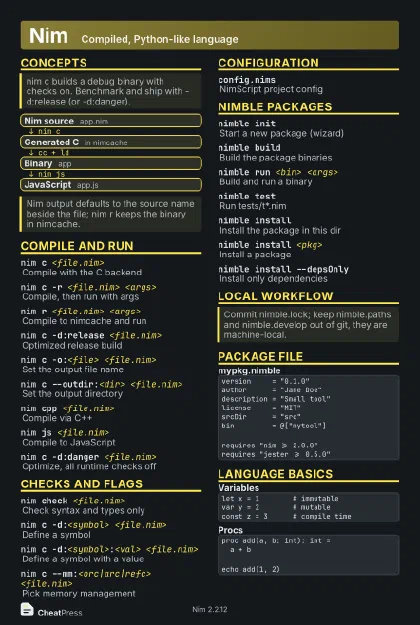 Dark · Postcard
102 × 152 mm · PDF
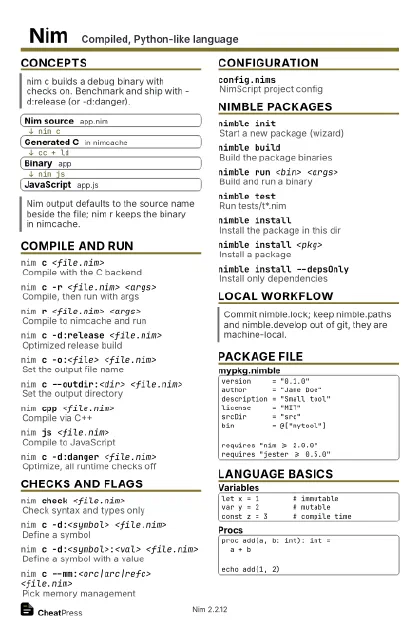 Ink saver · Postcard
102 × 152 mm · PDF
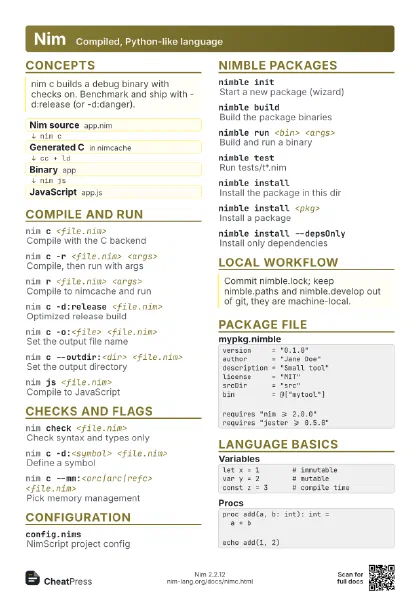
 Light · A4 landscape
297 × 210 mm · PDF
 Dark · A4 landscape
297 × 210 mm · PDF
 Ink saver · A4 landscape
297 × 210 mm · PDF
 Light · A3 landscape
420 × 297 mm · PDF
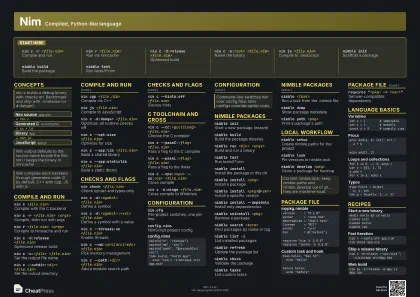 Dark · A3 landscape
420 × 297 mm · PDF
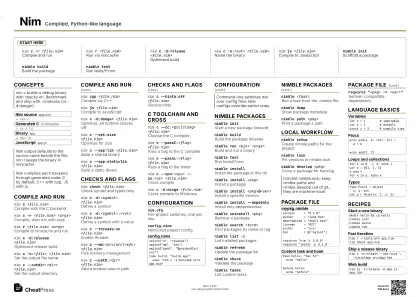 Ink saver · A3 landscape
420 × 297 mm · PDF
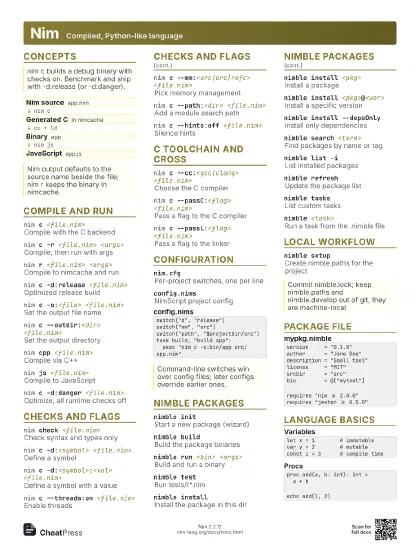
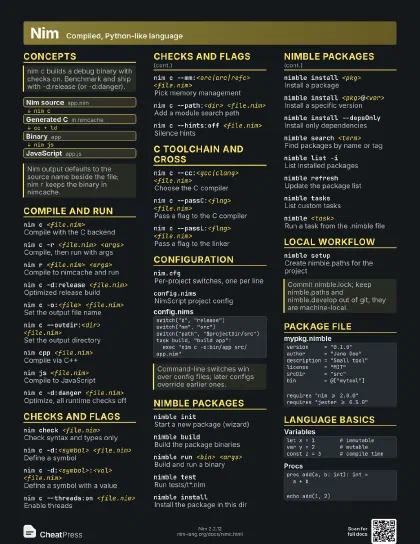
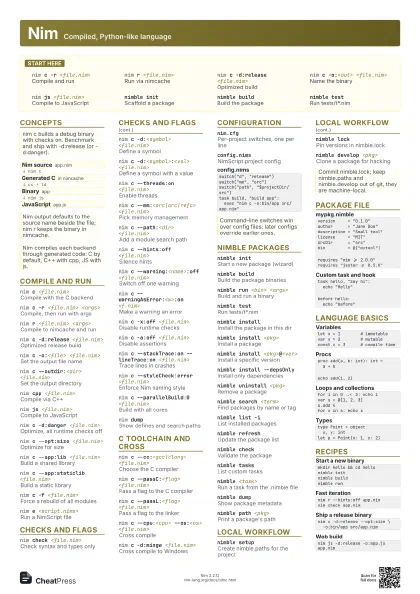
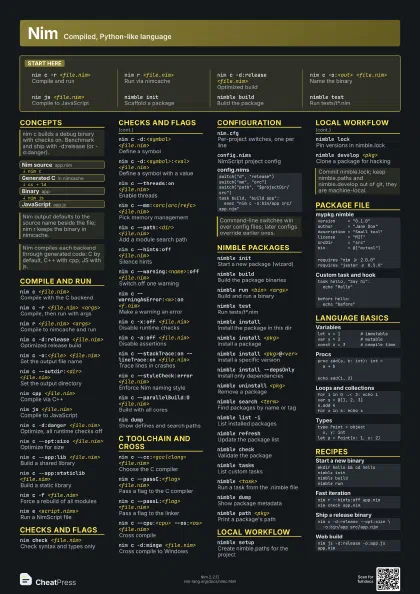
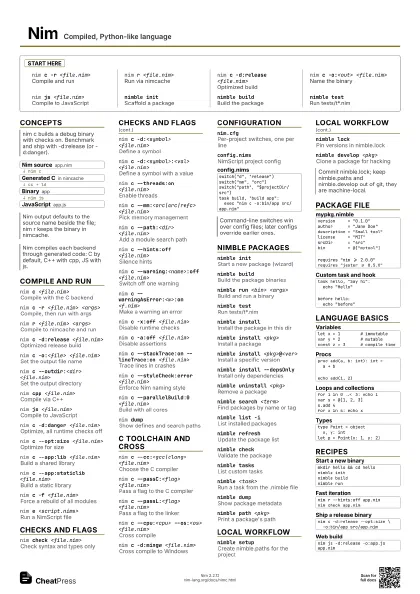
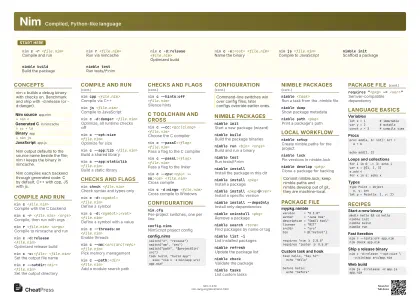
Start here
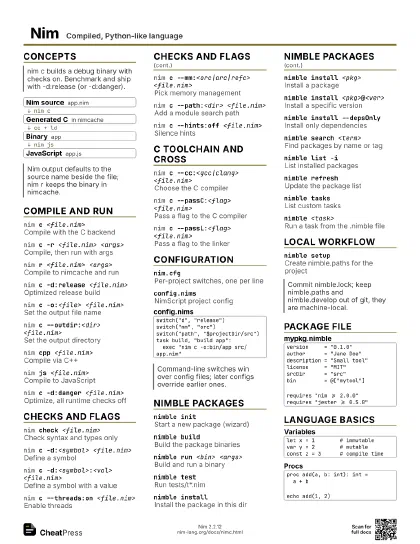
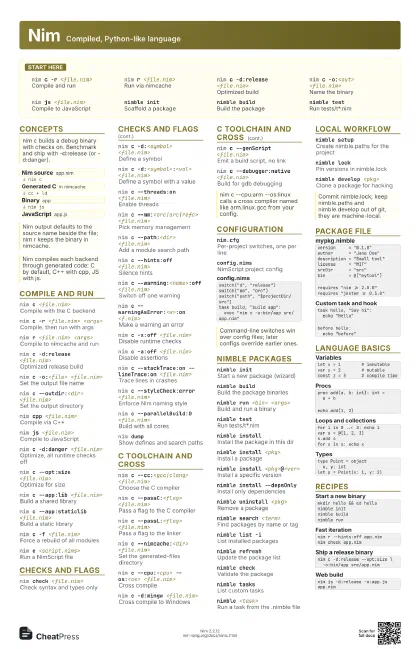
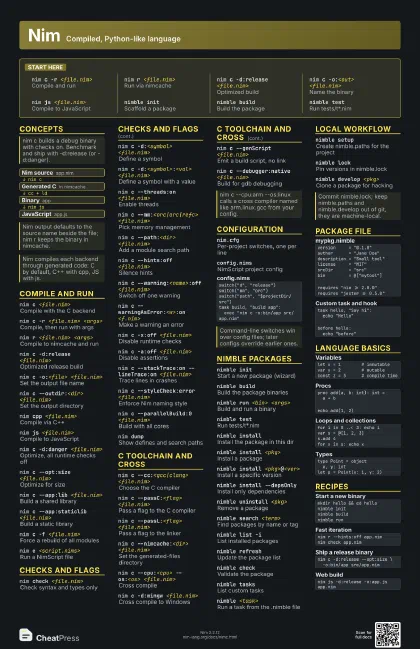
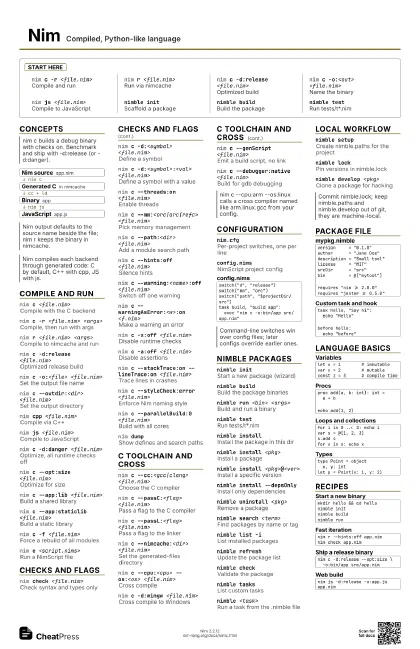
nim c -r <file.nim>
Compile and run
nim r <file.nim>
Run via nimcache
nim c -d:release <file.nim>
Optimized build
nim c -o:<out> <file.nim>
Name the binary
nim js <file.nim>
Compile to JavaScript
nimble initScaffold a package
nimble buildBuild the package
nimble testRun tests/t*.nim
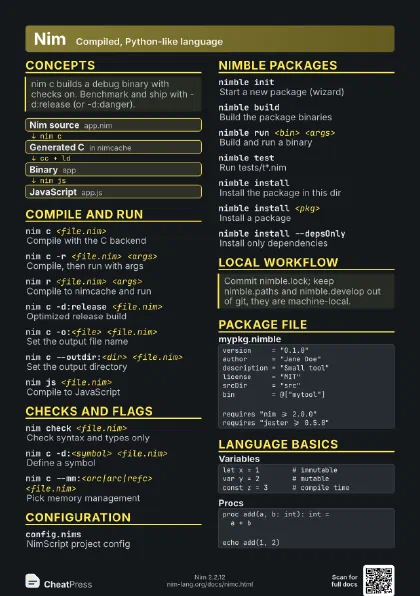
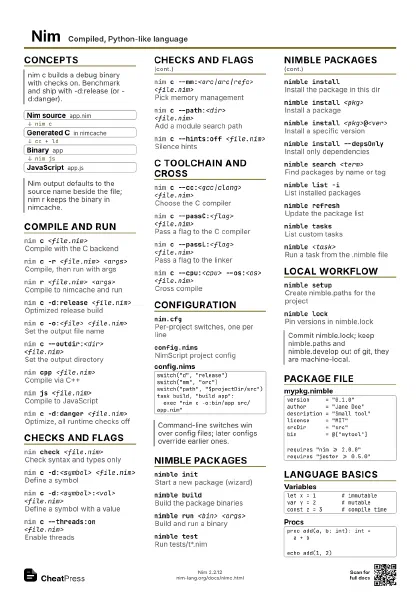
Concepts
- Nim source app.nim
- Generated C in nimcache
- Binary app
- JavaScript app.js
Compile and run
nim c <file.nim>
Compile with the C backend
nim c -r <file.nim> <args>
Compile, then run with args
nim r <file.nim> <args>
Compile to nimcache and run
nim c -d:release <file.nim>
Optimized release build
nim c -o:<file> <file.nim>
Set the output file name
nim c --outdir:<dir> <file.nim>
Set the output directory
nim cpp <file.nim>
Compile via C++
nim js <file.nim>
Compile to JavaScript
nim c -d:danger <file.nim>
Optimize, all runtime checks off
nim c --opt:size <file.nim>
Optimize for size
nim c --app:lib <file.nim>
Build a shared library
nim c --app:staticlib <file.nim>
Build a static library
nim c -f <file.nim>
Force a rebuild of all modules
nim e <script.nims>
Run a NimScript file
Checks and flags
nim check <file.nim>
Check syntax and types only
nim c -d:<symbol> <file.nim>
Define a symbol
nim c -d:<symbol>:<val> <file.nim>
Define a symbol with a value
nim c --threads:on <file.nim>
Enable threads
nim c --mm:<orc|arc|refc> <file.nim>
Pick memory management
nim c --path:<dir> <file.nim>
Add a module search path
nim c --hints:off <file.nim>
Silence hints
nim c --warning:<name>:off <file.nim>
Switch off one warning
nim c --warningAsError:<w>:on <f.nim>
Make a warning an error
nim c -x:off <file.nim>
Disable runtime checks
nim c -a:off <file.nim>
Disable assertions
nim c --stackTrace:on --lineTrace:on <file.nim>
Trace lines in crashes
nim c --styleCheck:error <file.nim>
Enforce Nim naming style
nim c --parallelBuild:0 <file.nim>
Build with all cores
nim dumpShow defines and search paths
C toolchain and cross
nim c --cc:<gcc|clang> <file.nim>
Choose the C compiler
nim c --passC:<flag> <file.nim>
Pass a flag to the C compiler
nim c --passL:<flag> <file.nim>
Pass a flag to the linker
nim c --nimcache:<dir> <file.nim>
Set the generated-files directory
nim c --cpu:<cpu> --os:<os>
                    <file.nim>
Cross compile
nim c -d:mingw <file.nim>
Cross compile to Windows
nim c --genScript <file.nim>
Emit a build script, no link
nim c --debugger:native <file.nim>
Build for gdb debugging
nim c --expandArc:<proc> <file.nim>
Show ARC/ORC lowered code
Configuration
nim.cfgPer-project switches, one per line
config.nimsNimScript project config
--skipUserCfgIgnore the user config file
--skipProjCfgIgnore the project config file
--skipParentCfgIgnore parent directory configs
switch("d", "release")switch("mm", "orc")switch("path", "$projectDir/src")task build, "build app": exec "nim c -o:bin/app src/app.nim"Nimble packages
nimble initStart a new package (wizard)
nimble buildBuild the package binaries
nimble run <bin> <args>
Build and run a binary
nimble testRun tests/t*.nim
nimble installInstall the package in this dir
nimble install <pkg>
Install a package
nimble install <pkg>@<ver>
Install a specific version
nimble install --depsOnly
Install only dependencies
nimble uninstall <pkg>
Remove a package
nimble search <term>
Find packages by name or tag
nimble list -iList installed packages
nimble refreshUpdate the package list
nimble checkValidate the package
nimble tasksList custom tasks
nimble <task>
Run a task from the .nimble file
nimble dumpShow package metadata
nimble path <pkg>
Print a package's path
nimble depsShow the dependency tree
nimble publishPublish to the package list
nimble build --useSystemNim
Skip Nimble's Nim management
Local workflow
nimble setupCreate nimble.paths for the project
nimble lockPin versions in nimble.lock
nimble developPut all deps in develop mode
nimble develop <pkg>
Clone a package for hacking
nimble syncMatch working copies to the lock
nimble sync -lList out-of-sync packages
Package file
version = "0.1.0"author = "Jane Doe"description = "Small tool"license = "MIT"srcDir = "src"bin = @["mytool"]requires "nim >= 2.0.0"requires "jester >= 0.5.0"task hello, "Say hi": echo "Hello"before hello: echo "before"requires "<pkg> ~= <ver>"
Semver-compatible dependency
pkg@#<branch>
Install from a git ref
Language basics
let x = 1 # immutablevar y = 2 # mutableconst z = 3 # compile timeproc add(a, b: int): int = a + becho add(1, 2)for i in 0 ..< 3: echo ivar s = @[1, 2, 3]s.add 4for x in s: echo xtype Point = object x, y: intlet p = Point(x: 1, y: 2)import strutilsecho "a,b".split(',')echo "x=$1" % "5"import unittesttest "adds": check 1 + 1 == 2Recipes
mkdir hello && cd hellonimble initnimble buildnimble runnim r --hints:off app.nimnim check app.nimnim c -d:release --opt:size \ -o:bin/app src/app.nimnim js -d:release -o:app.js app.nim