Cheat
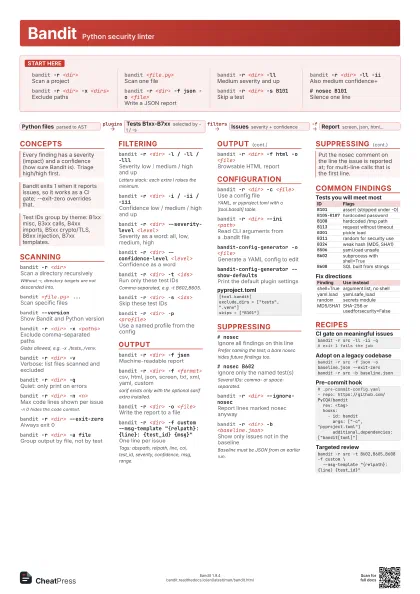
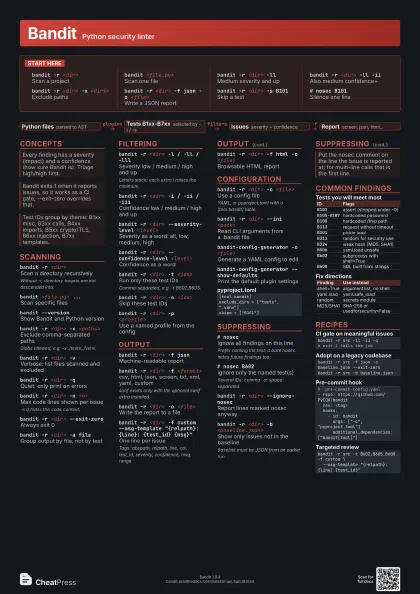
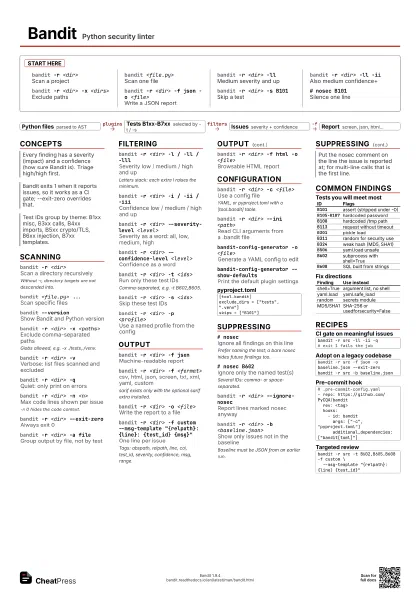
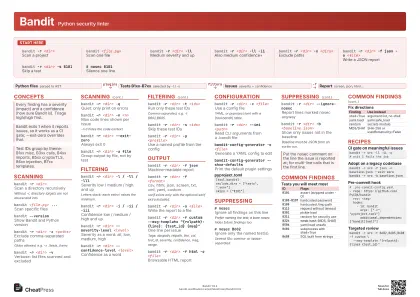
Bandit Python security linter
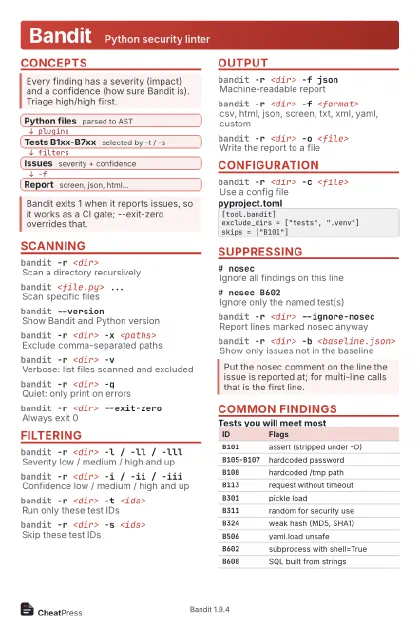 Light · Postcard
102 × 152 mm · PDF
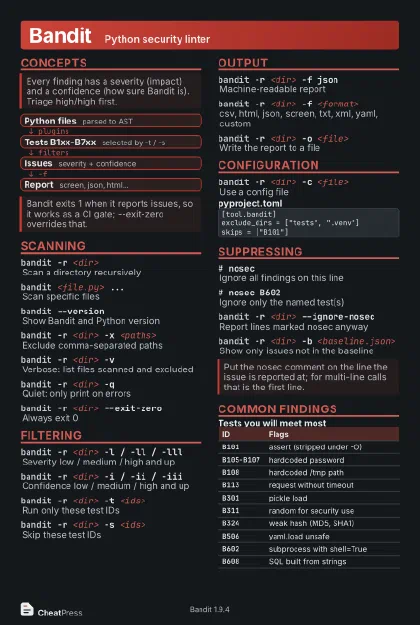 Dark · Postcard
102 × 152 mm · PDF
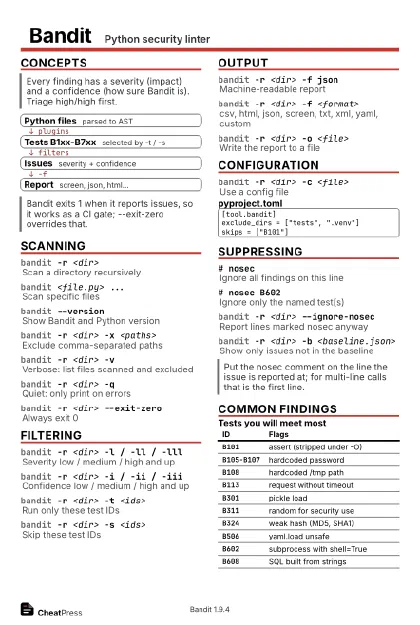 Ink saver · Postcard
102 × 152 mm · PDF
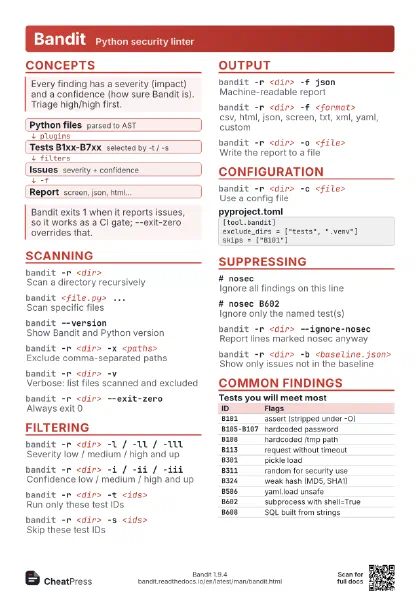
 Light · A4 landscape
297 × 210 mm · PDF
 Dark · A4 landscape
297 × 210 mm · PDF
 Ink saver · A4 landscape
297 × 210 mm · PDF
 Light · A3 landscape
420 × 297 mm · PDF
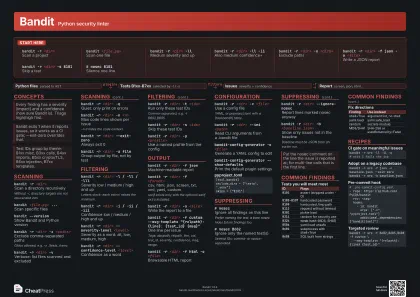 Dark · A3 landscape
420 × 297 mm · PDF
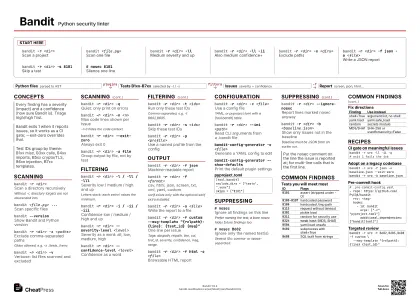 Ink saver · A3 landscape
420 × 297 mm · PDF
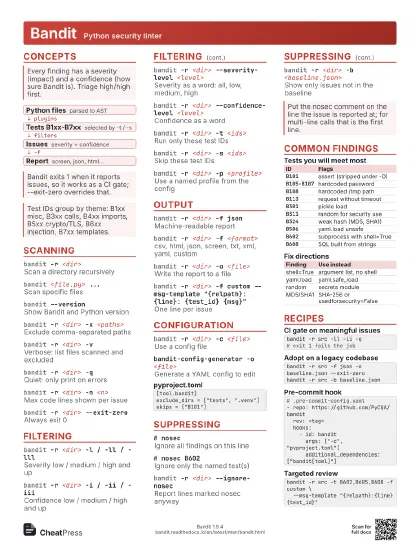
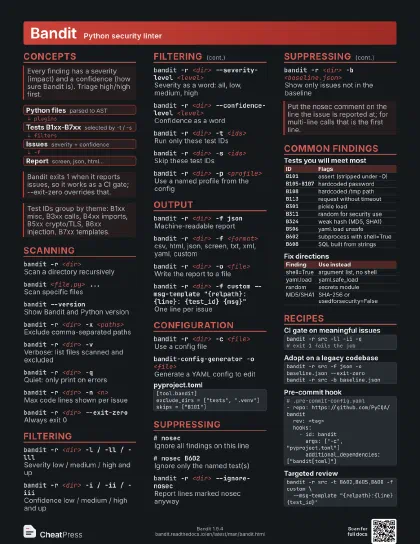
Start here
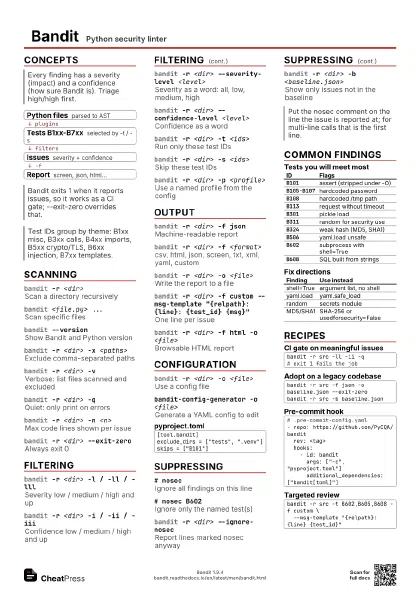
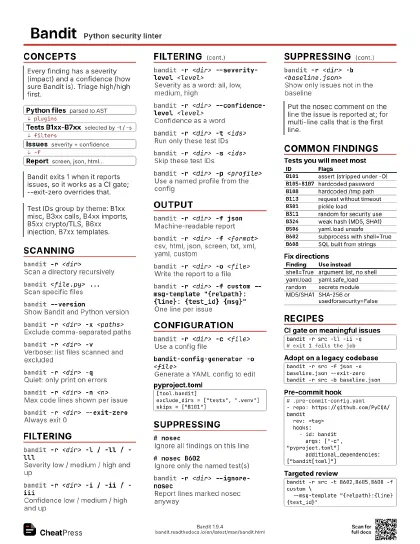
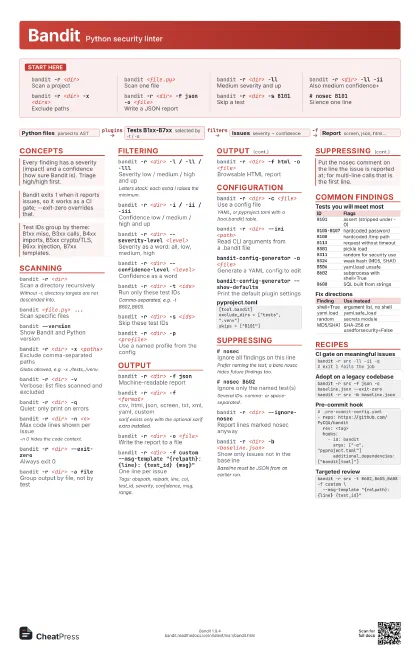
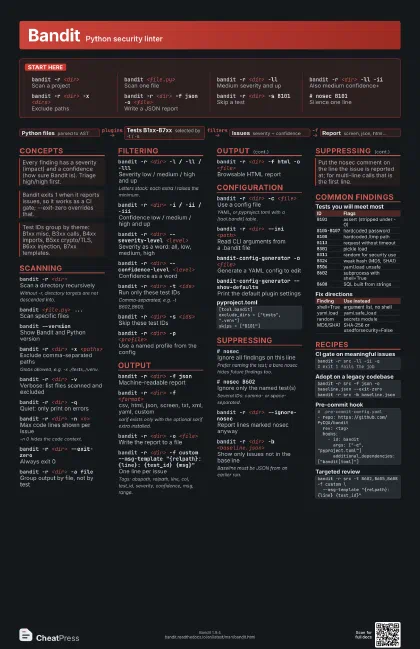
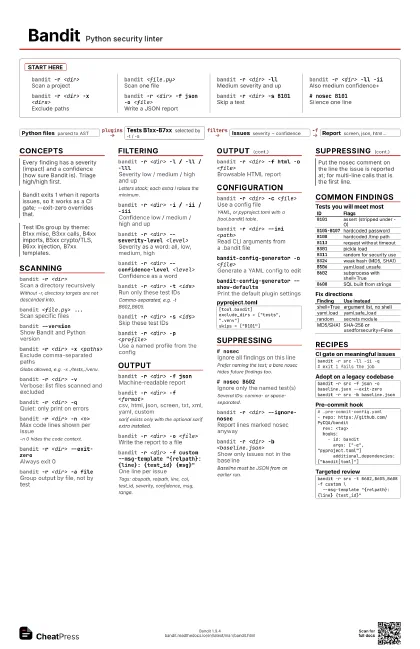
bandit -r <dir>
Scan a project
bandit <file.py>
Scan one file
bandit -r <dir> -ll
Medium severity and up
bandit -r <dir> -ll -ii
Also medium confidence+
bandit -r <dir> -x <dirs>
Exclude paths
bandit -r <dir> -f json -o <file>
Write a JSON report
bandit -r <dir> -s B101
Skip a test
# nosec B101Silence one line
Concepts
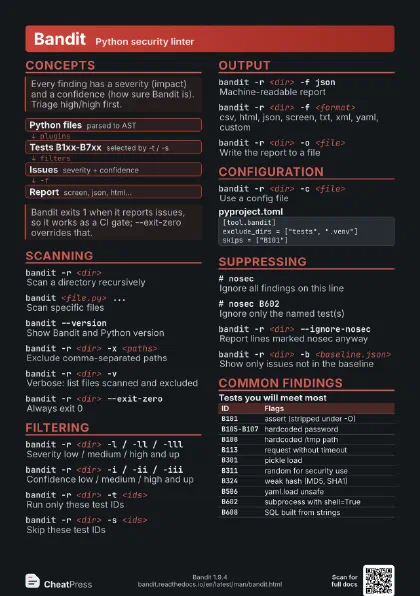
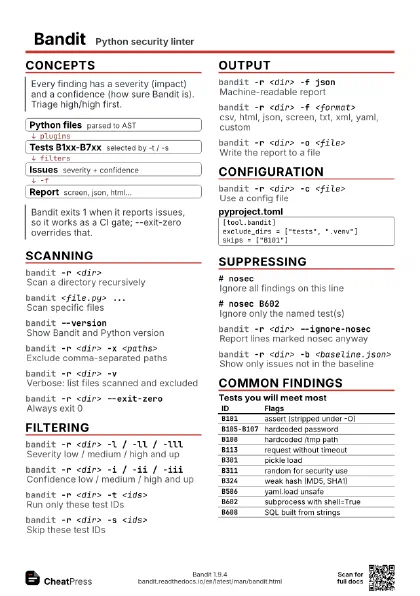
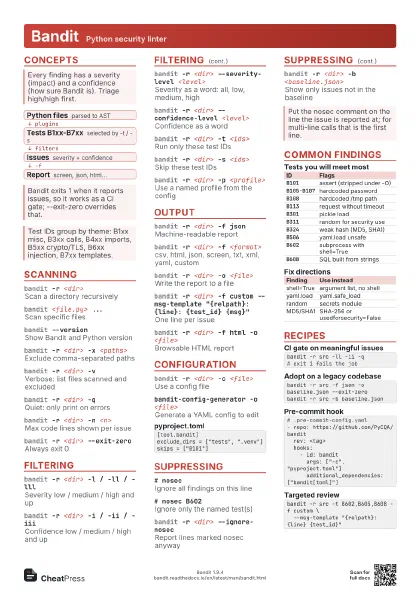
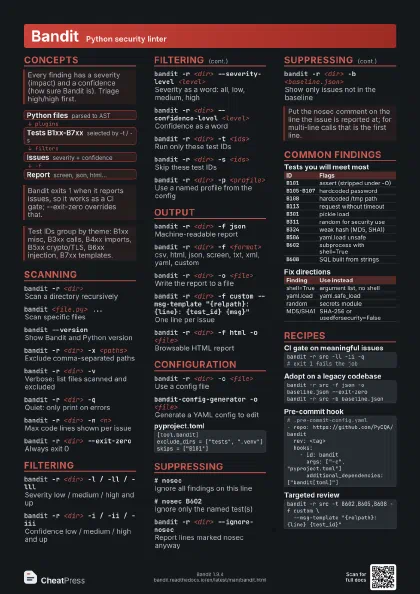
- Python files parsed to AST
- Tests B1xx-B7xx selected by -t / -s
- Issues severity + confidence
- Report screen, json, html...
Scanning
bandit -r <dir>
Scan a directory recursively
Without -r, directory targets are not descended into.
bandit <file.py> ...
Scan specific files
bandit --version
Show Bandit and Python version
bandit -r <dir> -x <paths>
Exclude comma-separated paths
Globs allowed, e.g. -x ./tests,./venv.
bandit -r <dir> -v
Verbose: list files scanned and excluded
bandit -r <dir> -q
Quiet: only print on errors
bandit -r <dir> -n <n>
Max code lines shown per issue
-n 0 hides the code context.
bandit -r <dir> --exit-zero
Always exit 0
bandit -r <dir> -a file
Group output by file, not by test
Filtering
bandit -r <dir> -l / -ll / -lll
Severity low / medium / high and up
Letters stack: each extra l raises the minimum.
bandit -r <dir> -i / -ii / -iii
Confidence low / medium / high and up
bandit -r <dir> --severity-level <level>
Severity as a word: all, low, medium, high
bandit -r <dir> --confidence-level
                    <level>
Confidence as a word
bandit -r <dir> -t <ids>
Run only these test IDs
Comma-separated, e.g. -t B602,B605.
bandit -r <dir> -s <ids>
Skip these test IDs
bandit -r <dir> -p <profile>
Use a named profile from the config
Output
bandit -r <dir> -f json
Machine-readable report
bandit -r <dir> -f <format>
csv, html, json, screen, txt, xml, yaml, custom
sarif exists only with the optional sarif extra installed.
bandit -r <dir> -o <file>
Write the report to a file
bandit -r <dir> -f custom --msg-template
                    "{relpath}:{line}: {test_id} {msg}"
One line per issue
Tags: abspath, relpath, line, col, test_id, severity,
confidence, msg, range.
bandit -r <dir> -f html -o <file>
Browsable HTML report
Configuration
bandit -r <dir> -c <file>
Use a config file
YAML, or pyproject.toml with a [tool.bandit] table.
bandit -r <dir> --ini <path>
Read CLI arguments from a .bandit file
bandit-config-generator -o <file>
Generate a YAML config to edit
bandit-config-generator --show-defaults
Print the default plugin settings
[tool.bandit]exclude_dirs = ["tests", ".venv"]skips = ["B101"]Suppressing
# nosecIgnore all findings on this line
Prefer naming the test; a bare nosec hides future findings
too.
# nosec B602Ignore only the named test(s)
Several IDs: comma- or space-separated.
bandit -r <dir> --ignore-nosec
Report lines marked nosec anyway
bandit -r <dir> -b <baseline.json>
Show only issues not in the baseline
Baseline must be JSON from an earlier run.
Common findings
| ID | Flags |
|---|---|
B101 |
assert (stripped under -O) |
B105-B107 |
hardcoded password |
B108 |
hardcoded /tmp path |
B113 |
request without timeout |
B301 |
pickle load |
B311 |
random for security use |
B324 |
weak hash (MD5, SHA1) |
B506 |
yaml.load unsafe |
B602 |
subprocess with shell=True |
B608 |
SQL built from strings |
| Finding | Use instead |
|---|---|
| shell=True | argument list, no shell |
| yaml.load | yaml.safe_load |
| random | secrets module |
| MD5/SHA1 | SHA-256 or usedforsecurity=False |
Recipes
bandit -r src -ll -ii -q# exit 1 fails the jobbandit -r src -f json -o baseline.json --exit-zerobandit -r src -b baseline.json# .pre-commit-config.yaml- repo: https://github.com/PyCQA/bandit rev: <tag> hooks: - id: bandit args: ["-c", "pyproject.toml"] additional_dependencies: ["bandit[toml]"]bandit -r src -t B602,B605,B608 -f custom \ --msg-template "{relpath}:{line} {test_id}"