Cheat
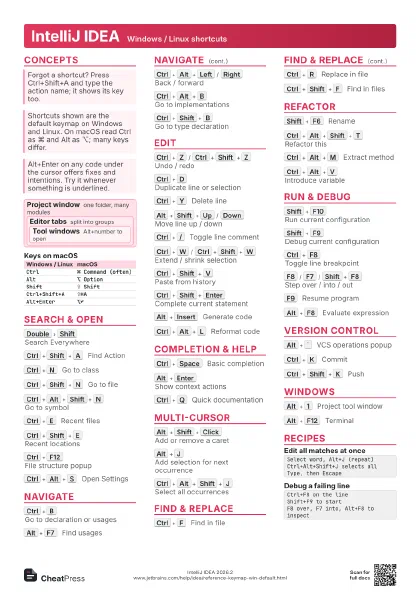
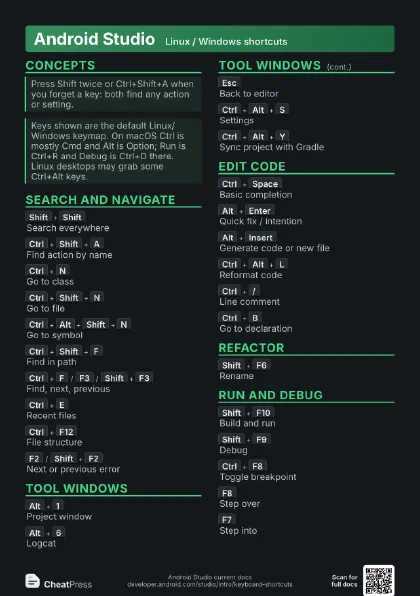
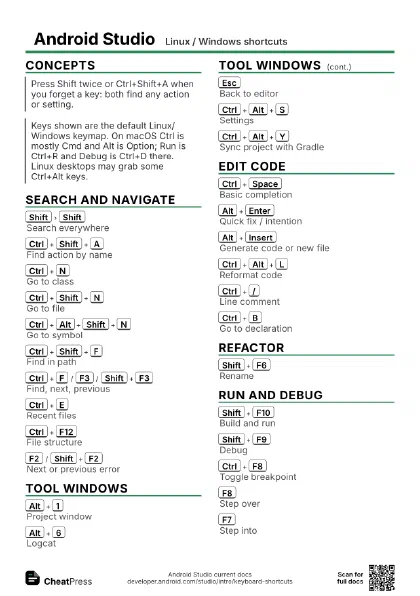
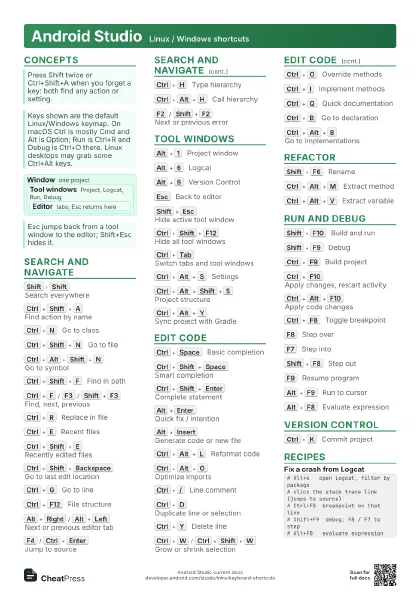
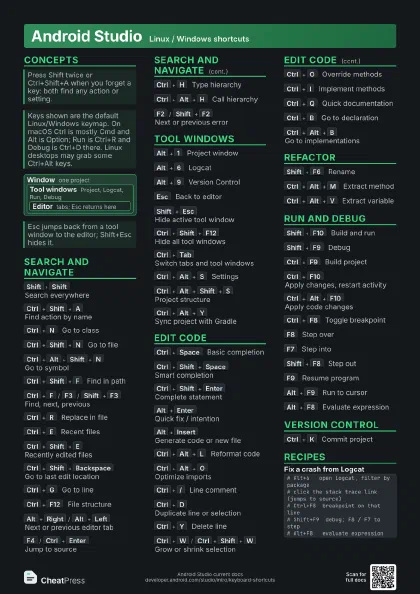
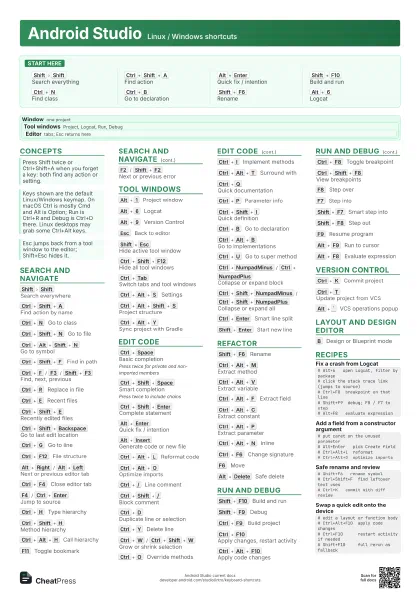
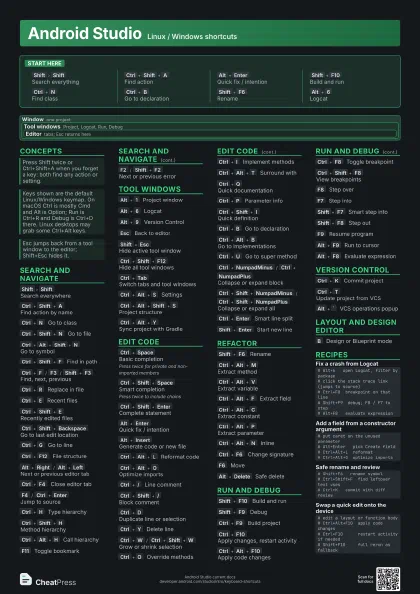
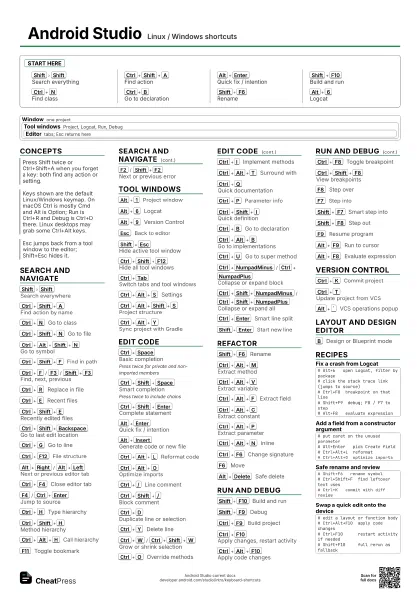
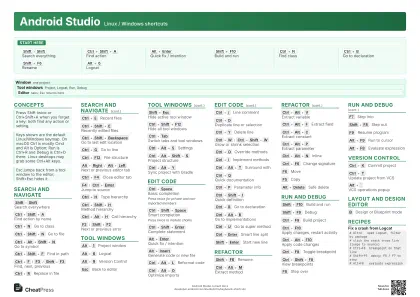
Android Studio Linux / Windows shortcuts
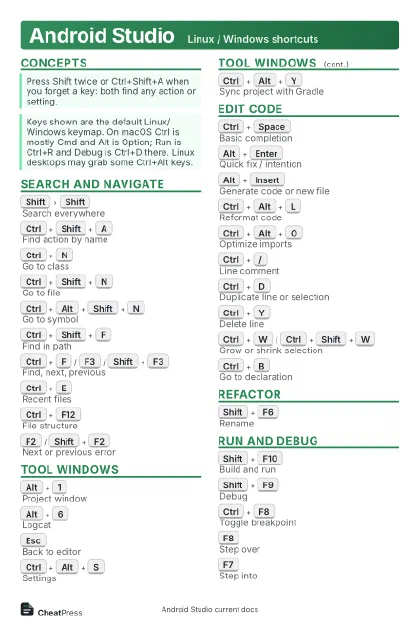 Light · Postcard
102 × 152 mm · PDF
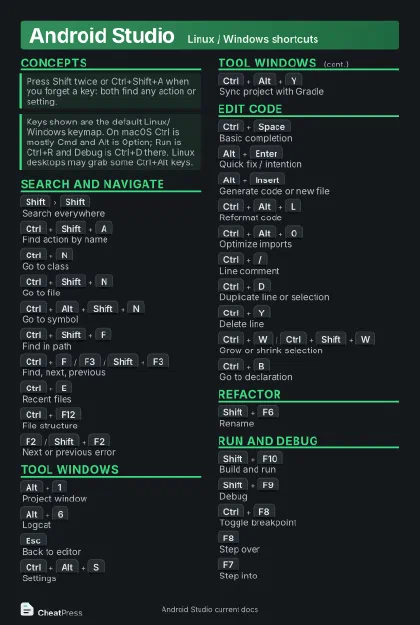 Dark · Postcard
102 × 152 mm · PDF
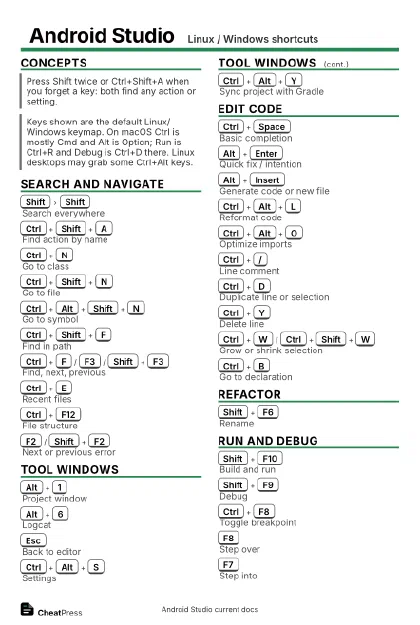 Ink saver · Postcard
102 × 152 mm · PDF
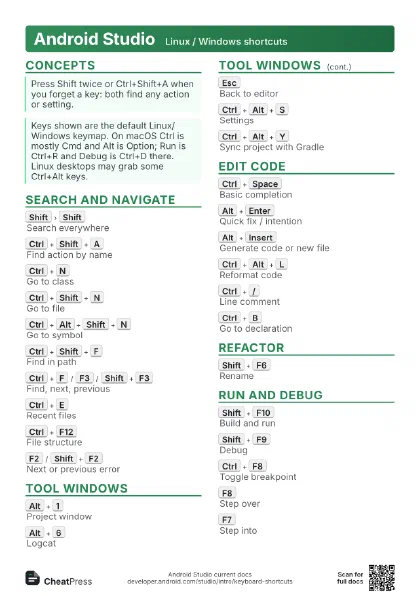
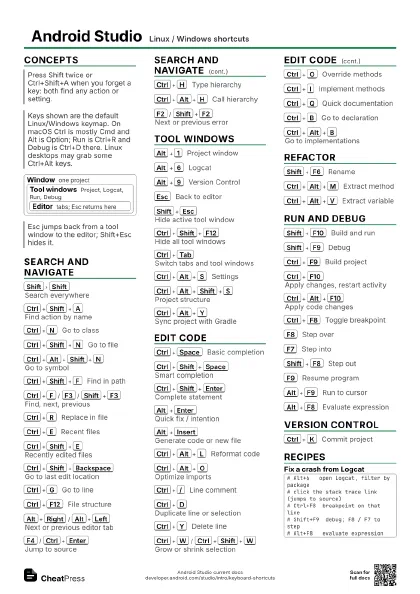
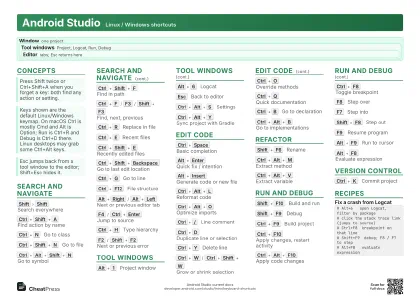 Light · A4 landscape
297 × 210 mm · PDF
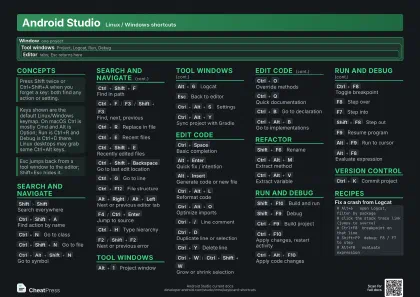 Dark · A4 landscape
297 × 210 mm · PDF
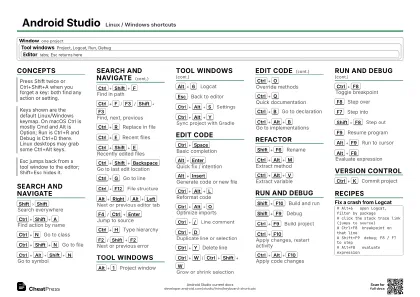 Ink saver · A4 landscape
297 × 210 mm · PDF
 Light · A3 landscape
420 × 297 mm · PDF
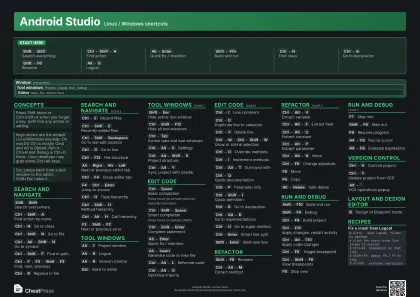 Dark · A3 landscape
420 × 297 mm · PDF
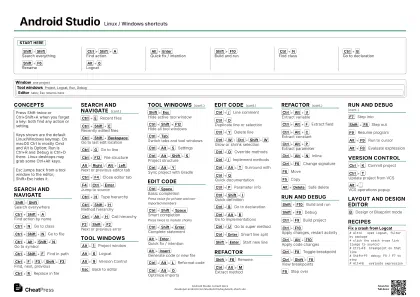 Ink saver · A3 landscape
420 × 297 mm · PDF
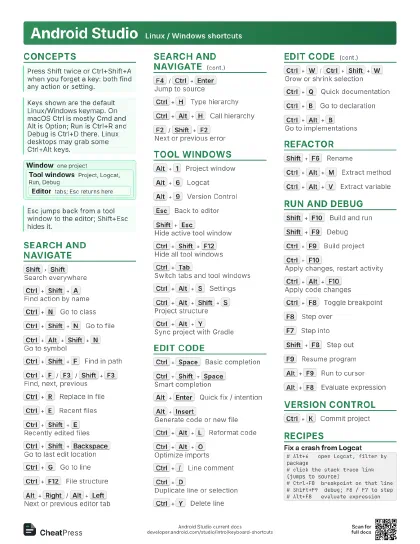
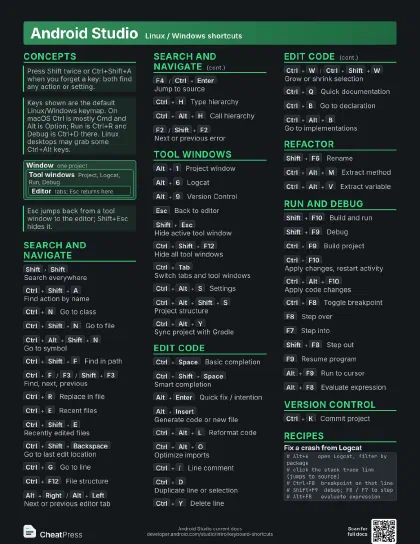
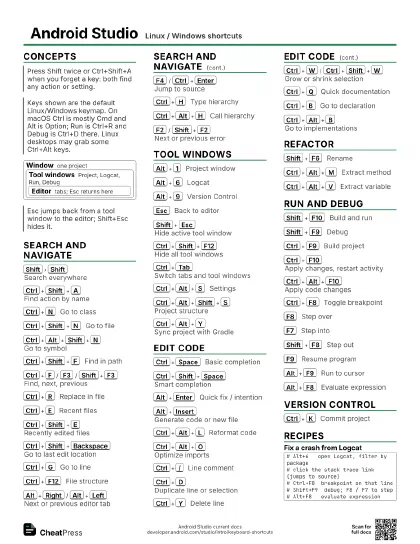
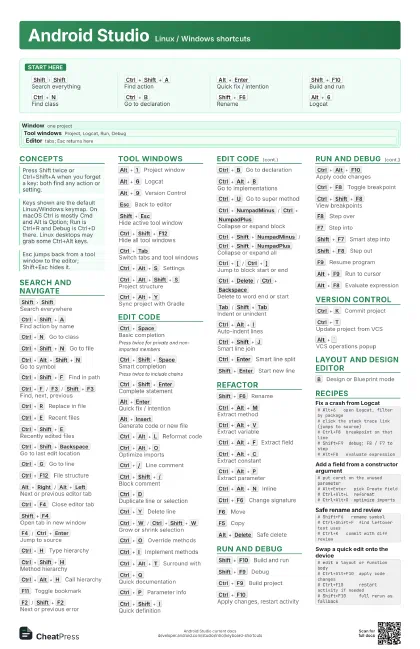
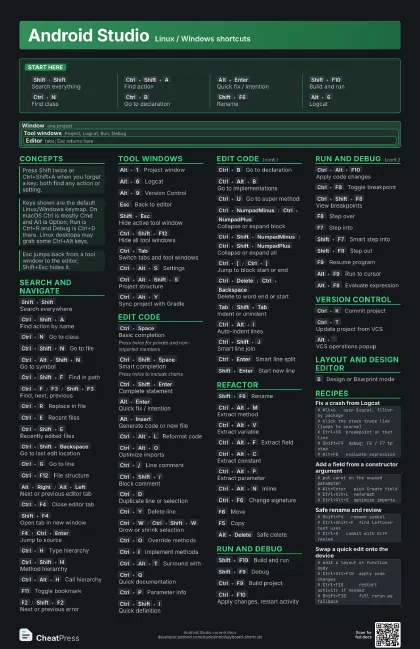
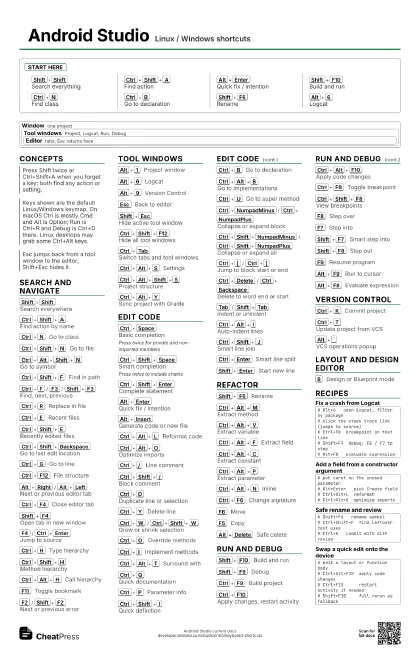
Start here
Shift
Shift
Search everything
Ctrl+Shift+A
Find action
Alt+Enter
Quick fix / intention
Shift+F10
Build and run
Ctrl+N
Find class
Ctrl+B
Go to declaration
Shift+F6
Rename
Alt+6
Logcat
Concepts
Window one project
Tool windows
Project, Logcat, Run, Debug
Editor
tabs; Esc returns here
Search and navigate
Shift
Shift
Search everywhere
Ctrl+Shift+A
Find action by name
Ctrl+N
Go to class
Ctrl+Shift+N
Go to file
Ctrl+Alt+Shift+N
Go to symbol
Ctrl+Shift+F
Find in path
Ctrl+F
/
F3
/
Shift+F3
Find, next, previous
Ctrl+R
Replace in file
Ctrl+E
Recent files
Ctrl+Shift+E
Recently edited files
Ctrl+Shift+Backspace
Go to last edit location
Ctrl+G
Go to line
Ctrl+F12
File structure
Alt+Right
/
Alt+Left
Next or previous editor tab
Ctrl+F4
Close editor tab
Shift+F4
Open tab in new window
F4
/
Ctrl+Enter
Jump to source
Ctrl+H
Type hierarchy
Ctrl+Shift+H
Method hierarchy
Ctrl+Alt+H
Call hierarchy
F11
Toggle bookmark
Ctrl+F11
Bookmark with mnemonic
F2
/
Shift+F2
Next or previous error
Tool windows
Alt+1
Project window
Alt+6
Logcat
Alt+9
Version Control
Esc
Back to editor
Shift+Esc
Hide active tool window
Ctrl+Shift+F12
Hide all tool windows
Ctrl+Tab
Switch tabs and tool windows
Ctrl+Alt+S
Settings
Ctrl+Alt+Shift+S
Project structure
Ctrl+Alt+Y
Sync project with Gradle
Ctrl+`
Quick switch scheme
Alt+Shift+F
Add to favorites
Edit code
Ctrl+Space
Basic completion
Press twice for private and non-imported members
Ctrl+Shift+Space
Smart completion
Press twice to include chains
Ctrl+Shift+Enter
Complete statement
Alt+Enter
Quick fix / intention
Alt+Insert
Generate code or new file
Ctrl+Alt+L
Reformat code
Ctrl+Alt+O
Optimize imports
Ctrl+/
Line comment
Ctrl+Shift+/
Block comment
Ctrl+D
Duplicate line or selection
Ctrl+Y
Delete line
Ctrl+W
/
Ctrl+Shift+W
Grow or shrink selection
Ctrl+O
Override methods
Ctrl+I
Implement methods
Ctrl+Alt+T
Surround with
Ctrl+Q
Quick documentation
Ctrl+P
Parameter info
Ctrl+Shift+I
Quick definition
Ctrl+B
Go to declaration
Ctrl+Alt+B
Go to implementations
Ctrl+U
Go to super method
Ctrl+NumpadMinus
/
Ctrl+NumpadPlus
Collapse or expand block
Ctrl+Shift+NumpadMinus
/
Ctrl+Shift+NumpadPlus
Collapse or expand all
Ctrl+[
/
Ctrl+]
Jump to block start or end
Ctrl+Shift+[
/
Ctrl+Shift+]
Select to block start or end
Ctrl+Delete
/
Ctrl+Backspace
Delete to word end or start
Tab
/
Shift+Tab
Indent or unindent
Ctrl+Alt+I
Auto-indent lines
Ctrl+Shift+J
Smart line join
Ctrl+Enter
Smart line split
Shift+Enter
Start new line
Alt+Shift+I
Inspect file with profile
Refactor
Shift+F6
Rename
Ctrl+Alt+M
Extract method
Ctrl+Alt+V
Extract variable
Ctrl+Alt+F
Extract field
Ctrl+Alt+C
Extract constant
Ctrl+Alt+P
Extract parameter
Ctrl+Alt+N
Inline
Ctrl+F6
Change signature
F6
Move
F5
Copy
Alt+Delete
Safe delete
Run and debug
Shift+F10
Build and run
Shift+F9
Debug
Ctrl+F9
Build project
Ctrl+F10
Apply changes, restart activity
Ctrl+Alt+F10
Apply code changes
Ctrl+F8
Toggle breakpoint
Ctrl+Shift+F8
View breakpoints
F8
Step over
F7
Step into
Shift+F7
Smart step into
Shift+F8
Step out
F9
Resume program
Alt+F9
Run to cursor
Alt+F8
Evaluate expression
Version control
Ctrl+K
Commit project
Ctrl+T
Update project from VCS
Alt+Shift+C
View recent changes
Alt+`
VCS operations popup
Layout and design editor
Ctrl+=
/
Ctrl+-
Zoom in or out
Ctrl+0
Fit to screen
Ctrl+Shift+1
Actual size
B
Design or Blueprint mode
O
Portrait or landscape
D
Toggle devices
R
Force refresh
E
Toggle render errors panel
Space+Drag
Pan the canvas
Delete
Delete constraints
Recipes
# Alt+6 open Logcat, filter by package# click the stack trace link (jumps to source)# Ctrl+F8 breakpoint on that line# Shift+F9 debug; F8 / F7 to step# Alt+F8 evaluate expression# put caret on the unused parameter# Alt+Enter pick Create field# Ctrl+Alt+L reformat# Ctrl+Alt+O optimize imports# Shift+F6 rename symbol# Ctrl+Shift+F find leftover text uses# Ctrl+K commit with diff review# edit a layout or function body# Ctrl+Alt+F10 apply code changes# Ctrl+F10 restart activity if needed# Shift+F10 full rerun as fallback