Cheat
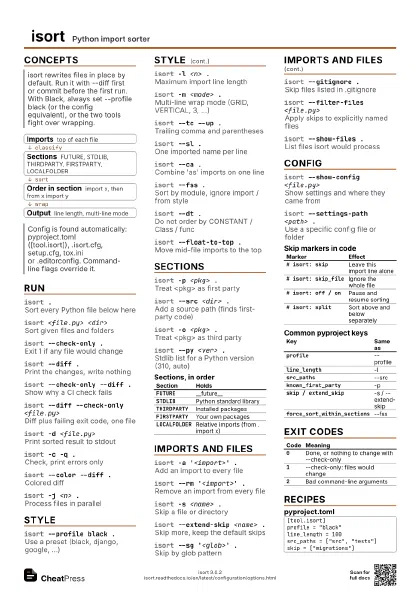
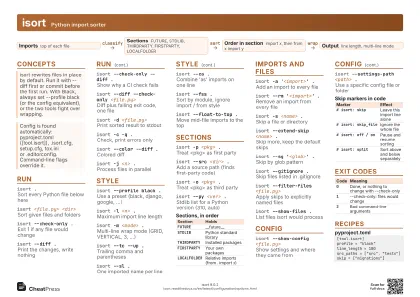
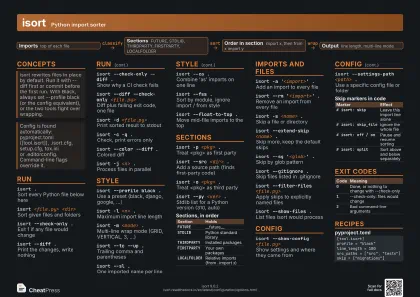
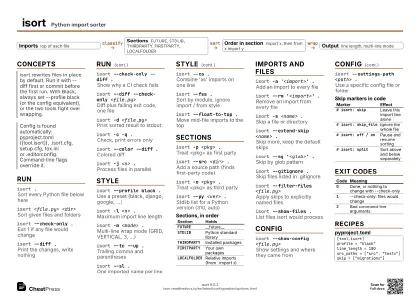
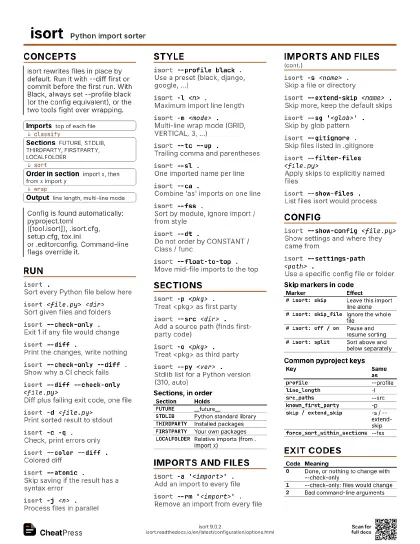
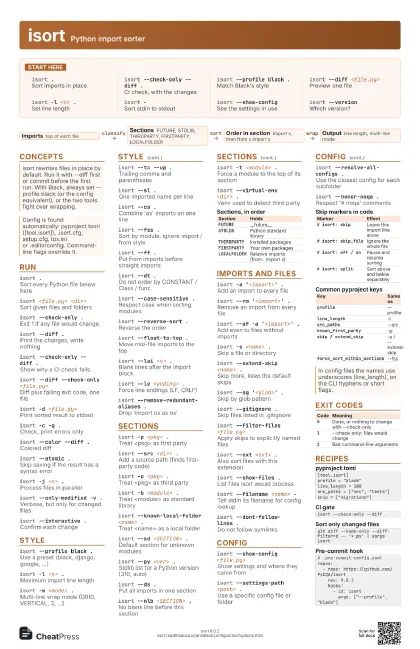
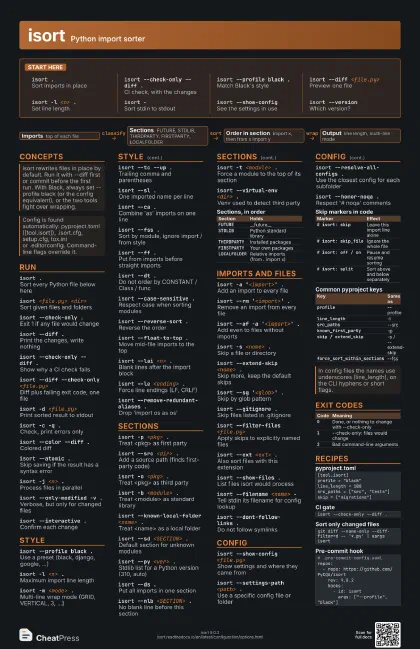
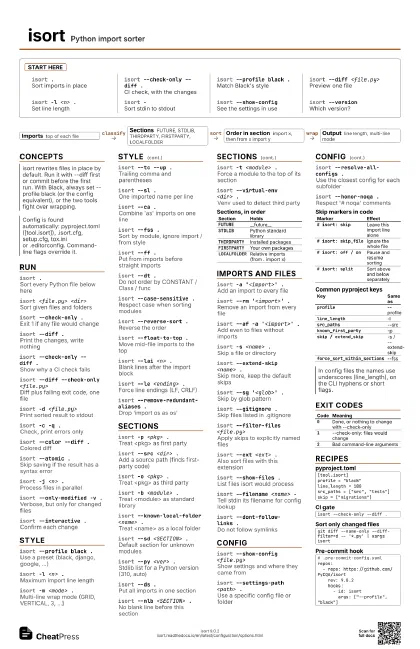
isort Python import sorter
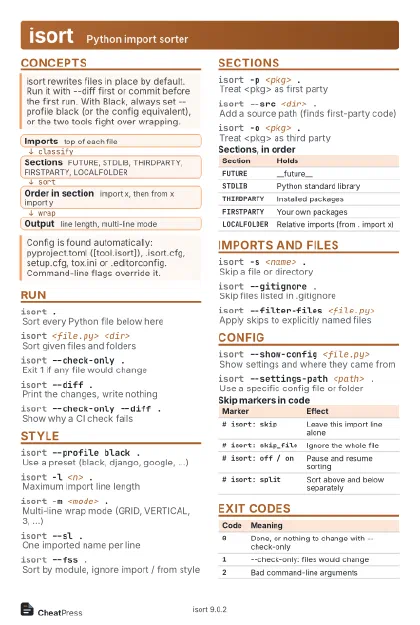 Light · Postcard
102 × 152 mm · PDF
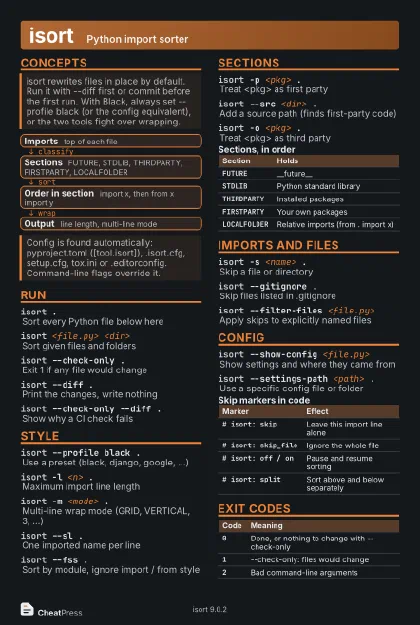 Dark · Postcard
102 × 152 mm · PDF
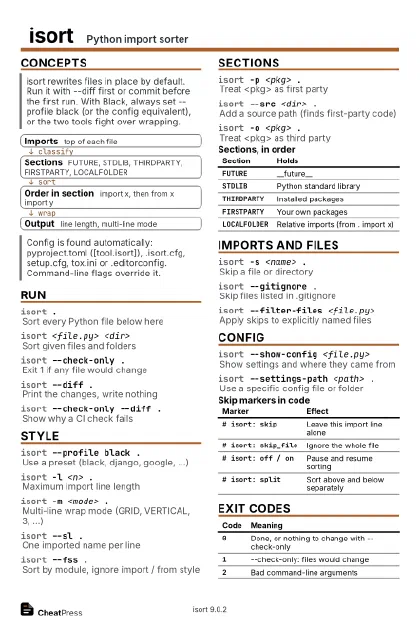 Ink saver · Postcard
102 × 152 mm · PDF
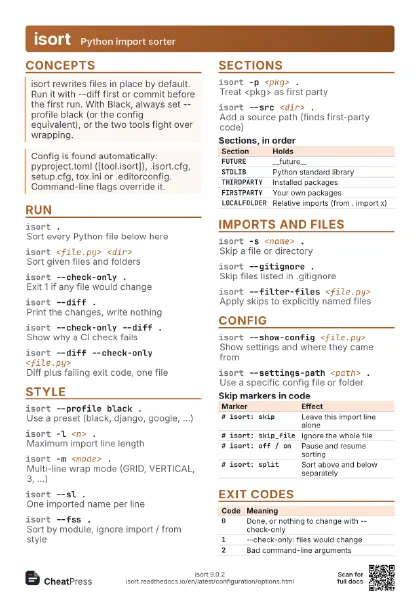
 Light · A4 landscape
297 × 210 mm · PDF
 Dark · A4 landscape
297 × 210 mm · PDF
 Ink saver · A4 landscape
297 × 210 mm · PDF
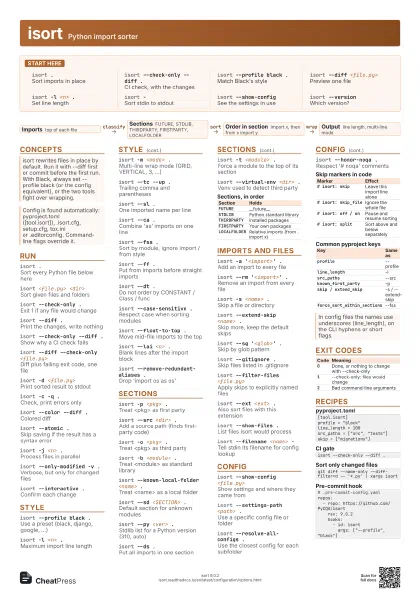
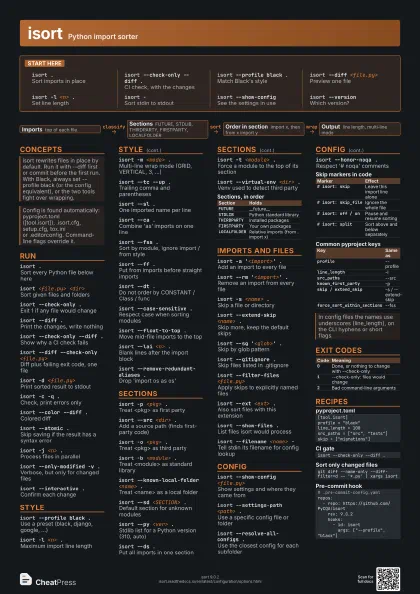
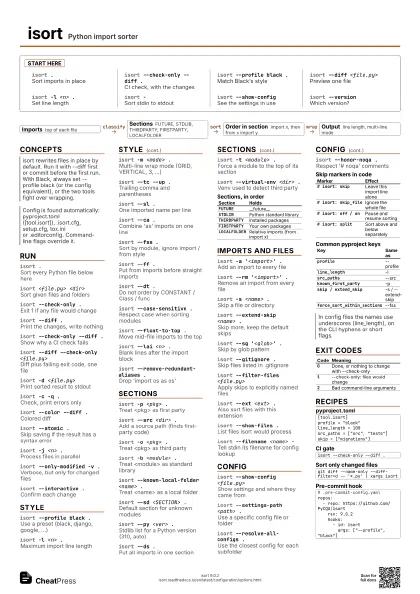
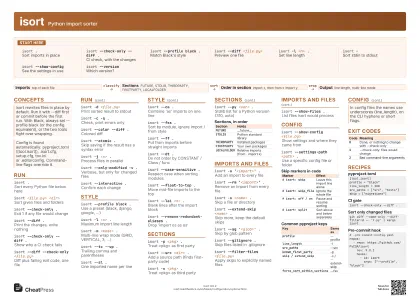 Light · A3 landscape
420 × 297 mm · PDF
 Dark · A3 landscape
420 × 297 mm · PDF
 Ink saver · A3 landscape
420 × 297 mm · PDF
Start here
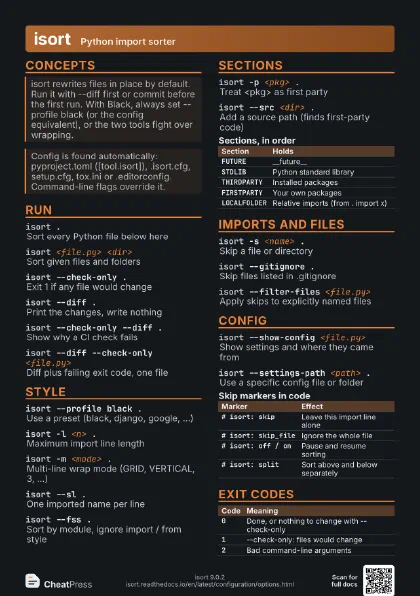
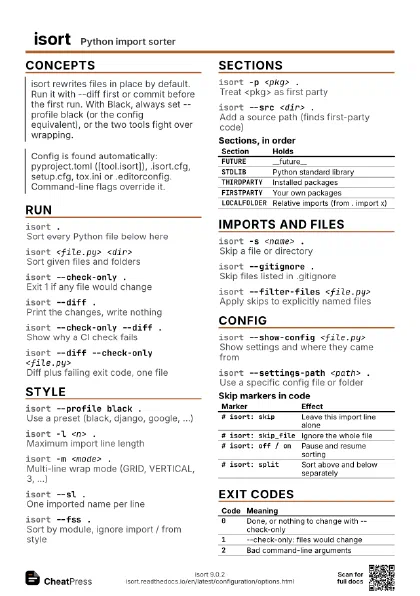
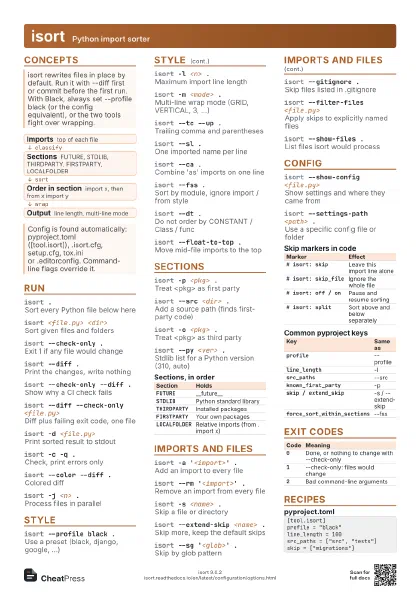
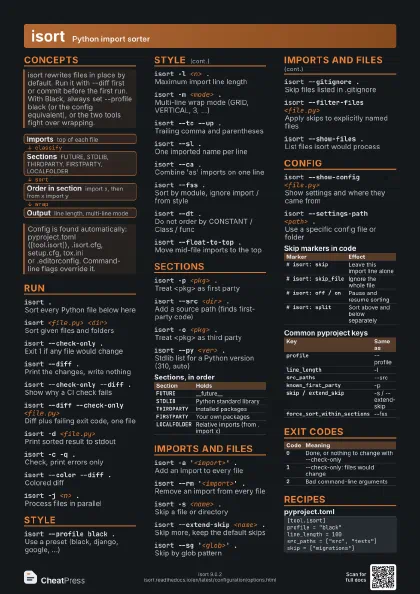
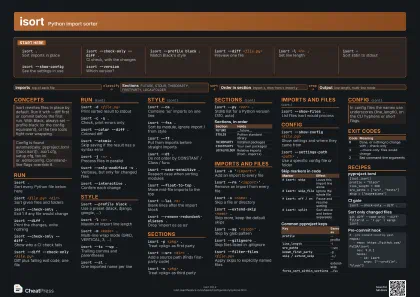
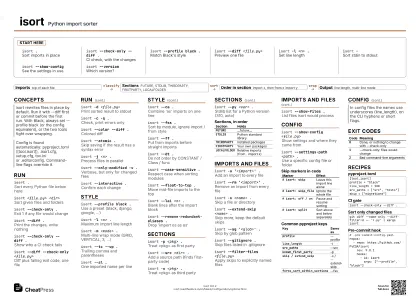
isort .Sort imports in place
isort --check-only --diff .
CI check, with the changes
isort --profile black .
Match Black's style
isort --diff <file.py>
Preview one file
isort -l <n> .
Set line length
isort -Sort stdin to stdout
isort --show-config
See the settings in use
isort --versionWhich version?
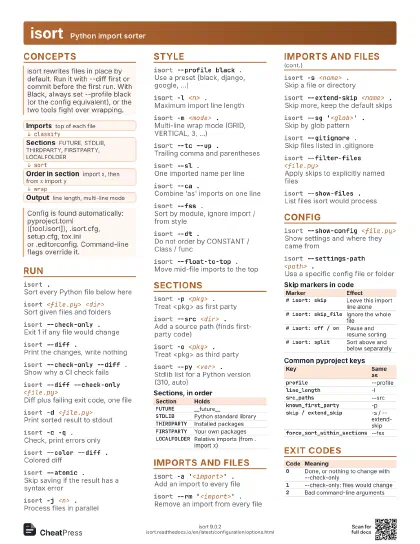
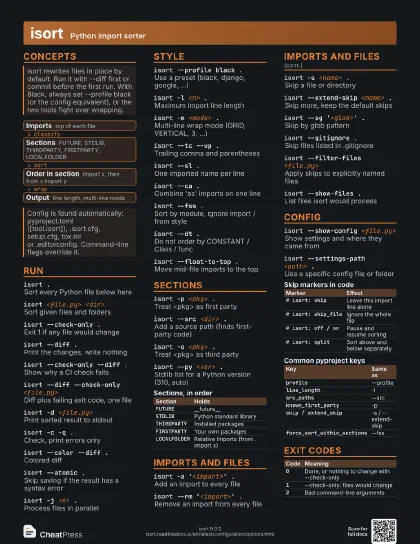
Concepts
- Imports top of each file
- Sections FUTURE, STDLIB, THIRDPARTY, FIRSTPARTY, LOCALFOLDER
- Order in section import x, then from x import y
- Output line length, multi-line mode
Run
isort .Sort every Python file below here
isort <file.py> <dir>
Sort given files and folders
isort --check-only .
Exit 1 if any file would change
isort --diff .Print the changes, write nothing
isort --check-only --diff .
Show why a CI check fails
isort --diff --check-only <file.py>
Diff plus failing exit code, one file
isort -d <file.py>
Print sorted result to stdout
isort -c -q .Check, print errors only
isort --color --diff .
Colored diff
isort --atomic .
Skip saving if the result has a syntax error
isort -j <n> .
Process files in parallel
isort --only-modified -v .
Verbose, but only for changed files
isort --interactive .
Confirm each change
Style
isort --profile black .
Use a preset (black, django, google, ...)
isort -l <n> .
Maximum import line length
isort -m <mode> .
Multi-line wrap mode (GRID, VERTICAL, 3, ...)
isort --tc --up .
Trailing comma and parentheses
isort --sl .One imported name per line
isort --ca .Combine 'as' imports on one line
isort --fss .
Sort by module, ignore import / from style
isort --ff .Put from imports before straight imports
isort --dt .Do not order by CONSTANT / Class / func
isort --case-sensitive .
Respect case when sorting modules
isort --reverse-sort .
Reverse the order
isort --float-to-top .
Move mid-file imports to the top
isort --lai <n> .
Blank lines after the import block
isort --le <ending> .
Force line endings (LF, CRLF)
isort --remove-redundant-aliases .
Drop 'import os as os'
Sections
isort -p <pkg> .
Treat <pkg> as first party
isort --src <dir> .
Add a source path (finds first-party code)
isort -o <pkg> .
Treat <pkg> as third party
isort -b <module> .
Treat <module> as standard library
isort --known-local-folder <name> .
Treat <name> as a local folder
isort --sd <SECTION> .
Default section for unknown modules
isort --py <ver> .
Stdlib list for a Python version (310, auto)
isort --ds .Put all imports in one section
isort --nlb <SECTION> .
No blank line before this section
isort -t <module> .
Force a module to the top of its section
isort --virtual-env <dir> .
Venv used to detect third party
| Section | Holds |
|---|---|
FUTURE |
__future__ |
STDLIB |
Python standard library |
THIRDPARTY |
Installed packages |
FIRSTPARTY |
Your own packages |
LOCALFOLDER |
Relative imports (from . import x) |
Imports and files
isort -a '<import>' .
Add an import to every file
isort --rm '<import>' .
Remove an import from every file
isort --af -a '<import>' .
Add even to files without imports
isort -s <name> .
Skip a file or directory
isort --extend-skip <name> .
Skip more, keep the default skips
isort --sg '<glob>' .
Skip by glob pattern
isort --gitignore .
Skip files listed in .gitignore
isort --filter-files <file.py>
Apply skips to explicitly named files
isort --ext <ext> .
Also sort files with this extension
isort --show-files .
List files isort would process
isort --filename <name> -
Tell stdin its filename for config lookup
isort --dont-follow-links .
Do not follow symlinks
Config
isort --show-config <file.py>
Show settings and where they came from
isort --settings-path <path> .
Use a specific config file or folder
isort --resolve-all-configs .
Use the closest config for each subfolder
isort --honor-noqa .
Respect '# noqa' comments
| Marker | Effect |
|---|---|
# isort: skip |
Leave this import line alone |
# isort: skip_file |
Ignore the whole file |
# isort: off / on |
Pause and resume sorting |
# isort: split |
Sort above and below separately |
| Key | Same as |
|---|---|
profile |
--profile |
line_length |
-l |
src_paths |
--src |
known_first_party |
-p |
skip / extend_skip |
-s / --extend-skip |
force_sort_within_sections |
--fss |
Exit codes
| Code | Meaning |
|---|---|
0 |
Done, or nothing to change with --check-only |
1 |
--check-only: files would change |
2 |
Bad command-line arguments |
Recipes
[tool.isort]profile = "black"line_length = 100src_paths = ["src", "tests"]skip = ["migrations"]isort --check-only --diff .git diff --name-only --diff-filter=d -- '*.py' | xargs isort# .pre-commit-config.yamlrepos: - repo: https://github.com/PyCQA/isort rev: 9.0.2 hooks: - id: isort args: ["--profile", "black"]